DATA T RANSFER
VF6 Infinity Vista 4-13
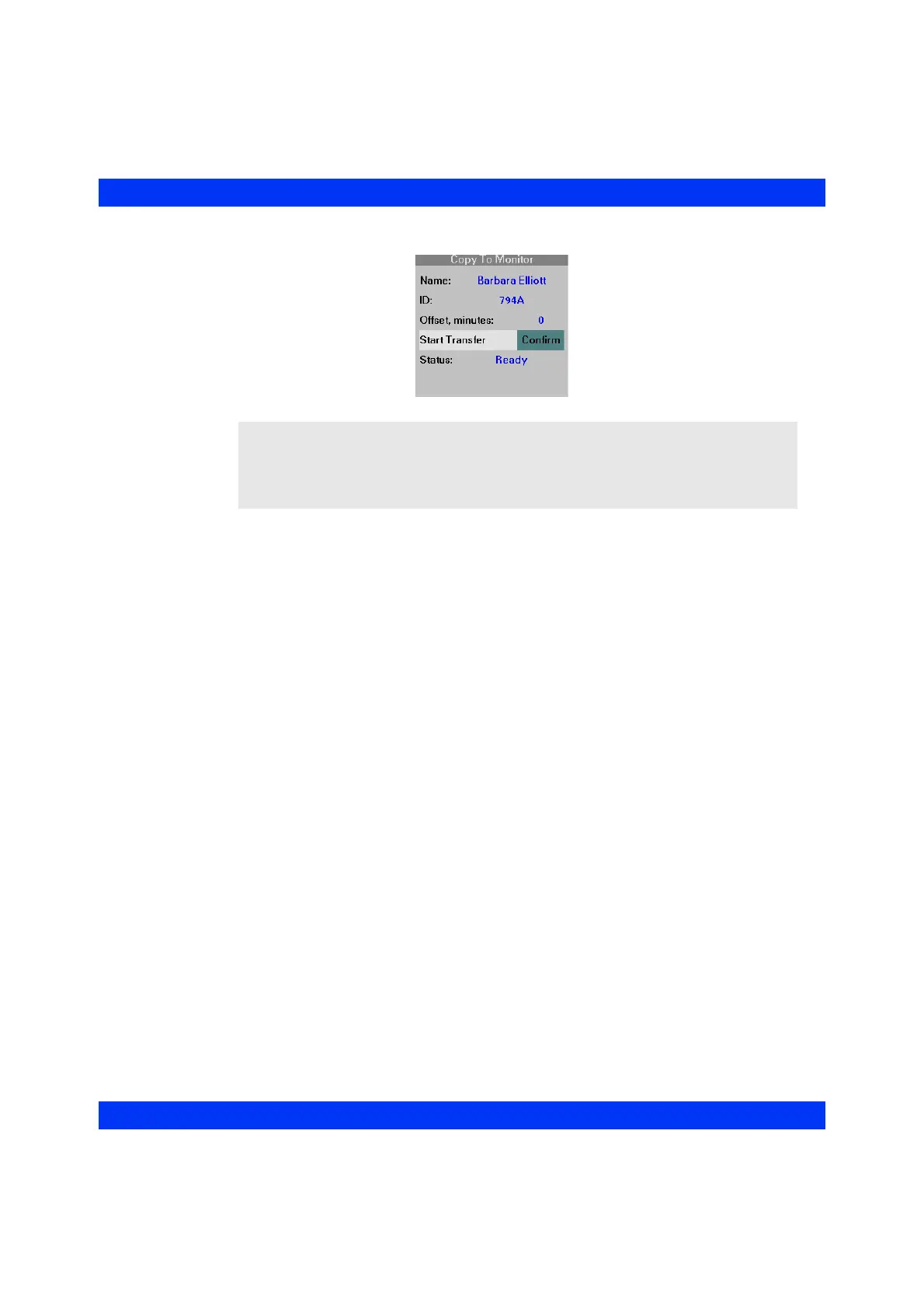
6. When the message ’Ready’ appears in the Status field, click on Start
Transfer
: Confirm (or Cancel to cancel the transfer).
At the end of a successful copy, the monitor displays the message ’Card data copy
complete.’ If it was unable to copy data from the card, the monitor displays the error
message ’Card data copy unsuccessful.’ If the data on the card is older than 24 hours,
the error message ‘No data to copy for last 24 hours’ alerts the user of the invalid
procedure.
NOTE: The Offset, minutes field shows how many minutes have passed since the
patient data was written on the card. The field shows a negative value if the card was
written earlier than the current time on the destination monitor. The field shows a
positive value if the time stored on the card is ahead of the time displayed on the
destination monitor.











 To Next Page