344 Maintenance and Transportation
1. Turn the product on.
Note:
Before raising the scanner unit, make sure that the document cover
is closed firmly.
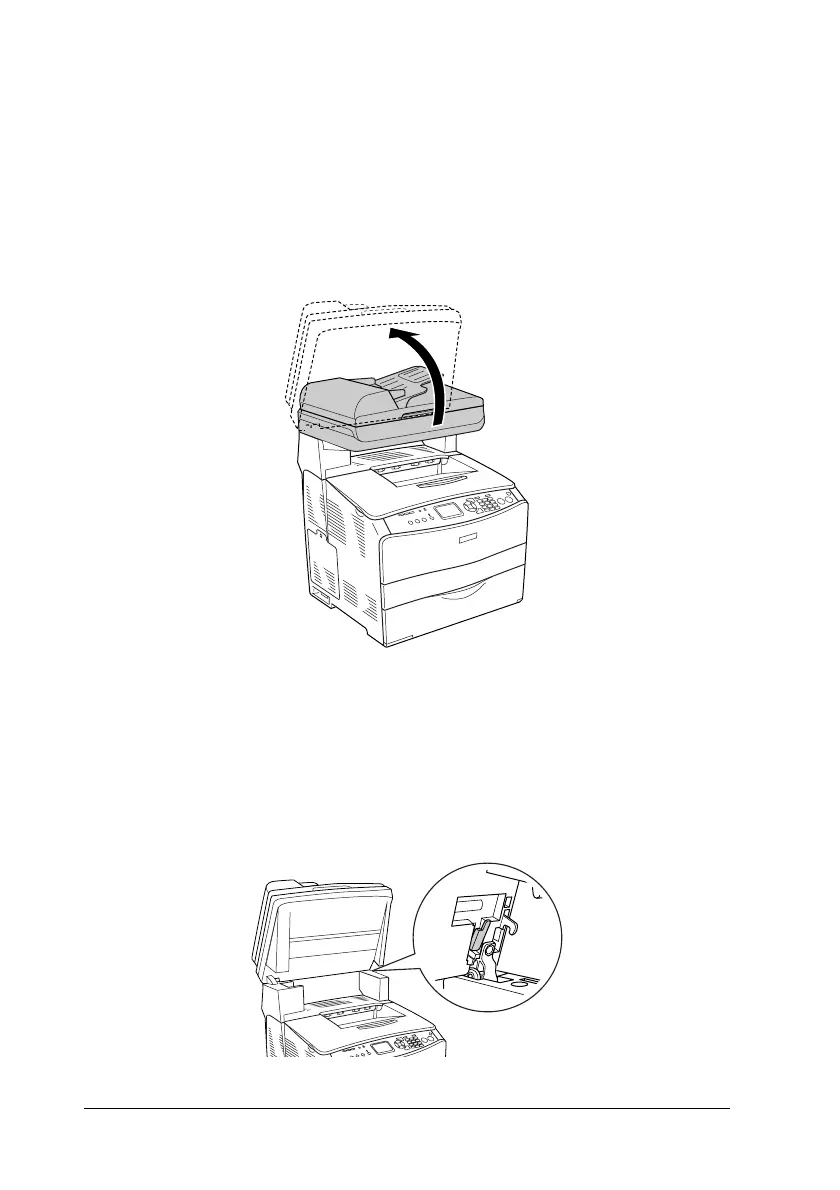
2. Raise the scanner unit.
c
Caution:
Do not touch the lever under the scanner unit when you open
or close the unit. Touching it will cause the document cover
of the scanner unit to fall down, which may damage the
product and cause injury.



 To Next Page
 Loading...









