326 Installing Options
w
Warning:
Use mach care since the rear side of the product is heaver. If you
lift the product incorrectly, you could drop it and cause injury.
c
Caution:
Before transporting the product, make sure the transportation
lock on the left side of the document table is set in the locked
position. See “Scanner parts” on page 26.
Installing the optional paper cassette unit
Follow the steps below to install the optional paper cassette unit.
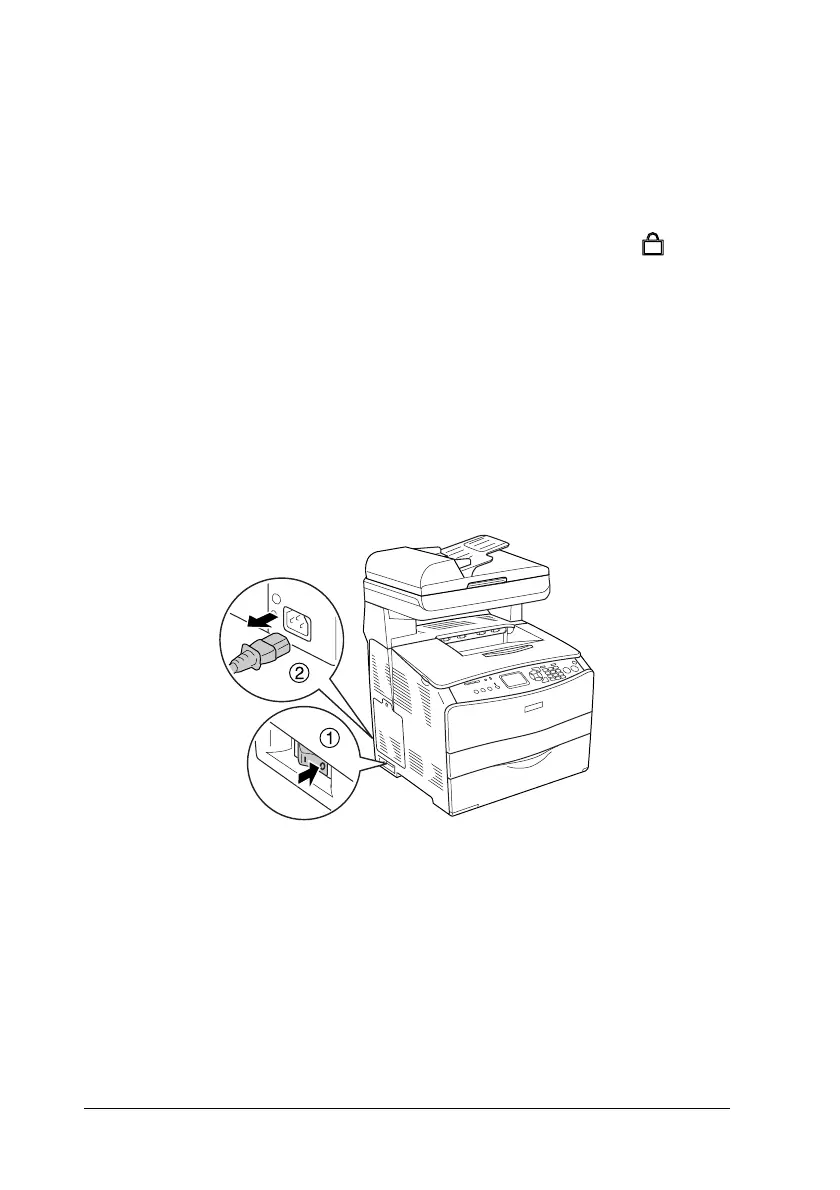
1. Turn the product off and unplug the power cord and interface
cable.
2. Take the optional paper cassette unit out of the cardboard box,
then remove the protective originals in the cassette.












 To Next Page