96 Eos Family v2.9.0 Operations Manual
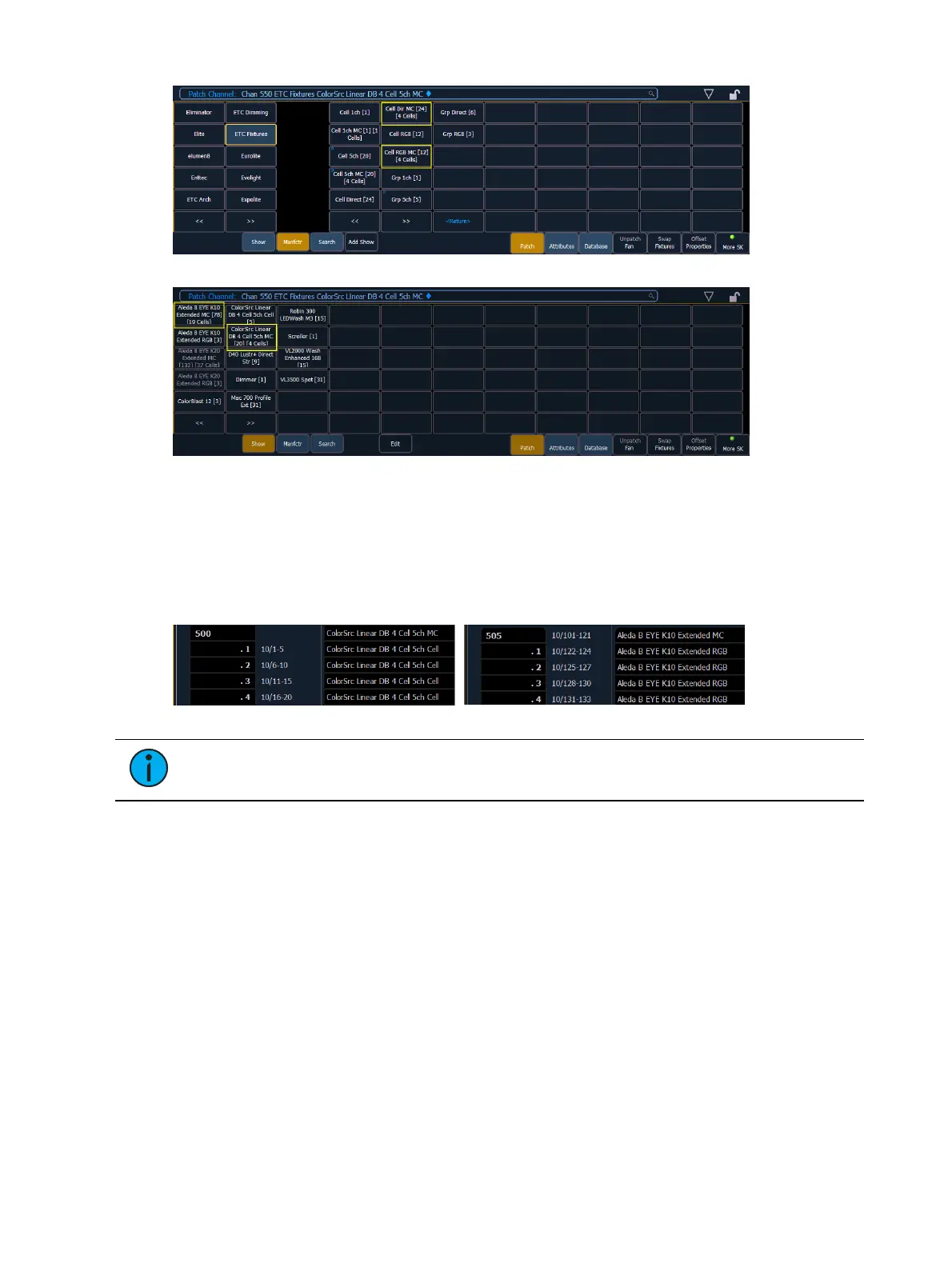
When these devices are patched, they will patch a master channel with a whole number for a
channel number and the appropriate number of additional cells, which will have point numbers
for their channel numbers.
[1][0] [At] [5] [Enter] - patches channel 10 and all of its cells starting at address 5.
[1][0] [.] [1][2] [Thru] [1] [At] [5] [Enter] - patches channel 10's cells 12 through 1 starting
with cell 12's address beginning with address 5.
Note: If the master channel has only a virtual intensity over the cells, an address will
not be displayed, as that is a virtual parameter.
In the fixture editor, you can view and edit the personality for your multicell fixture. For creating
a new multicell fixture, see
Creating Multicell Fixtures (on page127)
.
On the left of the fixture editor, you can see the fixture name, overall DMX footprint and
number of cells. Click on the caret to see the DMX footprint for the master and the cells. The
cells will be grouped with their profile(s).



 To Next Page