122 Eos Family v2.9.0 Operations Manual
Note: When adding a new mode, you will need to first add the parameter that the
mode needs to be associated with before you will be able to assign the mode. See
Creating Modes (on the facing page).
Modes can be edited in the range editor. The following buttons are available for editing modes:
{New Mode} - adds a new mode.
{Delete Mode} - deletes the selected mode.
{Next Mode} - advances your selection to the new mode.
{Last Mode} - returns your selection to the previous mode.
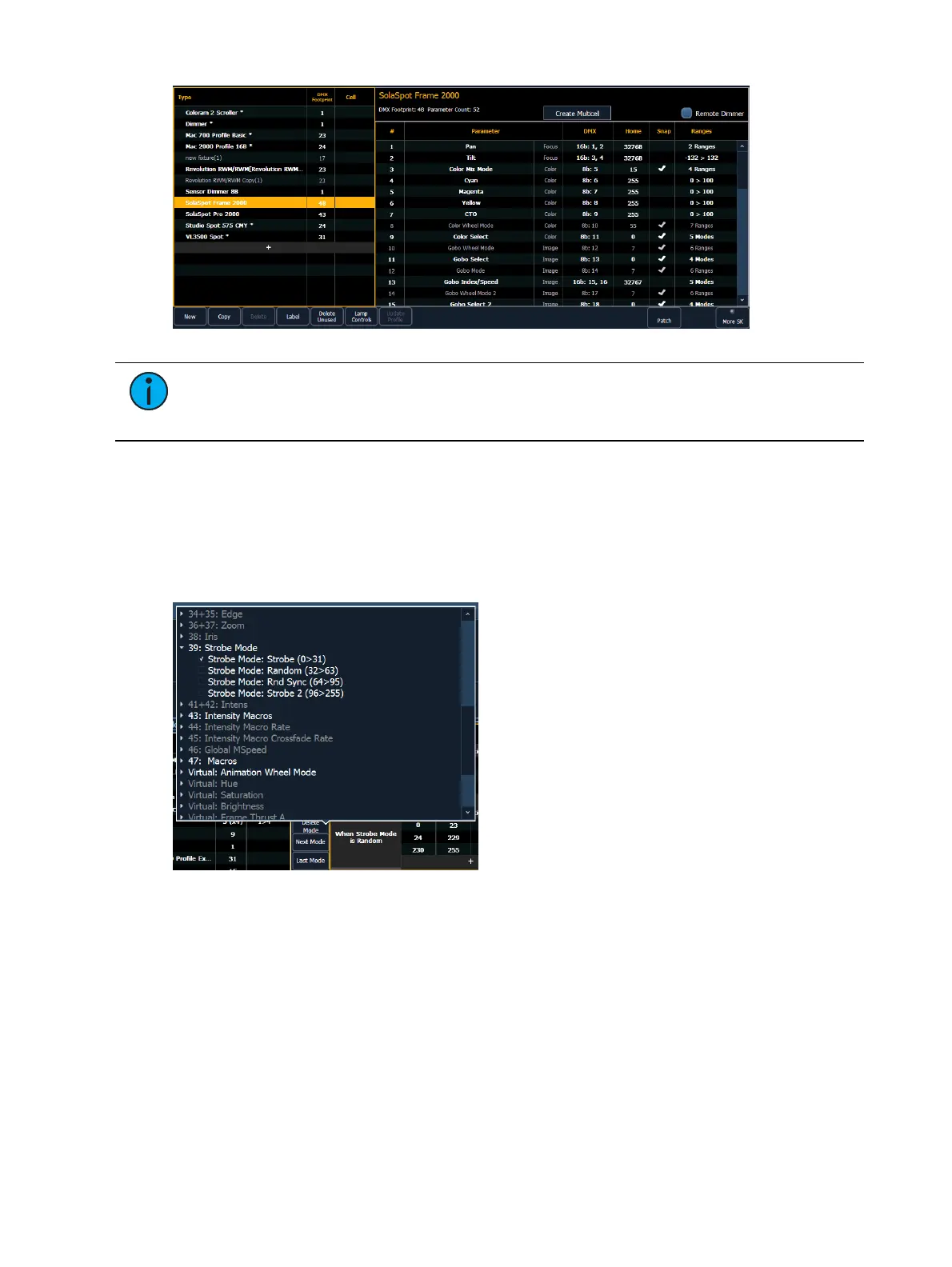
Clicking a new or existing mode will open the mode selection window.
This window displays all the possible conditions that can be applied to the fixture. The active
ranges for the mode will already be selected with a checkmark.
A condition can only be present on a single mode. Similarly, if a parameter has multiple ranges,
and it is selected as a condition for another parameter, all ranges need to be present on some
modes of the fixture. For example, if gobo wheel has ranges of index, rotate, and shake, and
you place index on a parameter for a mode, rotate and shake must also be used.
Once a parameter is used as a condition, it becomes read only. Only the labels for the ranges
can be added/ edited.



 To Next Page