356 Eos Family v2.9.0 Operations Manual
Edit Mode
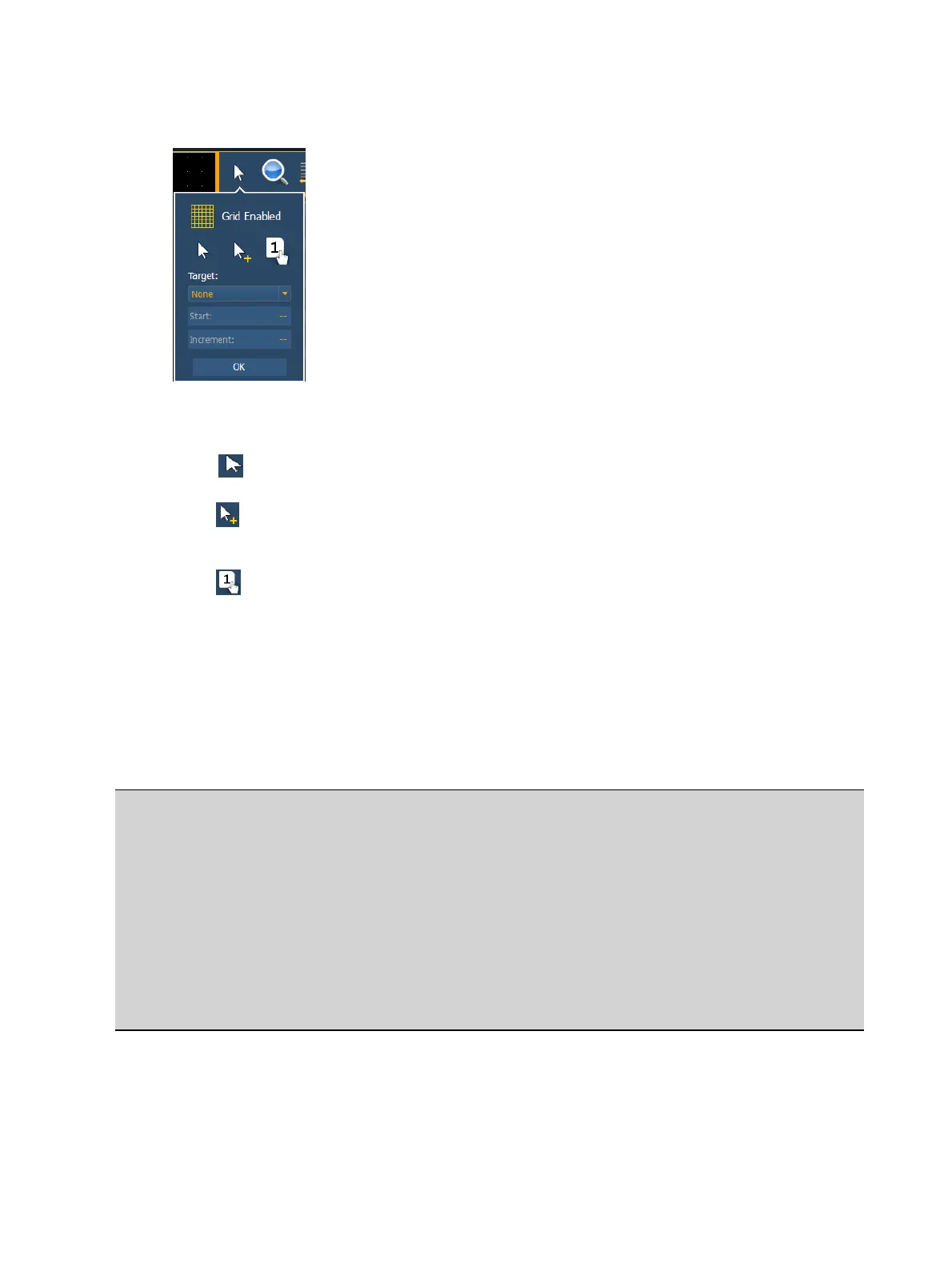
Clicking on the arrow will open the edit mode options, which include:
Grid Enabled - toggles between a grid being displayed and no grid. With the grid enabled,
the magic sheet will also have a snap to grid behavior when placing objects.
Normal - allows for dragging and dropping of objects from the object list.
Quick Layout - allows you to place more instances of a selected object.When finished,
click the {Done} button or change the layout mode to normal.
Quick Number - used to quickly assign target numbers to objects. While in quick
number mode, clicking on an object will assign the selected target and increment the
numbers as specified in the target section of edit mode.
Target - used to specify object, starting target number, and incrementation for use in
quick number mode.
Object - assigns the object from the list.
Start - assigns the starting target number.
Increment - assigns what incrementation the target numbers will use after the start
number.
Example:
When incrementing multicell fixtures on a magic sheet, the following methods can be
used:
Start: 1.1 Increment: 1
Gives you these channel numbers: 1.1, 2.1, 3.1...
Start: 1.1 Increment: 0.1
Gives you these channel numbers: 1.1, 1.2, 1.3...
Start:1.1 Increment: 1.1
Gives you these channel numbers: 1.1, 2.2, 3.3...
Zoom
Clicking on the magnifying glass will open the zoom mode options, which include:



 To Next Page