Using Magic Sheets 357
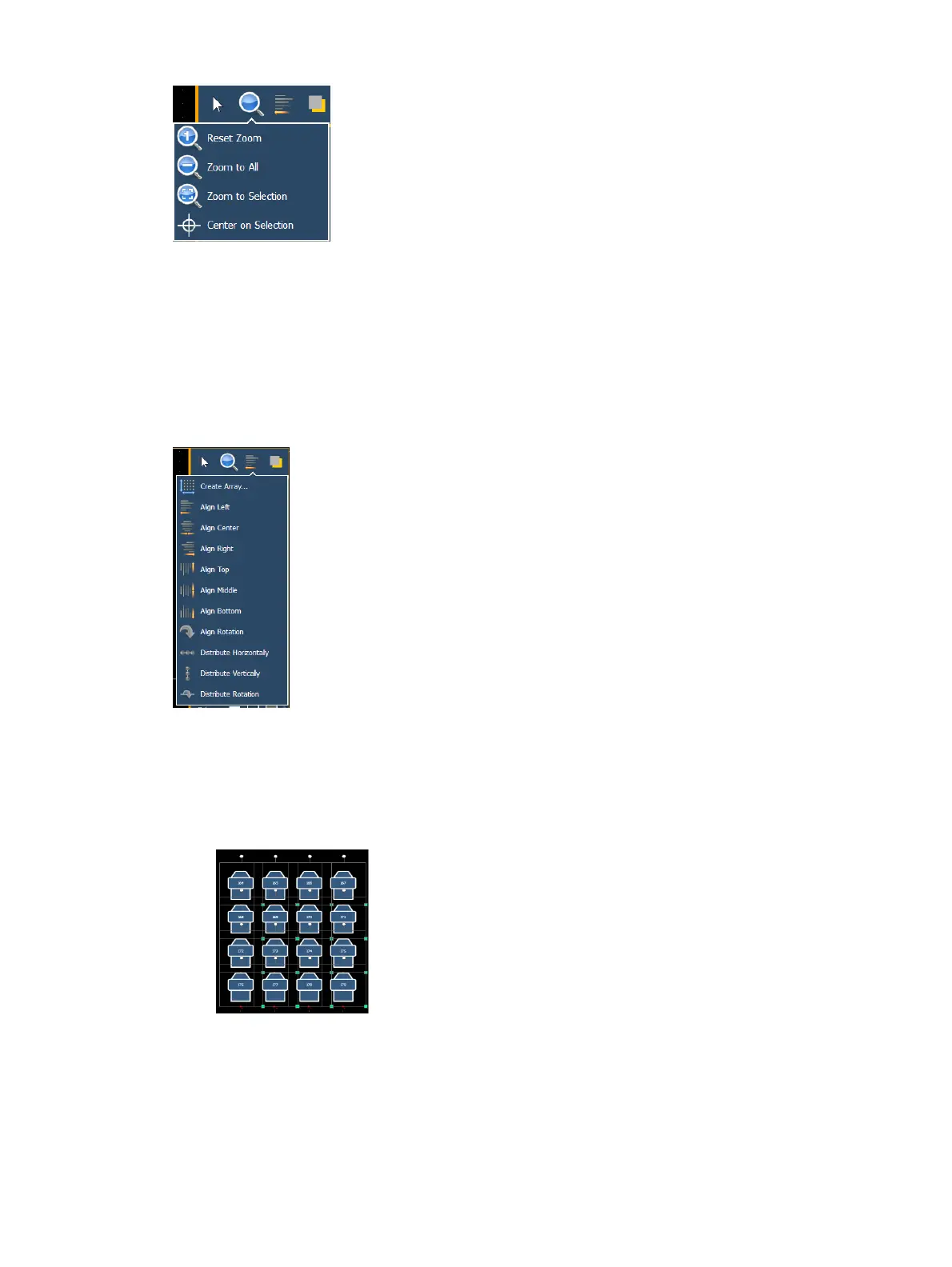
Reset Zoom - sets the zoom level to 1:1 and centers the magic sheet.
Zoom to All - zooms to show all objects.
Zoom to Selection - zooms to show all selected objects.
Center on Selection -centers the display on the selected objects without changing the
zoom level.
Alignment
Clicking on the alignment icon will open the alignment options, which include:
Create Array- allows you to create arrays of objects. After placing one object of your
choice, click on {Create Array} to open an additional window for choosing what array type
you want to use.
Rectangle - will layout a rectangle array of objects. You can define the rows, columns, and
spacing.
Circle - will layout a circle array of the objects. You can define the numbers of objects
and the size of the circle.



 To Next Page