358 Eos Family v2.9.0 Operations Manual
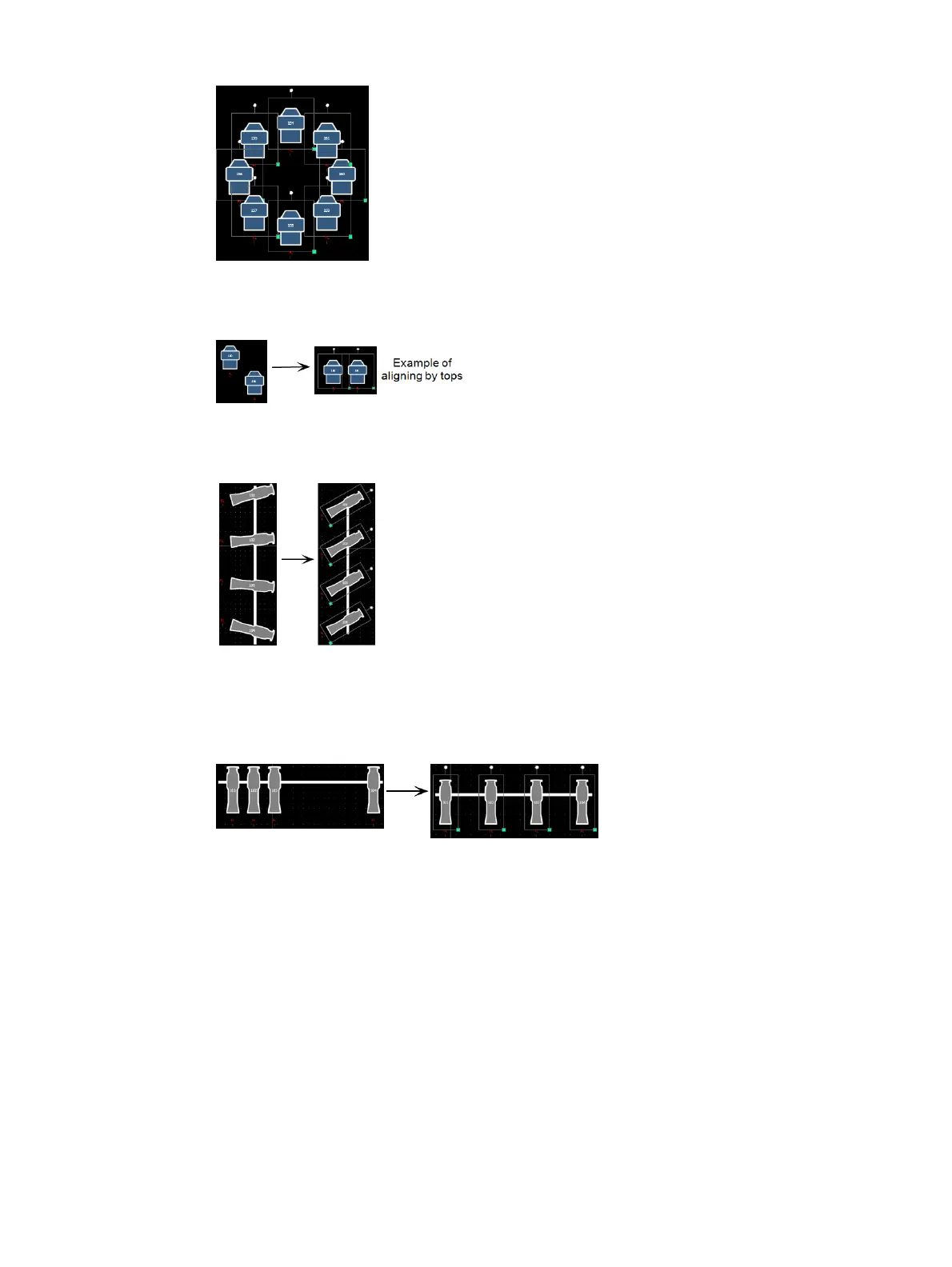
Align Settings - allows you to align objects either to the left, right, center, or top, middle,
bottom.
Align Rotation - allows you to select multiple objects and align their rotation to the first
object selected.
Distribute Horizontally -allows you to distribute objects horizontally at an equal distance
apart between two objects. Set the distance you would like by placing the first and last
objects. Then with all objects selected that you wish to distribute (including the first and
last ones you positioned), click the {Distribute Horizontally} button.
Distribute Vertically - allows you to distribute objects vertically at an equal distance apart
between two objects. Set the distance you would like by placing the first and last objects.
Then with all objects selected that you wish to distribute (including the first and last ones



 To Next Page