362 Eos Family v2.9.0 Operations Manual
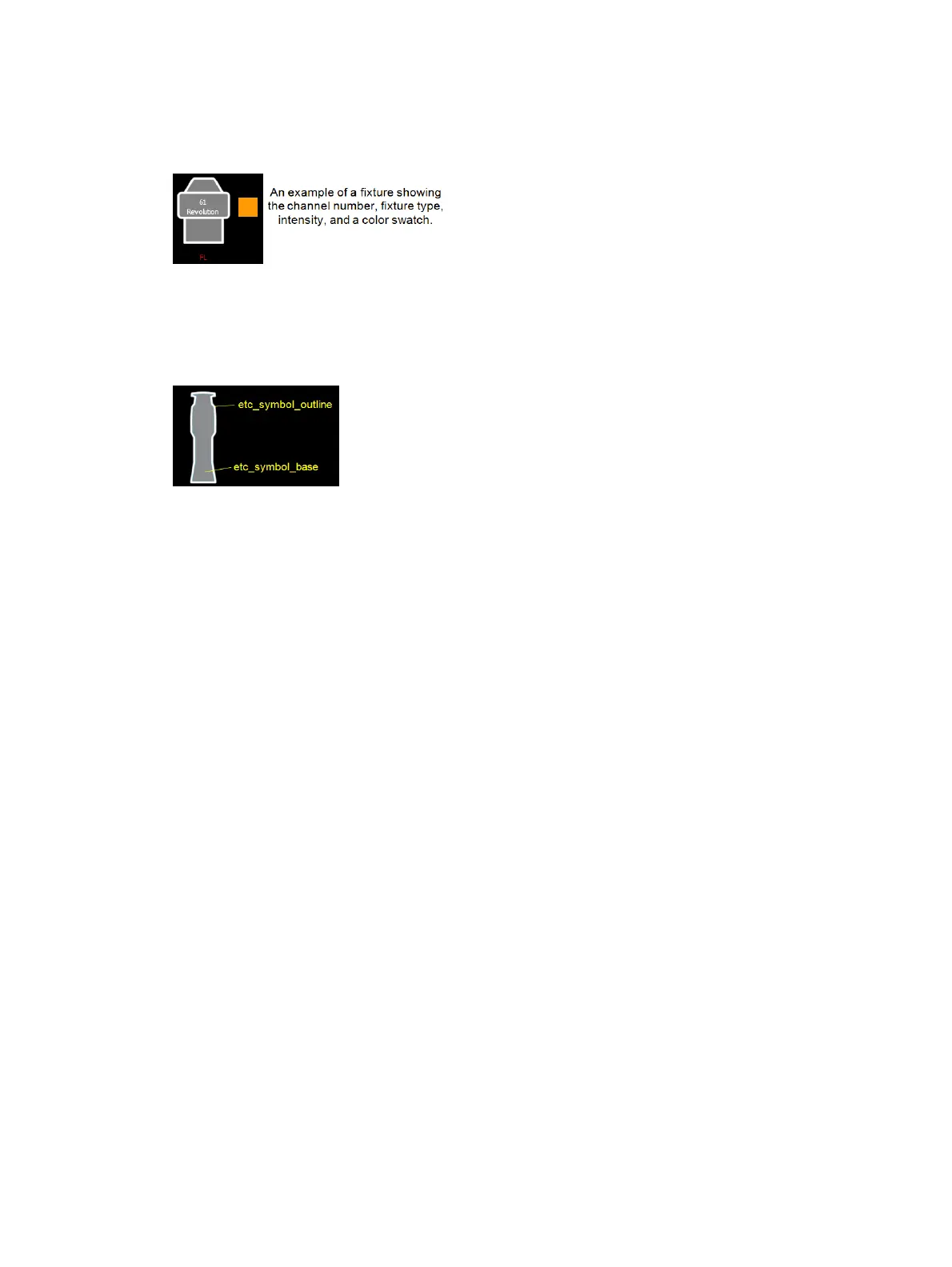
From the second tab, fixture symbols can be placed on a magic sheet. The symbols can be tied
to a channel number. Information about that channel can be displayed with the symbol, such as
intensity, FCB data, and error indicators. See
MS Object Properties (on page366)
for more
information on the customizing options available.
Importing Fixture Symbols
Additional fixture symbols can be imported. The symbol must be saved as a .svg image file, and
needs to be tagged properly. These tags can be linked to the channel’s color, intensity or both.
The outline section needs to be tagged as etc_symbol_outline0, etc_symbol_outline, and/or
etc_symbol_outline2. The base section needs to be tagged as etc_symbol_base0, etc_symbol_
base, and/or etc_symbol_base2. Tags can be layered, and they will render in the order listed
below:
etc_symbol_base0 - uses fill color intensity link (not color)
etc_symbol_base - uses fill color and intensity link
etc_symbol_base2 - uses fill color intensity link (not color)
etc_symbol_outline0 - uses outline intensity link (not color)
etc_symbol_outline - uses outline color and intensity link
etc_symbol_outline2 - uses outline intensity link (not color)
Tags that only link to intensity will cause the base or outline to dim based on the channel’s
intensity.
The edits to the tags in the .svg file can be made in any text editor program, such as Notepad, or
in a .SVG editor program, such as Inkscape.
See
Images (below)
for import steps.
Images
Images from the third tab can be imported into magic sheets for two different purposes. They
can be used as background images or as icons.
You can use a graphics image file as a background or icon. The following is a list of accepted
image formats: .bmp, .gif, .ico, .jpg, .pbm, .pgm, .png, .ppm, .svg, .svgz, .tga, .tiff, .xbm, and
.xpm. The maximum image size allowed is 1920 x 1920. Larger images will be scaled to this
size.



 To Next Page