364 Eos Family v2.9.0 Operations Manual
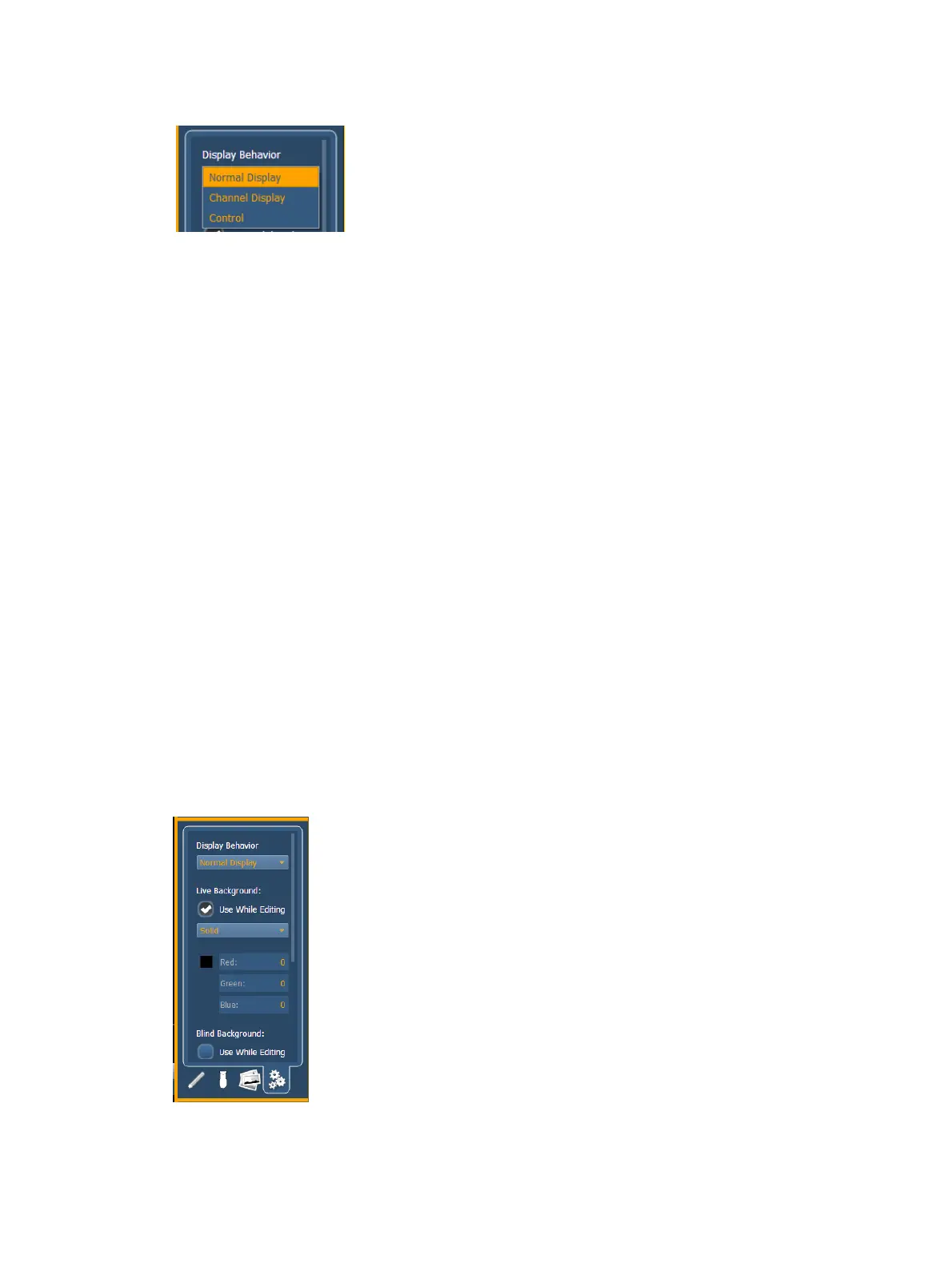
Display Behavior
The following display behaviors are available:
Normal Display - The display will behave the same as a Display Tab.
A locked tab will not be skipped.
A single click on the tab will draw focus to that tab.
Channel Display - This mode uses the following rules:
When focus is drawn to the playback status display, a magic sheet channel display will
be brought to the front.
Using [Shift] & [Live] cycles through the magic sheet channel displays as well as the Live
channel displays.
Pressing [Live] or bringing a Live tab into focus will restore your last focused magic sheet
channel display.
Magic sheet channel displays in the locked frame will not be skipped when using the
[Tab] key to cycle through tabs.
Control - The display will behave the same as a Controls Tab.
Locked tabs will be skipped.
A single click will not draw focus.
A double click will draw focus to the tab.
Live and Blind Backgrounds
You can select live and blind backgrounds for magic sheets. These backgrounds can either use a
solid color, gradient of two colors, or an image. One of these backgrounds will be used when
editing a magic sheet. Select the {Use While Editing} button to use either the live or blind
background.
Solid



 To Next Page