42 Eos Family v2.9.0 Operations Manual
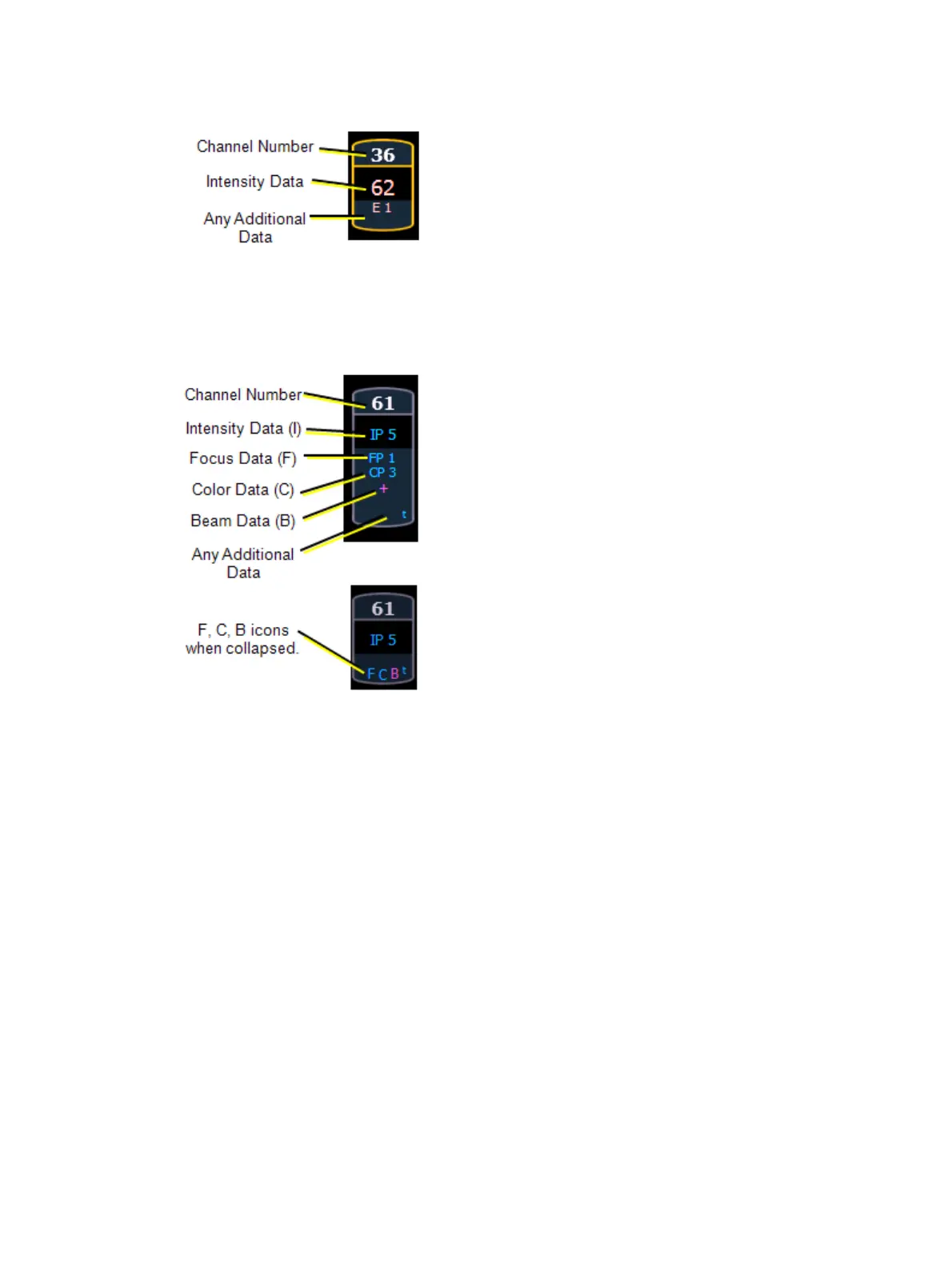
Conventionals
Conventions display only the top field, intensity, as no other parameters are available on a
conventional channel.
Moving Lights or Multi-parameter Devices
This view also has additional data fields beneath intensity (F, C, B). This information can be
suppressed by pressing and holding [Data] and any of the parameter buttons in the parameter
display (Focus, Color, Image, Shutter, or Form). Doing so will leave only the intensity field and
FCB indicators at the bottom of the channel.



 To Next Page