System Basics 41
The label column can be hidden by checking the Suppress Target Labels option in the Live and
Blind configuration menu. For more information, see
Live and Blind Configuration Menu (on
page46)
Indicators in the Live/ Blind Display
Element relies on many traditional ETC indicators which you may be familiar with, as well as
some new ones. This section identifies the conventions used in Element to indicate conditions to
you.
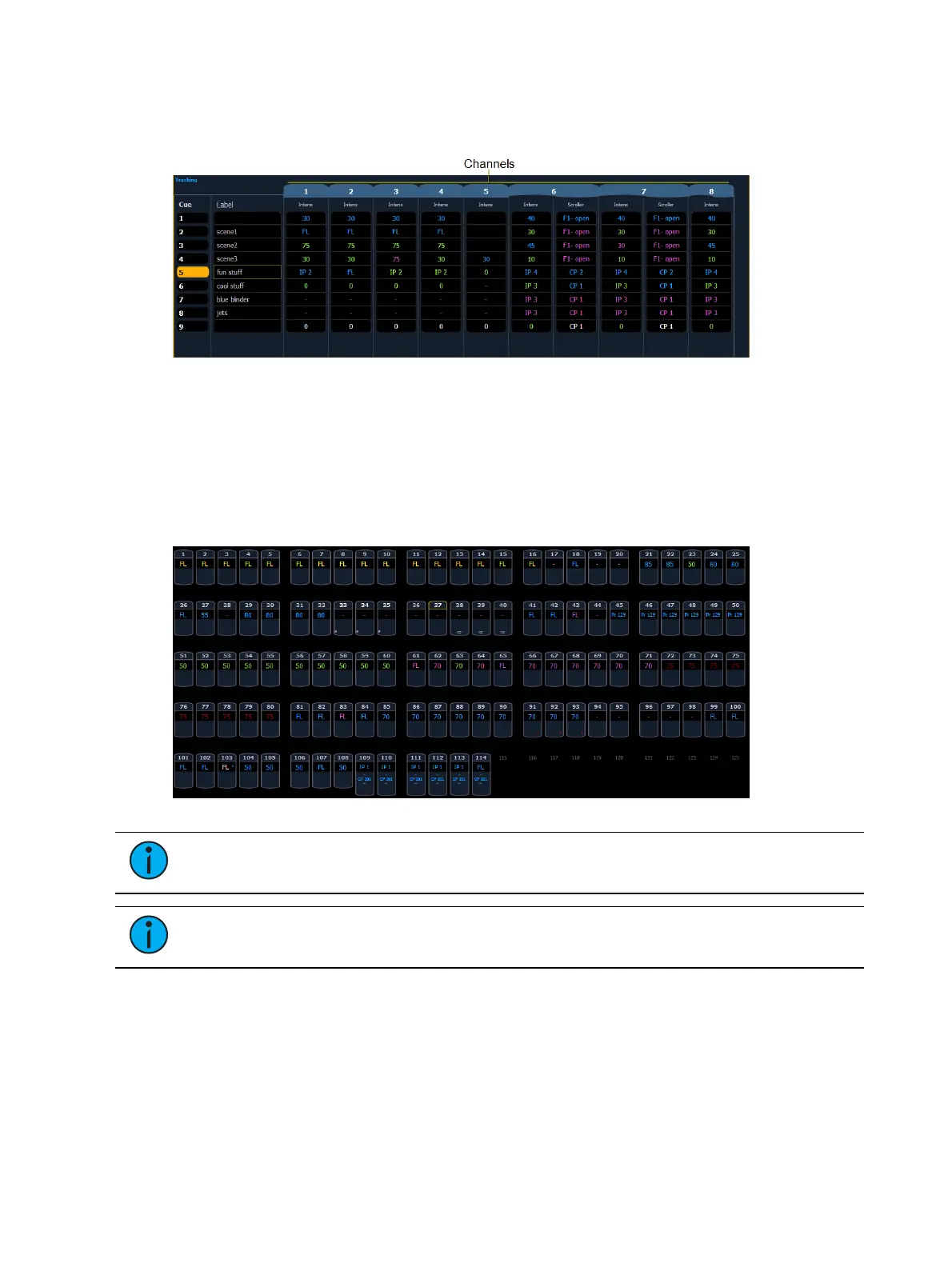
This is the Live/ Blind summary view. Please note examples of color and text indicators in the
following graphic:
Note: The color and text conventions apply regardless of the format of Live/ Blind
being used (see Using [Format] (on page37)).
Note: When manual channels are used, there will be an advisory that says "Manual
Channels" in red in the upper left hand corner of any Live display.
Most of the channels in the above image are conventional channels (intensity is the only
available parameter).
Several channels in the image are moving lights (possessing more parameters than just
intensity).



 To Next Page