System Basics 45
Channel/ Parameter Levels
Bright Red Manual Data (any data that has been set but not yet stored to an active cue or
submaster) on all consoles using the same user ID. When manual channels are used, there
will be an advisory that says "Manual Channels" in red in the upper left hand corner of
any Live display.
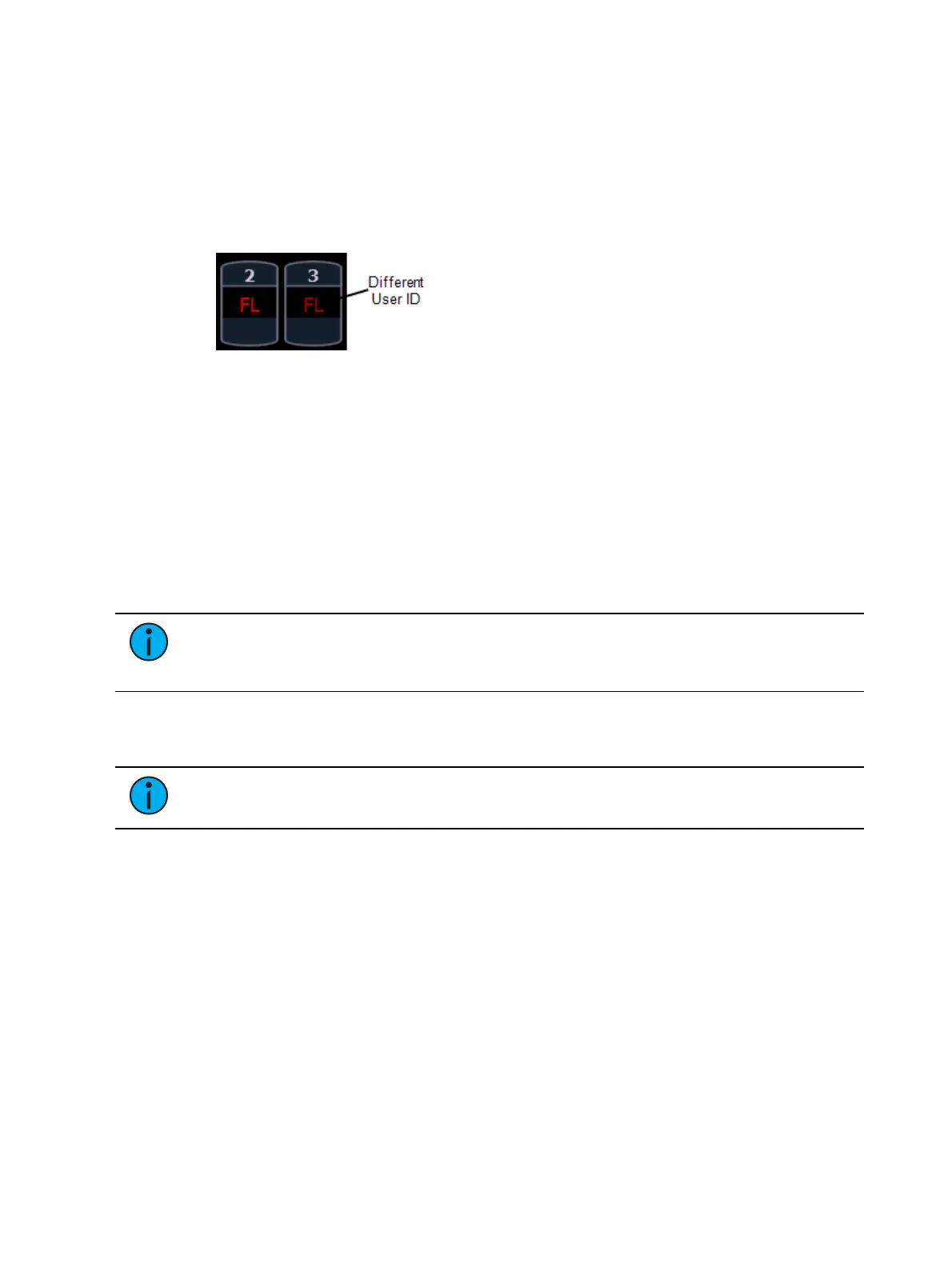
Dark Red Manual Data (any data that has been set but not yet stored to an active cue or
submaster) from other consoles that are using different user IDs.
Blue The intensity value is higher than in the previous cue.
Non-intensity parameters (NPs) are in blue when any move instruction has occurred.
Unmarked.
Green The intensity value is lower than in the previous cue.
Also used in reference marking to indicate a channel is marked.
Magenta Value is unchanged from the previous cue (tracked).
White The value is blocked.
White with an underscore Value is auto-blocked.
Gray Default or the value is a null value (from either {Make Null} or a filter). When nulled,
a gray “n” appears next to the value.
Yellow Data set from a submaster.
Note: When data is in transition (moving), it will appear in a lighter version of its
color. This includes up/down fades for intensity, non-intensity moves from cues,
submaster, and timed manual changes.
Text Indicators in Live/Blind
Text indicators are used to show additional channel data.
Note: Color indicators also apply to text indicators. For example, red indicates a
manual value that must be stored. See Color Indicators (on the previous page)
_ Underlined value (white) indicates a system-applied block (also called an auto-block).
+ Found in place of parameter data in summary view. Indicates that not all parameters in
that category are at the same value. This indicator is found only in the summary view or in
table views when the parameters are collapsed into a category view. If a majority of the
values are the same, that value will be displayed along with the indicator. If there is no
majority, just the indicator will be displayed.
! Indicates an ACN, RDM, or dimmer warning.
? Indicates an ACN, RDM, or dimmer error.
B Indicates the channel or parameter is manually blocked. This block must be stored.
I Channel is controlled by an inhibitive submaster. When displayed in the Block flag, “I”
indicates a cue level intensity block.



 To Next Page