System Basics 47
MC Line Wrap - When enabled, this option keeps all of the cells together of a multicell
fixture when viewing it in Live summary view instead of breaking them up across multiple
rows.
Suppress Target Labels - Hides the Label column in Blind spreadsheet view.
Show Reference Labels - When enabled, referenced record targets (such as presets or
palettes) with labels will have their labels displayed rather than their target type and
number. This setting will only affect the selected instance of Live/ Blind. There is an option
in setup, which determines the default that will be used when tabs are opened. It is
modified from there in the configuration menu. See
Show Reference Labels (on
page144)
.
Note: [About] & [Label] can be used to temporally toggle between views.
Group Channels By 5 - When enabled, five channels are grouped together with space
separating each group of five. This setting is enabled by default.
High Contrast - When enabled, high contrast brightens the magenta used to show tracked
values. This setting is enabled by default.
Disable 100 Channel Display Mode - By default, 100 channels are displayed at a time in
the live summary view.
Enable 100 Channel Display Mode - 5x20 - This is a variation of the 100 Channel Display
Mode, which displays 5 rows of 20 channels.
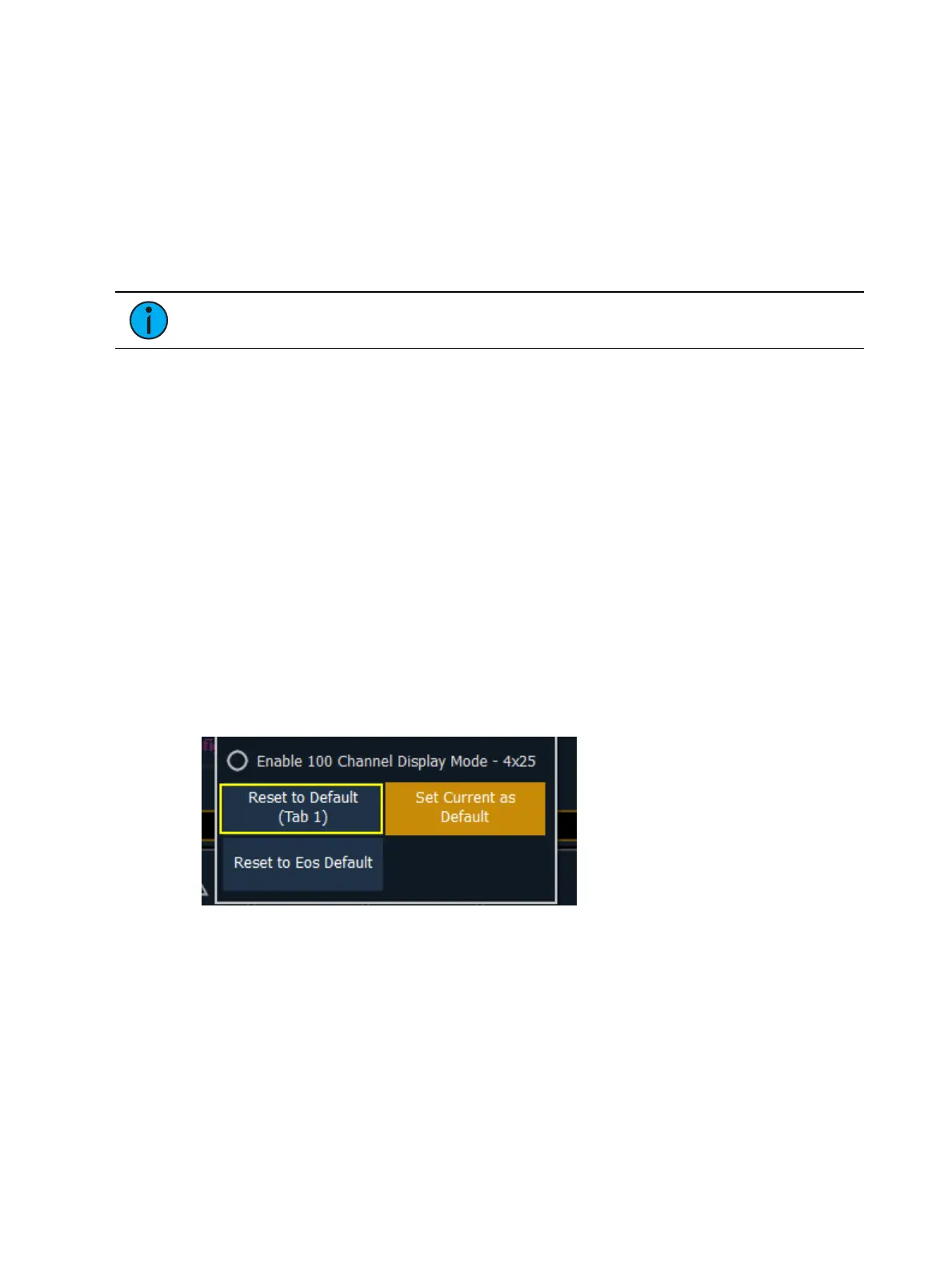
Enable 100 Channel Display Mode - 4x25 -This is a variation of the 100 Channel Display
Mode, which displays 4 rows of 25 channels.
Default
You can save your settings as a default state for Live/Blind. The default is identified with
parentheses.
Reset to Default - Will restore the settings to the default state. Live/ blind tabs will
normally default to the settings for Tab 1.0, if no other tab has been assigned as default.
Set Current as Default - Allows you to set a Live/ Blind tab other than 1.0 as the default.
The default tab will be shown in parentheses , for example (Tab 1).
Reset to Eos Default - Restores the settings to Eos defaults.
Using Flexichannel
Flexichannel (use of the [Flexi] key) allows you to view only channels meeting a certain criteria
in the Live/ Blind display, therefore removing unwanted data from view. Press and hold [Flexi] to
see and select from a list of available states and modes in the CIA. You can also press [Flexi]
multiple times to cycle through the list of available states.
Flexichannel has several available states which include allowing you to view only:



 To Next Page