64 Eos Family v2.9.0 Operations Manual
Manual Time Master
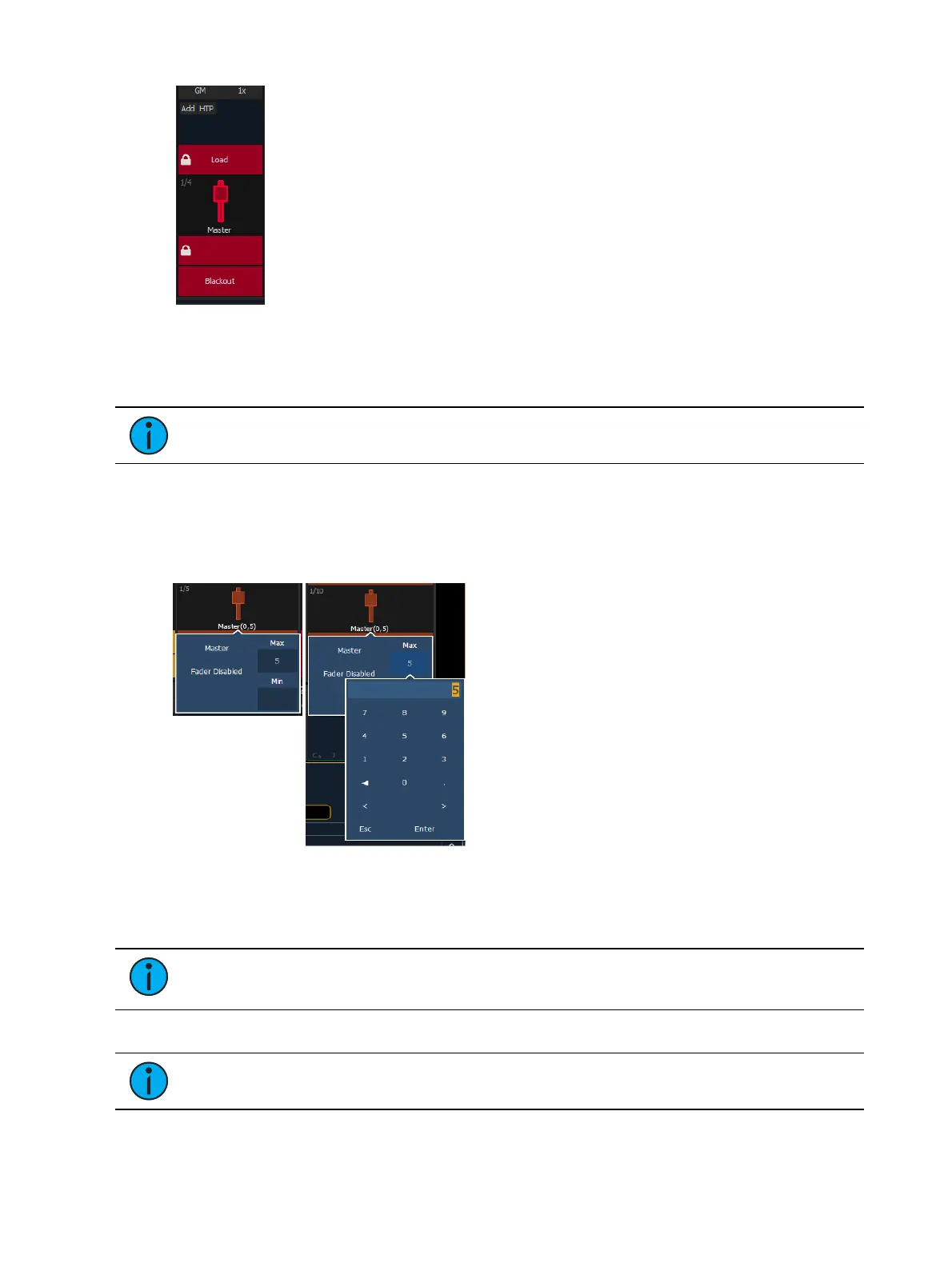
A fader can be mapped as a manual time master.
Note: Manual Time Master applies to changes made manually, not to playback.
A manual time master can be used to impact any manual control timing. For a manual time
master, you need to assign a minimum and maximum time settings to the fader. By default, the
minimum is set to 0 seconds when the fader is completely down, and maximum is 5 seconds
when the fader is at full. To change the timing, click on the box and enter the time from the
popup number pad.
The fader buttons can be assigned as bump, disabled, or macro (see
Submaster Fader and
Button Configuration (on page314)
). It is recommended that the bottom button be set to bump
for turning the fader on/ off. When turned on, the LEDwill be solid green.
Note: The setting of the manual time master is ignore unless turned on. Changing the
manual timing master will not impact any manual changes already in motion.
The fader ribbon will display the label of M Time to indicate a manual time master fader.
Note: Channel and parameter filters can be assigned to a manual time master.
You can override a manual time master by using a command line entered sneak time.



 To Next Page