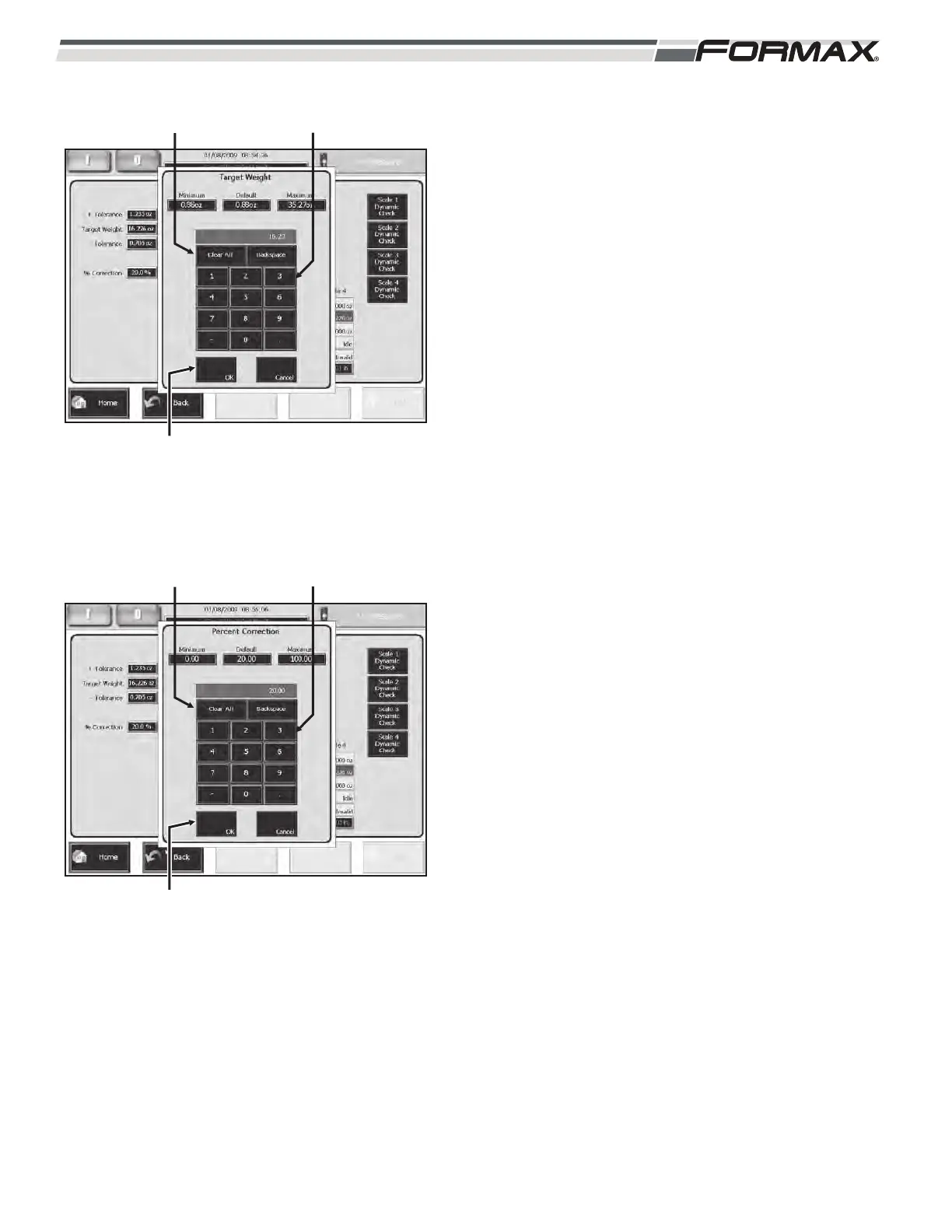
TARGET WEIGHT: Set the “Target Weight”
parameter to the desired weight of each stack or
draft. The “Target Weight” can also be pre-set in the
Product Code. If you want to change the “Target
Weight,” touch the display window, enter the new
setting in the keypad and touch the “OK” button.
(Illustration 96)
% CORRECTION: When an “off-weight” stack is
weighed, the “Weight Control” calculates a correction
to the slice thickness for the next stack, to make it
“on-weight.” The “% Correction” adjustment allows
you to use a percentage of the calculated correction.
This keeps the Weight Control from over-reacting
and creating erratic weights. A 20% to 30%
correction is normal for most products. If you want to
change the “% of Correction,” touch the display
window, enter the new setting in the keypad and
touch the “OK” button. (Illustration 97)
031914 6-37
ILLUSTRATION 96
ADJUSTMENT KEYPAD
“OK” BUTTON
“CLEAR ALL” BUTTON
ILLUSTRATION 97
ADJUSTMENT KEYPAD
“OK” BUTTON
“CLEAR ALL” BUTTON



 To Next Page