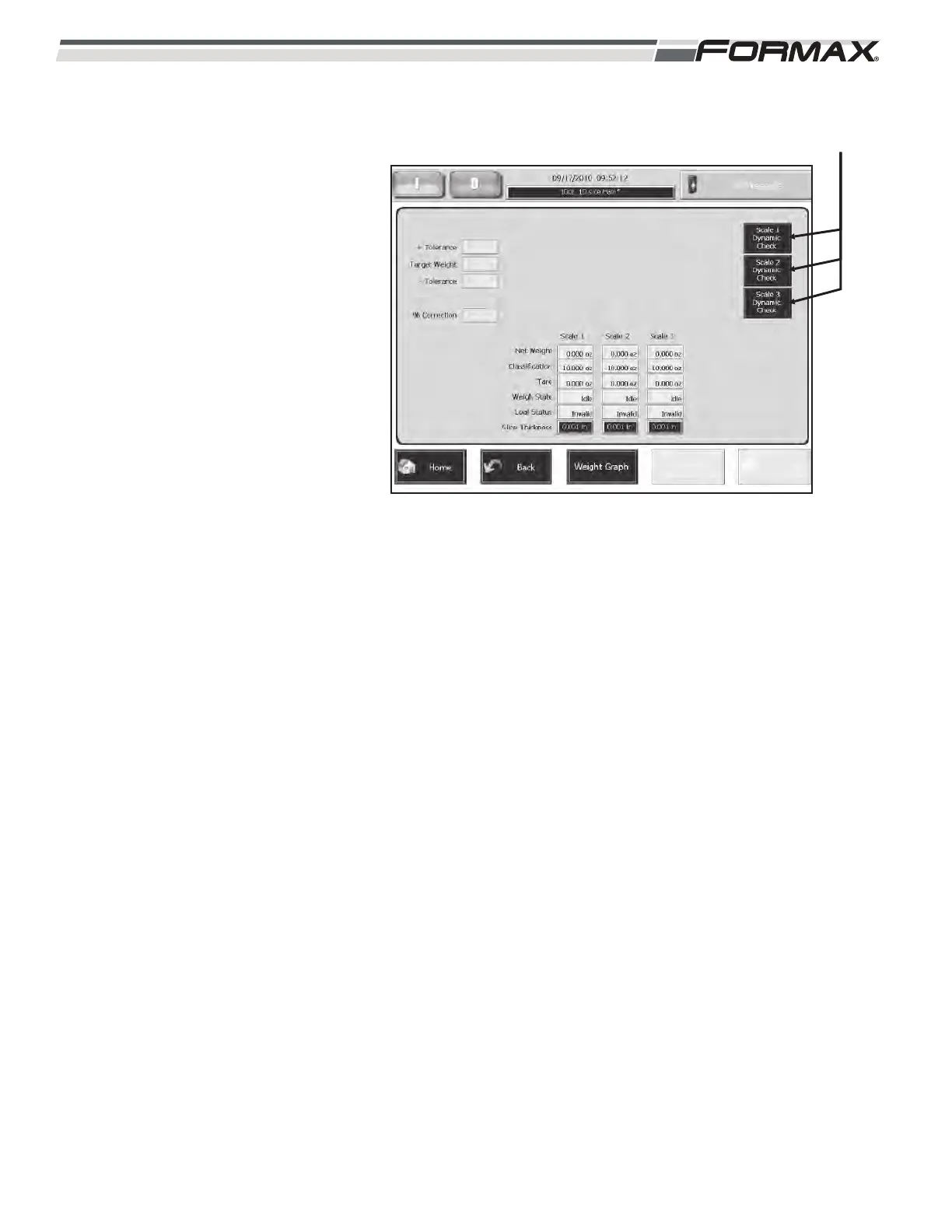
DYNAMIC SCALE CHECK: Each Scale
has a “Dynamic Scale Check” button
that allows you to verify the product
weight for that scale on a known good
scale. (Illustration 98) To Dynamically
check a Scale:
1. Touch the “Scale Dynamic
Check” button for the Scale to be
checked.
2. The next stack or draft slice will
be rejected and the weight of the
product will display in a window
on the Touchscreen.
3. Record the weight and weigh the
product on a known good scale.
If the actual weight is heavier than the
displayed weight, than that is a positive
offset.
If the actual weight is lighter than the
displayed weight, than that is a negative
offset.
6-38 031914
ILLUSTRATION 98
“DYNAMIC SCALE
CHECK” BUTTONS



 To Next Page