7-18 031914
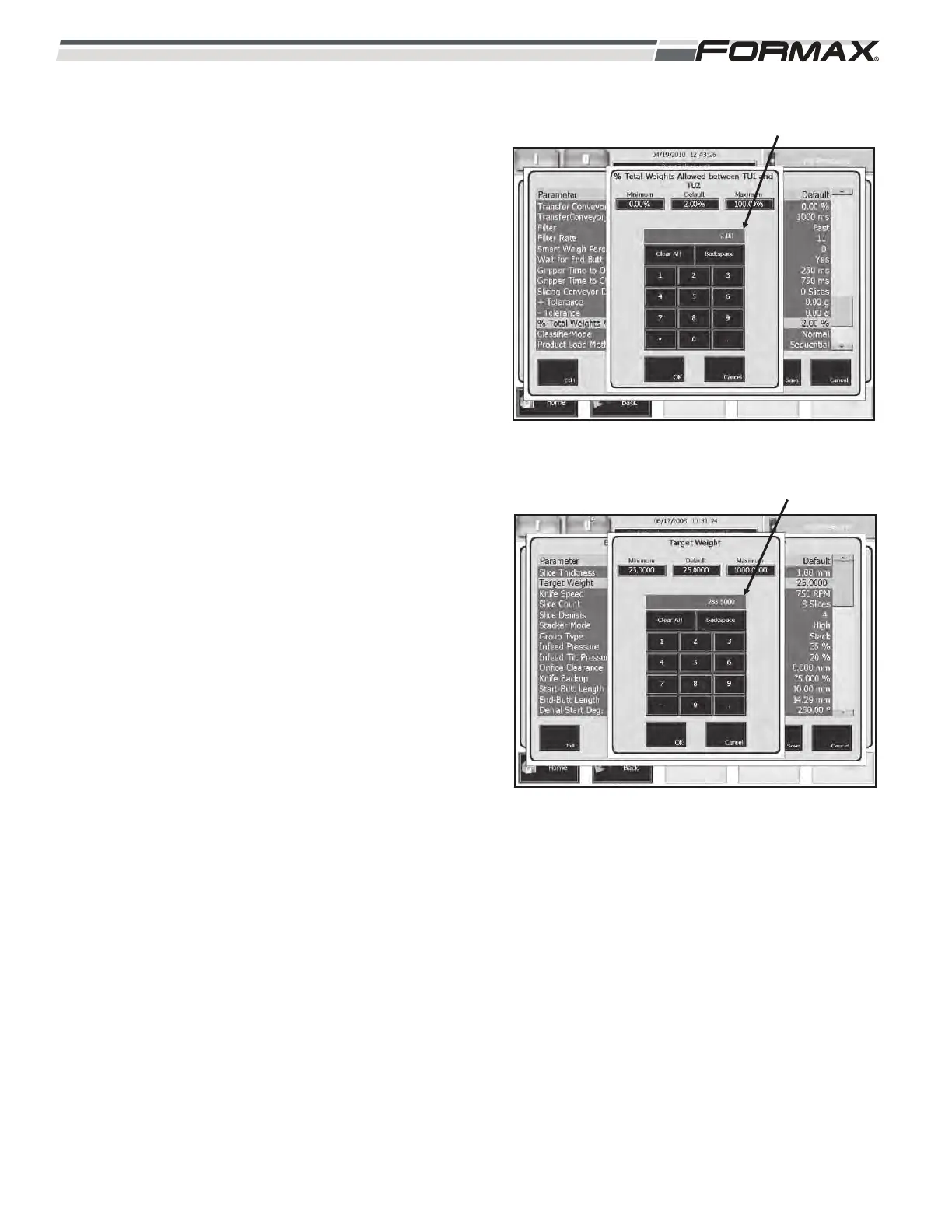
% TOTAL WEIGHTS ALLOWED BETWEEN TU1 AND
TU2: This parameter allows you to set the total number of
acceptable stacks or drafts that the Computer will allow
between the TU1 and TU2 weight ranges. (Illustration 44)
It is set as a percentage from “0” to “100” %. If the
parameter is set to 2%, then 2 product weights between
TU1 and TU2 in every 100 stacks or drafts will be
“allowed.”
TARGET WEIGHT: Set the “Target Weight” parameter to
the desired weight of each stack or draft. The “Target
Weight” can also be adjusted on the “Weight Data”
screen. (Illustration 45)
TO1 OVERRIDE:
ILLUSTRATION 44
% TOTAL WEIGHTS ALLOWED BETWEEN TU1 AND TU2
ILLUSTRATION 45
TARGET WEIGHT



 To Next Page