031914 M2-3
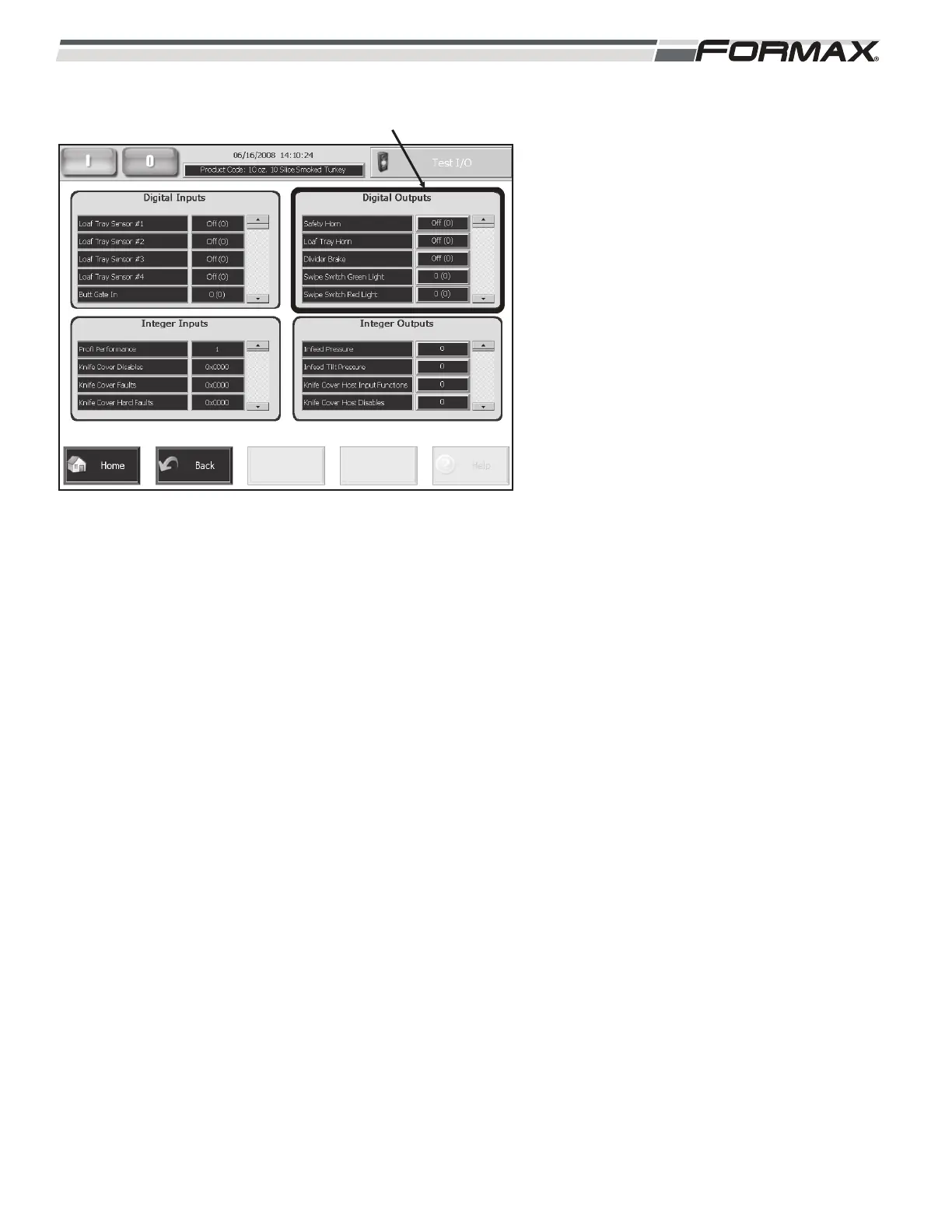
Digital Outputs: The list of Digital Outputs
display in the upper right of the Monitor I/O
screen. (Illustration 3) The Digital Outputs
allow you to check the operation of many of
the components on the Slicer.
Use the “Up/Down” arrows to scroll through
the list of “Digital Outputs.” The button next to
the Digital Output will operate the component.
Touching the button can operate most of the
Components. The button will change from “0”
(Off) to “1” (On) and cause the component to
operate.
Switching the button from “No” (Off) to “Yes”
On operates some of the components.
Switching the button from “Open “to” Close
operates some of the components.
The “Load Cell Clean” output switches
between “Ready” and “Clean.”
ILLUSTRATION 3
DIGITAL OUTPUTS



 To Next Page