M2-4 031914
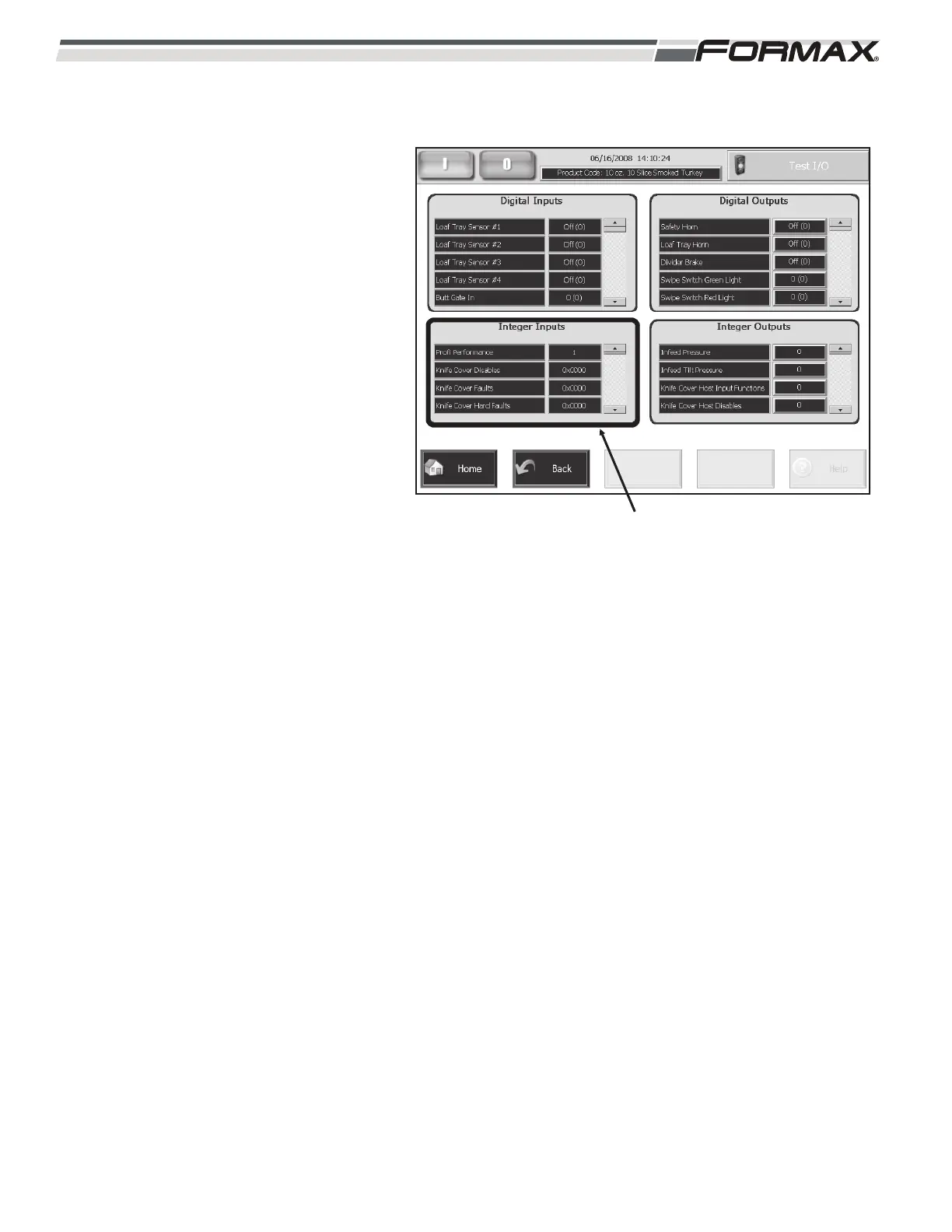
Integer Inputs: The list for all of the Integer
Inputs monitored by the Slicer Computer
displays in the lower left window of the “Test
I/O” screen. (Illustration 4) The “Integer
Input” window allows you to check the
status of some of the Input Components
used on the Slicer. The Integer Input
Window also displays errors and alarms for
the Software Program that runs the Slicer.
Use the “Up/Down” arrows to scroll through
the list of “Integer Inputs.” The “Status”
Window next to the Integer Input will display
the status Input or a Software Command.
The Integer Inputs of components display
as “1” = “On” or “0” = “Off.”
The “Fault” Inputs will display as “#x #####”
which indicate the status of that Command.
IMPORTANT!
Most of the Integer Inputs are used by
the Software Programmers and do not
apply to normal troubleshooting.
ILLUSTRATION 4
INTEGER INPUTS



 To Next Page