031914 M2-5
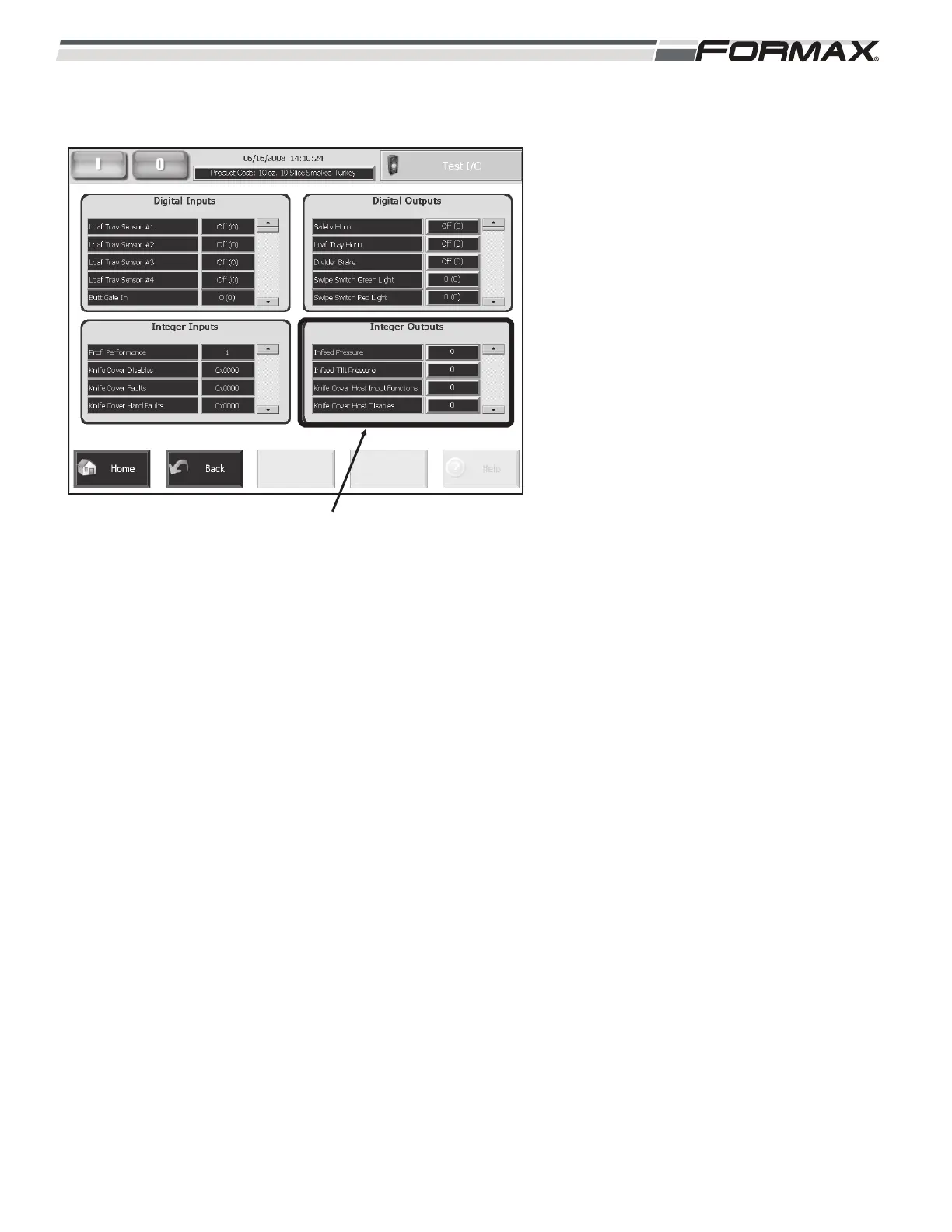
Integer Outputs: The list of Integer Outputs
display in the lower right of the Monitor I/O
screen. (Illustration 5) The Integer Outputs
allow you to check the operation of many of
the components on the Slicer.
Use the “Up/Down” arrows to scroll through
the list of “Digital Outputs.” The button next
to the Digital Output will operate the
component.
Touching an Integer Output Button will
display a keyboard. To operate a component,
enter a “Speed” or a “Distance” in the keypad
and touch “OK.” the component will move
that distance or speed.
IMPORTANT!
When trying to run any of the motors, the
motor might need to be enabled using the
Digital Outputs in order for the motor to
run.
ILLUSTRATION 5
INTEGER OUTPUTS



 To Next Page