Address Toggle
Switch 1
Toggle
Switch 2
Toggle
Switch 3
Toggle
Switch 4
3 ON ON OFF OFF
4 OFF OFF ON OFF
Step 2 Check the eLight function.
Table 5-6 Function commissioning
Check Method Normal Connection Status
Choose Maintenance > Conguration
Wizard > Linkage Test > eLight
Controller Commissioning and click
Test.
The eLight is lit up in red, green, blue,
and white in sequence for 3 seconds
respectively, and then turns o.
Step 3 Set eLight parameters.
1. Log in to the ECC800-Pro WebUI as an administrator.
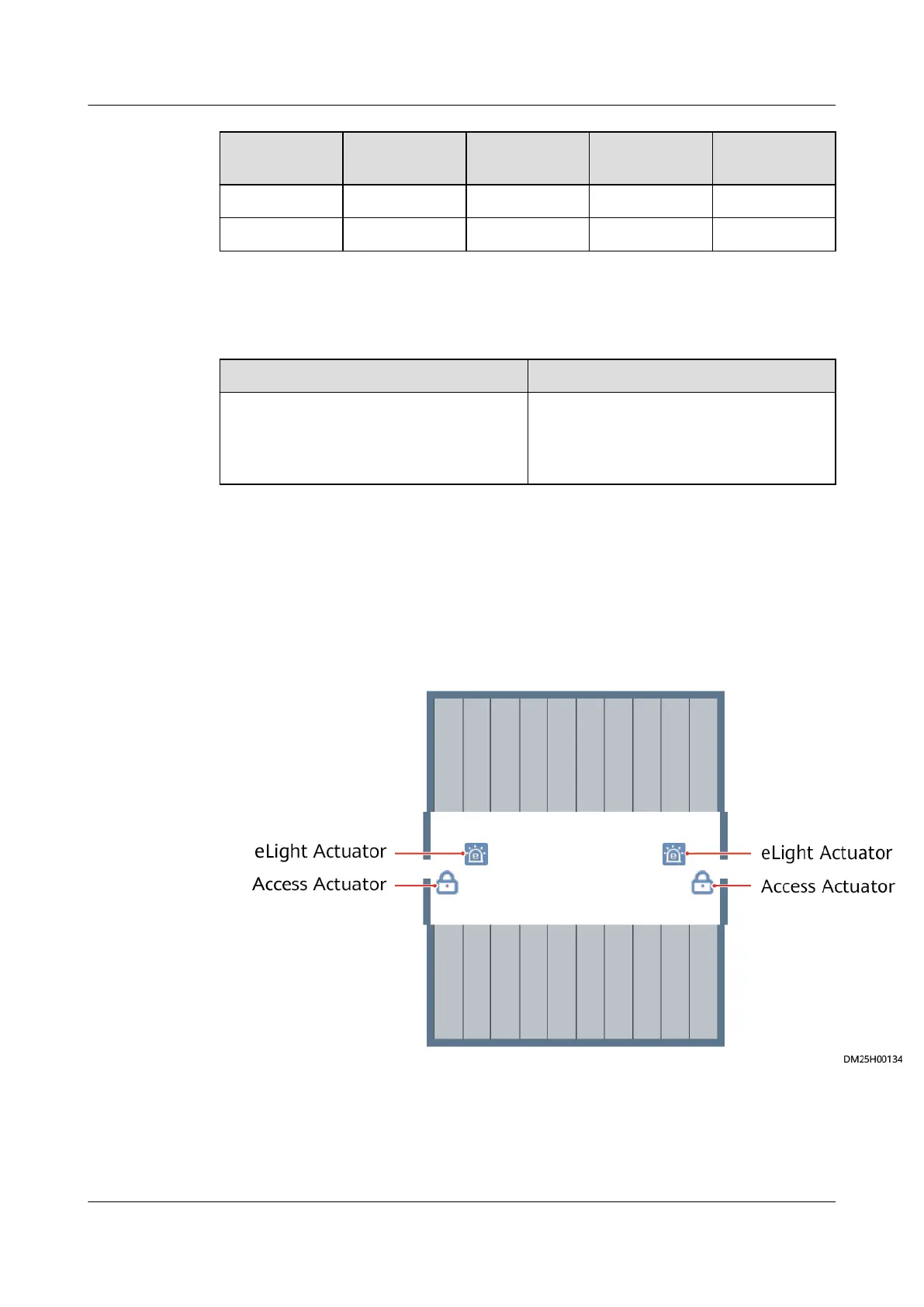
2. In the Smart Module View, click Modify Device. Select an eLight actuator
under Devices, drag it to the access actuator to which you want to bind the
eLight actuator, and click Exit Edit Mode.
Figure 5-9 eLight actuator position
ECC800 Data Center Controller
User Manual (for ECC800-Pro) 5 Power-On Commissioning
Issue 02 (2020-09-07) Copyright © Huawei Technologies Co., Ltd. 116



 To Next Page