Procedure
Step 1 Log in to the ECC800-Pro mobile phone or pad app as an administrator.
Step 2 Choose Home > More > iFind.
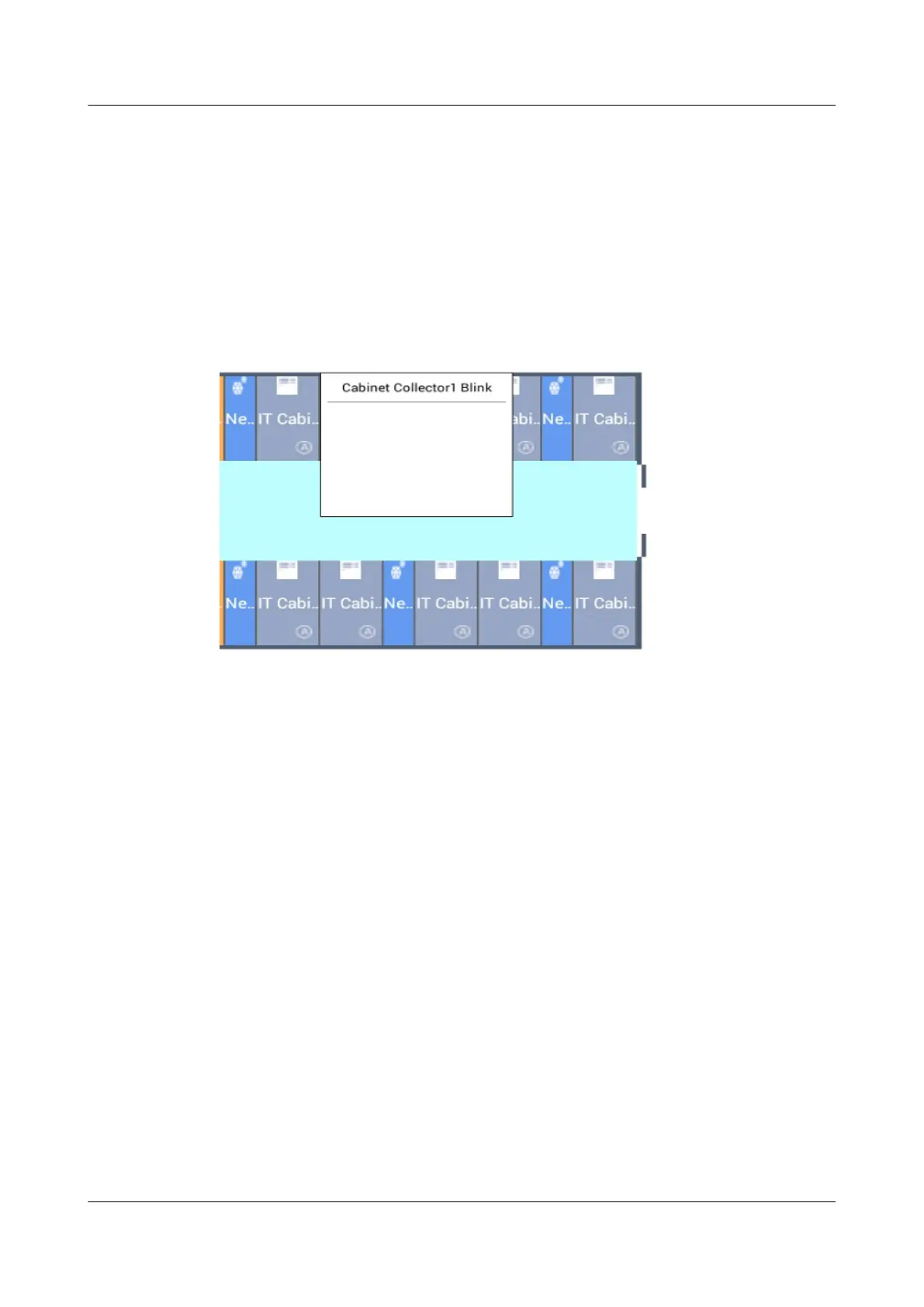
Step 3 Tap Cabinet Collector n Blink to deliver a blinking command. The corresponding
device in the smart module blinks. Check that the device positions and types in the
plan view are consistent with the actual situation by delivering the blinking
command.
Figure 8-44 Rack environment unit blinking
----End
8.2.4 How Can I View Real-time Data?
Procedure
Step 1 Log in to the ECC800-Pro mobile phone or pad app as an administrator.
Step 2 To view the smart module data center layout, tap Home.
Step 3 To view active alarms and historical alarms, choose Alarms > Active Alarms or
Alarms > Historical Alarms.
Step 4 Choose More to view network parameters, operation logs, asset details, and
version information.
----End
8.2.5 How Can I Export and Import Data?
Procedure
Step 1 Log in to the ECC800-Pro mobile phone or pad app as an administrator.
Step 2 Export device
conguration data or historical data.
1. Choose More > Export Data.
ECC800 Data Center Controller
User Manual (for ECC800-Pro) 8 FAQ
Issue 02 (2020-09-07) Copyright © Huawei Technologies Co., Ltd. 348



 To Next Page