5. Choose Settings > Intelligent Analysis > Common Intelligence. Select
Enable, click Add, add motion detection areas, set motion detection
parameters, and click Save.
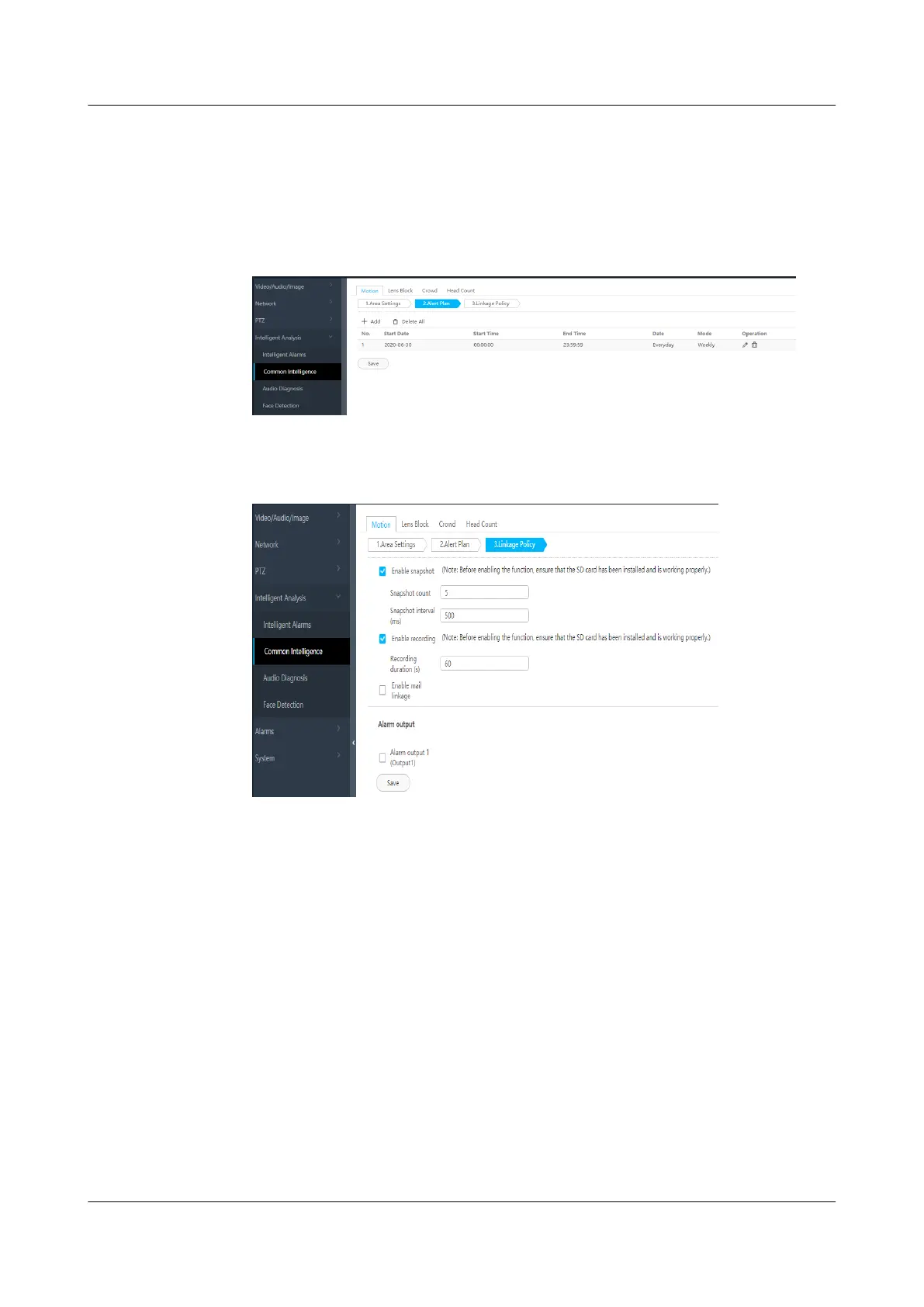
6. Set the deployment policy.
Figure 6-45 Setting the deployment policy
7. Set the alarm linkage policy.
Figure 6-46 Setting the alarm linkage policy
----End
6.5.5 Initializing VCN510 Disks
Background
When the VCN510 is delivered to the site, recording data can be stored only after
you install and initialize the disks.
Procedure
Step 1 Log in to the OMU portal of the VCN as user admin.
Step 2 Choose Local
Conguration > Local Disk.
Step 3 In the upper-right corner of the RAID Groups area, click Initial disk.
ECC800 Data Center Controller
User Manual (for ECC800-Pro) 6 Feature Description
Issue 02 (2020-09-07) Copyright © Huawei Technologies Co., Ltd. 179



 To Next Page