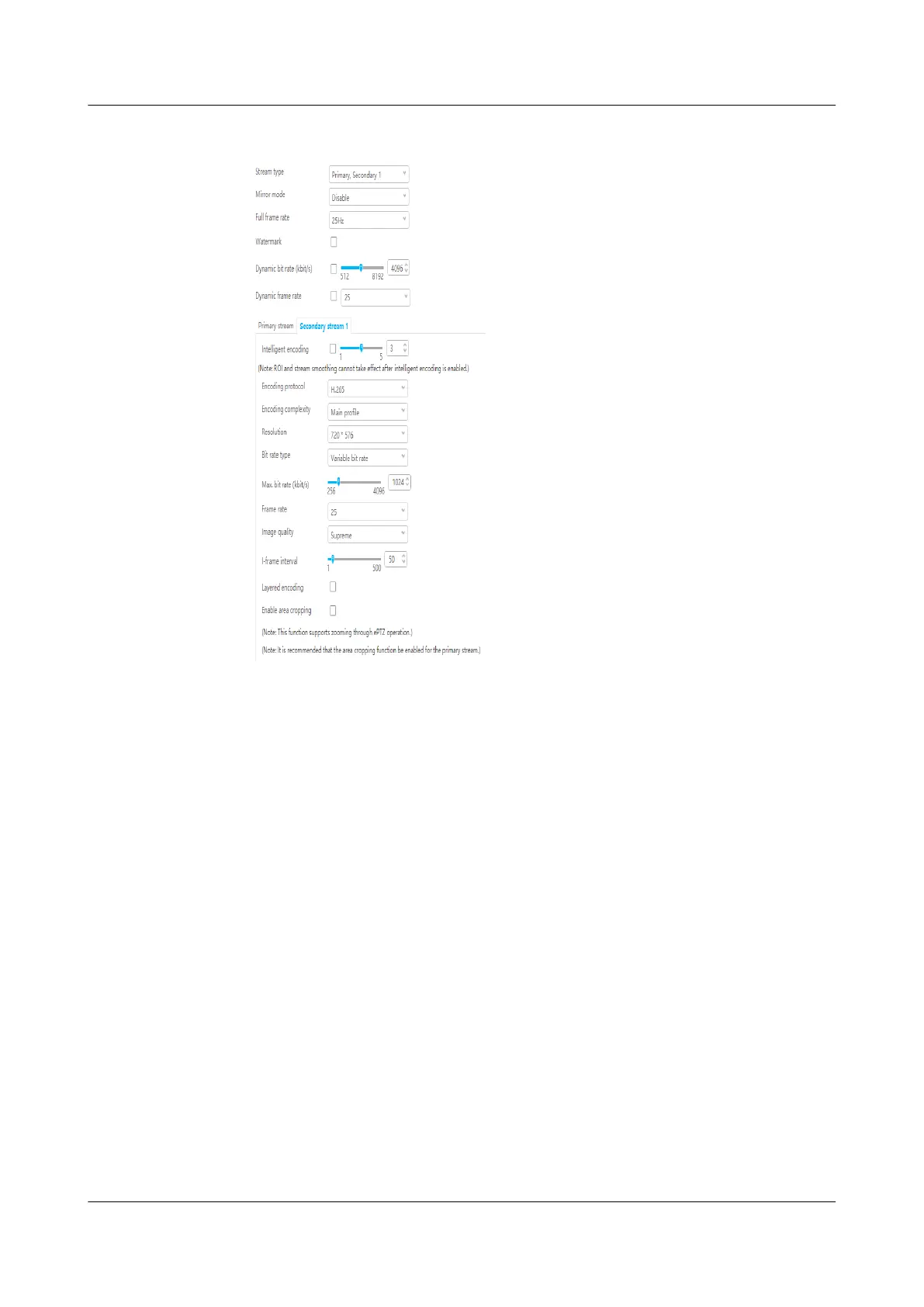
Figure 6-29 Setting secondary stream 1 parameters
----End
6.5.3.4 Commissioning a C3220 Camera (SD Card
Congured)
Context
If the VCN is not congured and an SD card is chosen, perform the following
procedure.
Procedure
Step 1 Log in to the camera WebUI.
Step 2 Format the SD card.
1. Choose Settings > System
Conguration > Storage Management.
2. The Storage Management page is displayed. Format the SD card.
Step 3 Set the camera stream type and primary stream parameters. Path: Settings >
Video/Audio/Image > Video Settings.
ECC800 Data Center Controller
User Manual (for ECC800-Pro) 6 Feature Description
Issue 02 (2020-09-07) Copyright © Huawei Technologies Co., Ltd. 161



 To Next Page