8.1.28 How Can I Add Devices Accessed Through the ETH
Converter to the ECC800-Pro WebUI?
Context
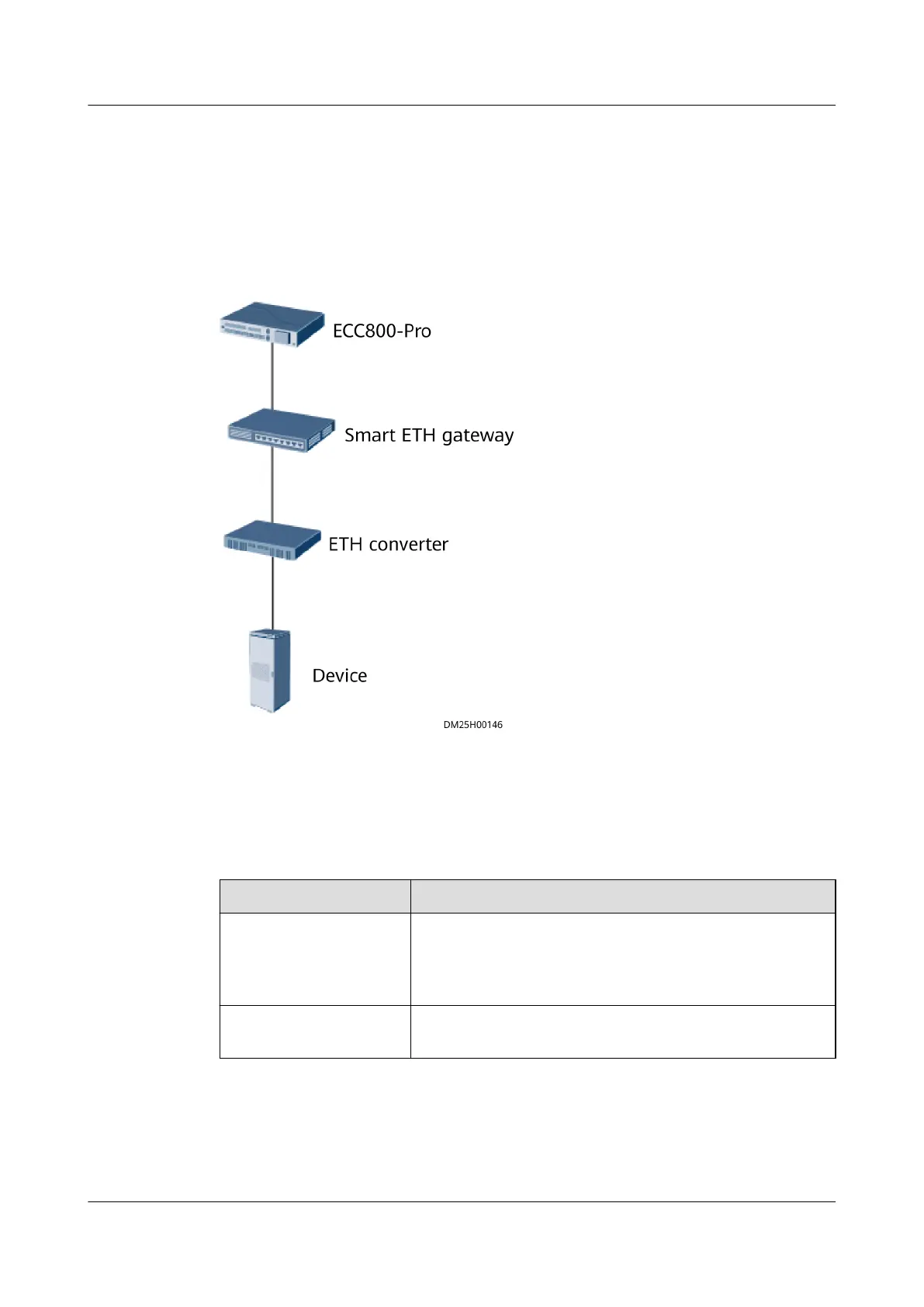
Figure 8-33 Network diagram
Procedure
Step 1 Set communications parameters on the device.
Table 8-46 Description of communications parameters to be set on a device
Parameter
Recommended Value
Baud rate This section uses 9600 as an example. Set this
parameter based on site requirements.
NOTE
For certain devices, this parameter does not need to be set.
Communications
address
This section uses 1 as an example. Set this parameter
based on site requirements.
Step 2 Add the device to the ECC800-Pro WebUI.
1. Log in to the ECC800-Pro WebUI as an administrator.
2. Add the device.
ECC800 Data Center Controller
User Manual (for ECC800-Pro) 8 FAQ
Issue 02 (2020-09-07) Copyright © Huawei Technologies Co., Ltd. 330



 To Next Page