Procedure
Step 1 Congure the free-rule MAC address using the free-rule conguration method so
that users can access the network without authentication. For details, see section
"authentication free-rule" in the
S12700 V200R008C00 Product Documentation
.
----End
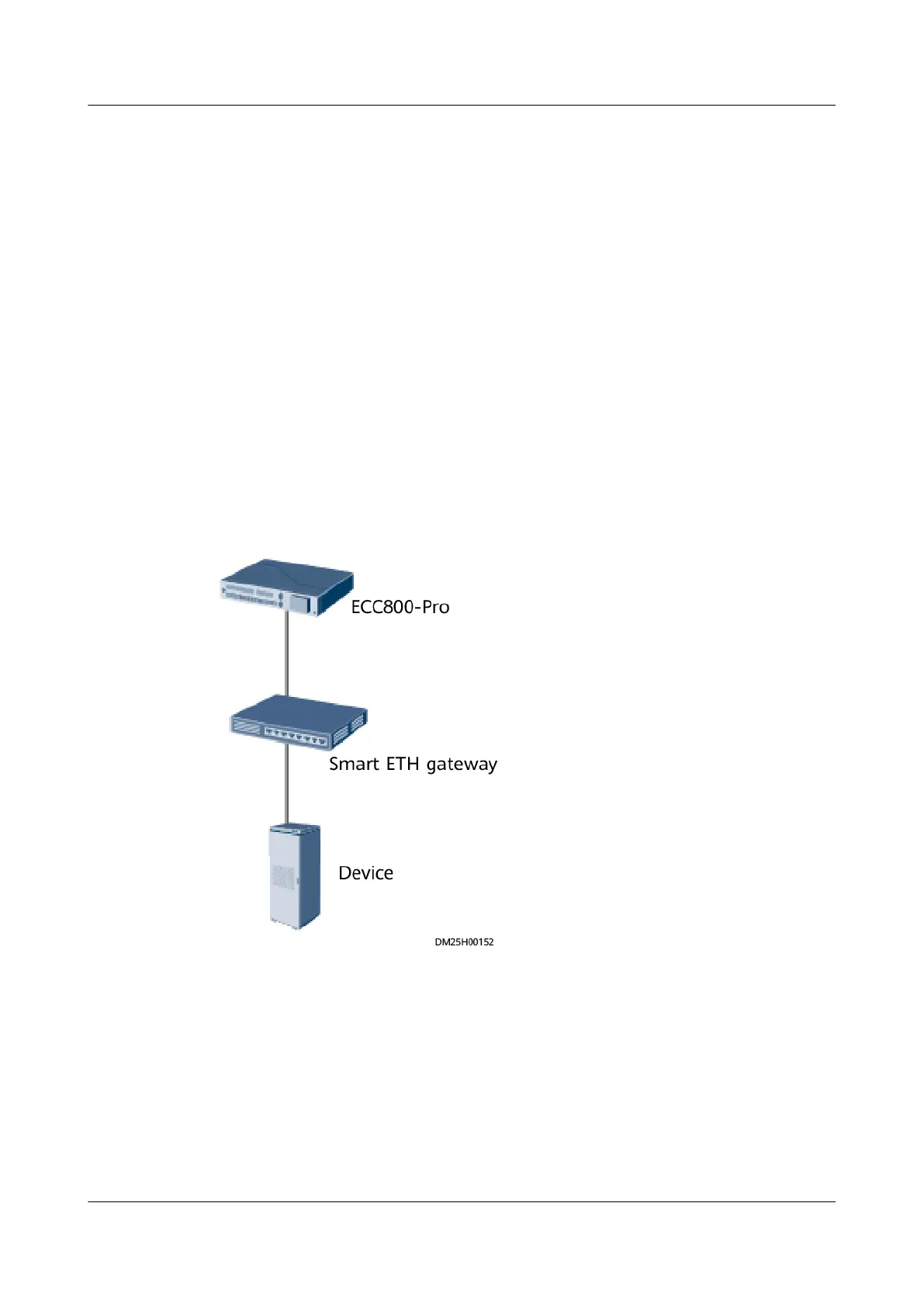
8.1.26 How Can I Add the Devices Accessed Through a Smart
ETH Gateway to the ECC800-Pro WebUI (Modbus-TCP)?
Prerequisites
The device supports DHCP.
Context
Figure 8-29 Network diagram
Procedure
Step 1 Ensure that the device communication mode has been set to DHCP.
Step 2 Log in to the ECC800-Pro WebUI as an administrator, and check whether the
device exists on the Monitoring page.
● If the device exists, and communication status is normal, the device has
accessed the ECC800-Pro successfully.
ECC800 Data Center Controller
User Manual (for ECC800-Pro) 8 FAQ
Issue 02 (2020-09-07) Copyright © Huawei Technologies Co., Ltd. 327



 To Next Page