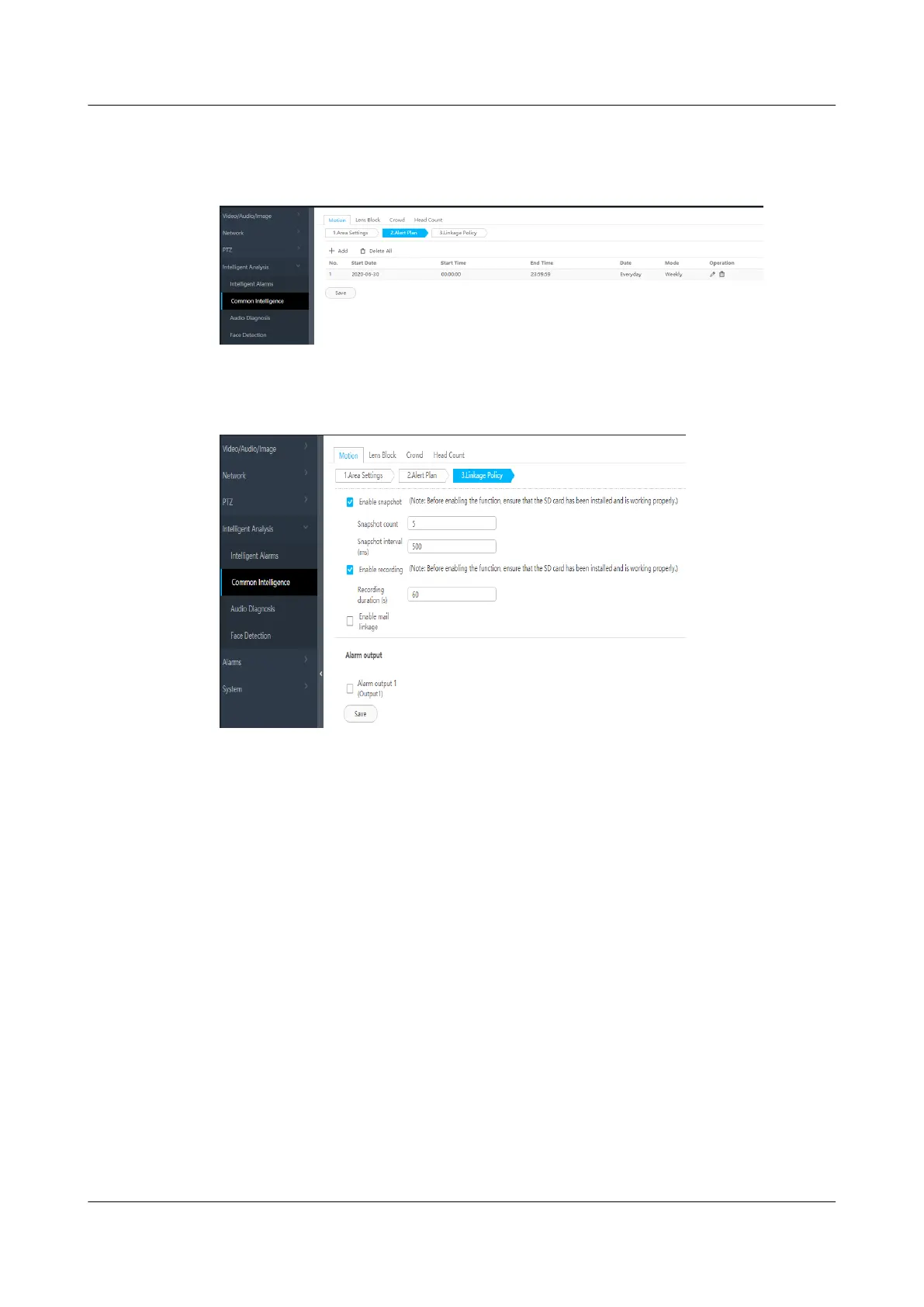
Step 5 Set the deployment policy.
Figure 6-31 Setting the deployment policy
Step 6 Set the alarm linkage policy.
Figure 6-32 Setting the alarm linkage policy
----End
6.5.4 Commissioning a Camera (LAN Switch Networking
Scenario)
6.5.4.1 Commissioning IPC6325 Cameras
Prerequisites
If multiple cameras are accessed, retain the connection of one camera and
disconnect connections from other cameras. After commissioning the connected
camera, commission other cameras in the same way.
Procedure
Step 1 Log in to the camera WebUI.
1.
Congure the PC IP address and the camera IP address in the same network
segment. Enter the camera IP address (192.168.0.120 by default) in the
address bar of the Internet Explorer and press Enter.
ECC800 Data Center Controller
User Manual (for ECC800-Pro) 6 Feature Description
Issue 02 (2020-09-07) Copyright © Huawei Technologies Co., Ltd. 163



 To Next Page