2. To view access events, choose Query > Access Event.
3. To view operation logs, choose Query > Operation Log.
----End
8.1.14 How Can I Handle Alarms?
Procedure
Step 1 Log in to the ECC800-Pro WebUI.
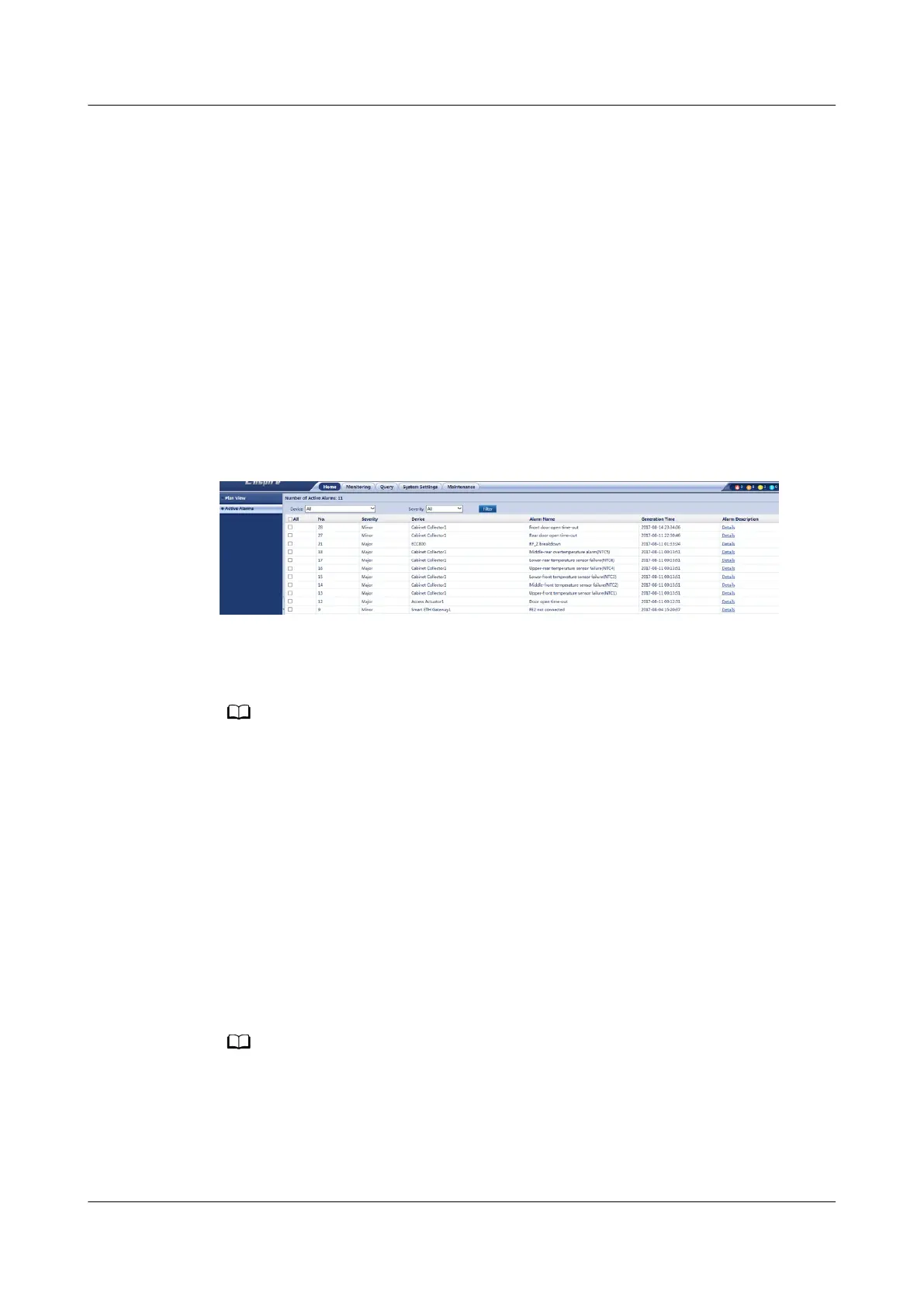
Step 2 Choose Home > Active Alarms and view active alarms.
Step 3 Select an alarm to be acknowledged and click
Conrm.
Figure 8-24 Acknowledging an alarm
Step 4 Handle an alarm based on the alarm information.
Step 5 Select an alarm to be cleared and click Clear Alarm.
The cleared alarm is displayed in the historical alarm list.
----End
8.1.15 How Can I View Performance Data?
Procedure
Step 1 Log in to the ECC800-Pro WebUI as an administrator.
Step 2 Choose Query > Performance Data.
Step 3 Set Device, Performance Data, Statistics Mode, Start time, and End Time, and
click Query.
The query result can be displayed in Table or Curve mode.
----End
ECC800 Data Center Controller
User Manual (for ECC800-Pro) 8 FAQ
Issue 02 (2020-09-07) Copyright © Huawei Technologies Co., Ltd. 320



 To Next Page