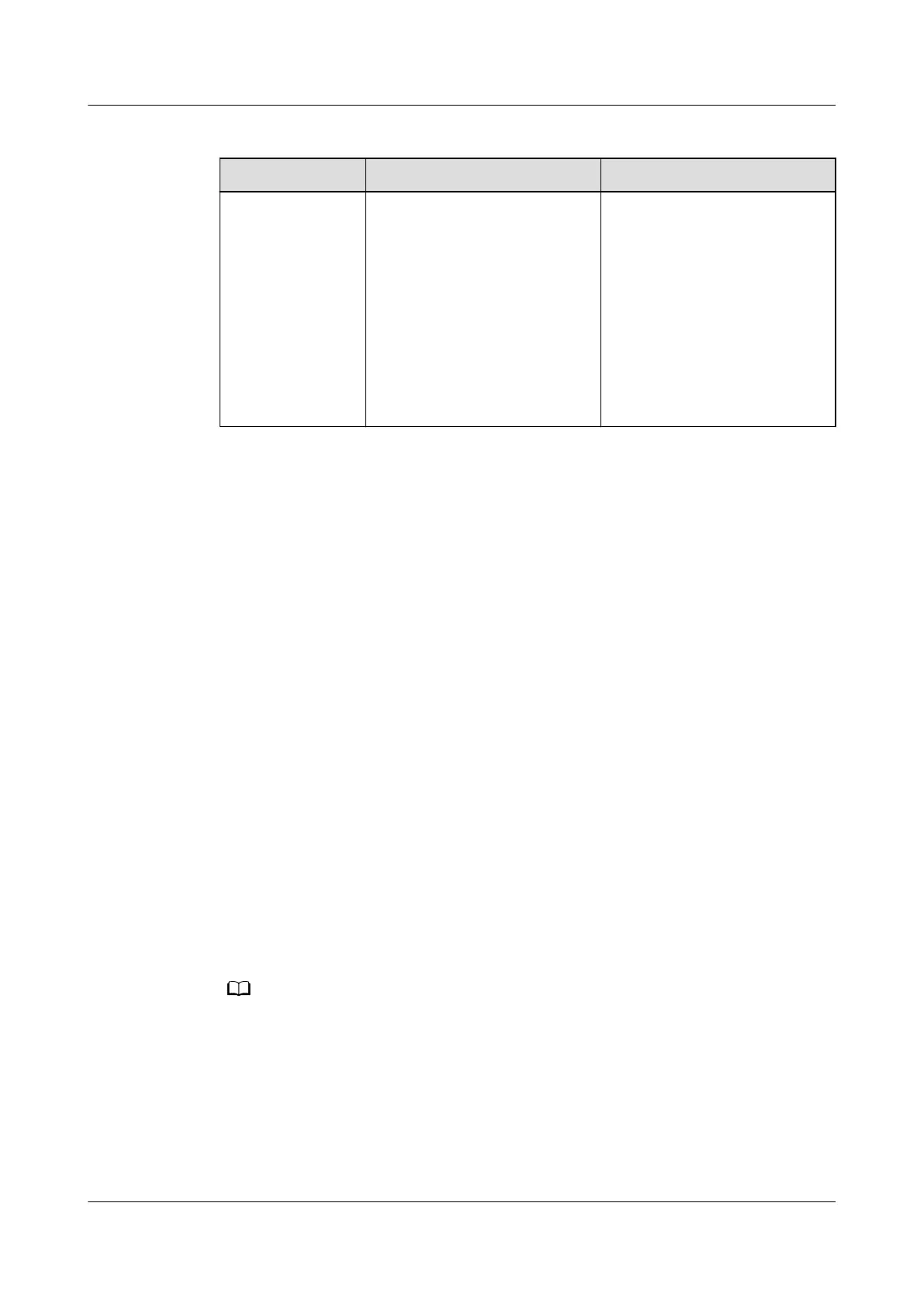
Table 8-33 Function check
Check Method Normal Connection Status Alarm Clearance Method
Immerse the
water detection
cable in water.
● Choose Monitoring >
System > Water Sensor >
Running Info. Check that
Leakage status is Alarm
and Distance from the
leakage point is greater
than or equal to 0 m.
● Choose Home > Active
Alarms. Check that a
water sensor alarm is
generated.
Wipe dry the water detection
cable. The alarm disappears
automatically.
----End
8.1.7.35 How Can I Set and Add the Electrode Water Sensor?
If a water sensor is installed, perform the following steps to
congure it.
Prerequisites
One end of the network cable has been stripped, core wires 7 and 8 have been
connected to the cable delivered with the electrode water sensor, and the other
end of the network cable has been connected to the AI/DI port on the rack
environment unit.
Context
● To use the AI/DI sensor, enable the corresponding AI/DI port and name the
sensor. The
specic alarm then can be reported.
● If the sensor is prefabricated, only check its settings.
● The actual value prevails. Only the method of the parameter settings is
described.
Procedure
Step 1 Set water sensor parameters.
In this example, the water sensor is connected to the AI/DI_5 port on the ECC800-Pro.
1. Log in to the ECC800-Pro WebUI as an administrator.
2. Choose System Settings > Signal Name Modify. The Batch Signal
Conguration page is displayed.
3. Set Device type to ECC800, set Device name to ECC800, and click OK.
4. On the query result tab page, set the new signal name of AI/DI_5 to Leak
and click Submit.
ECC800 Data Center Controller
User Manual (for ECC800-Pro) 8 FAQ
Issue 02 (2020-09-07) Copyright © Huawei Technologies Co., Ltd. 306



 To Next Page