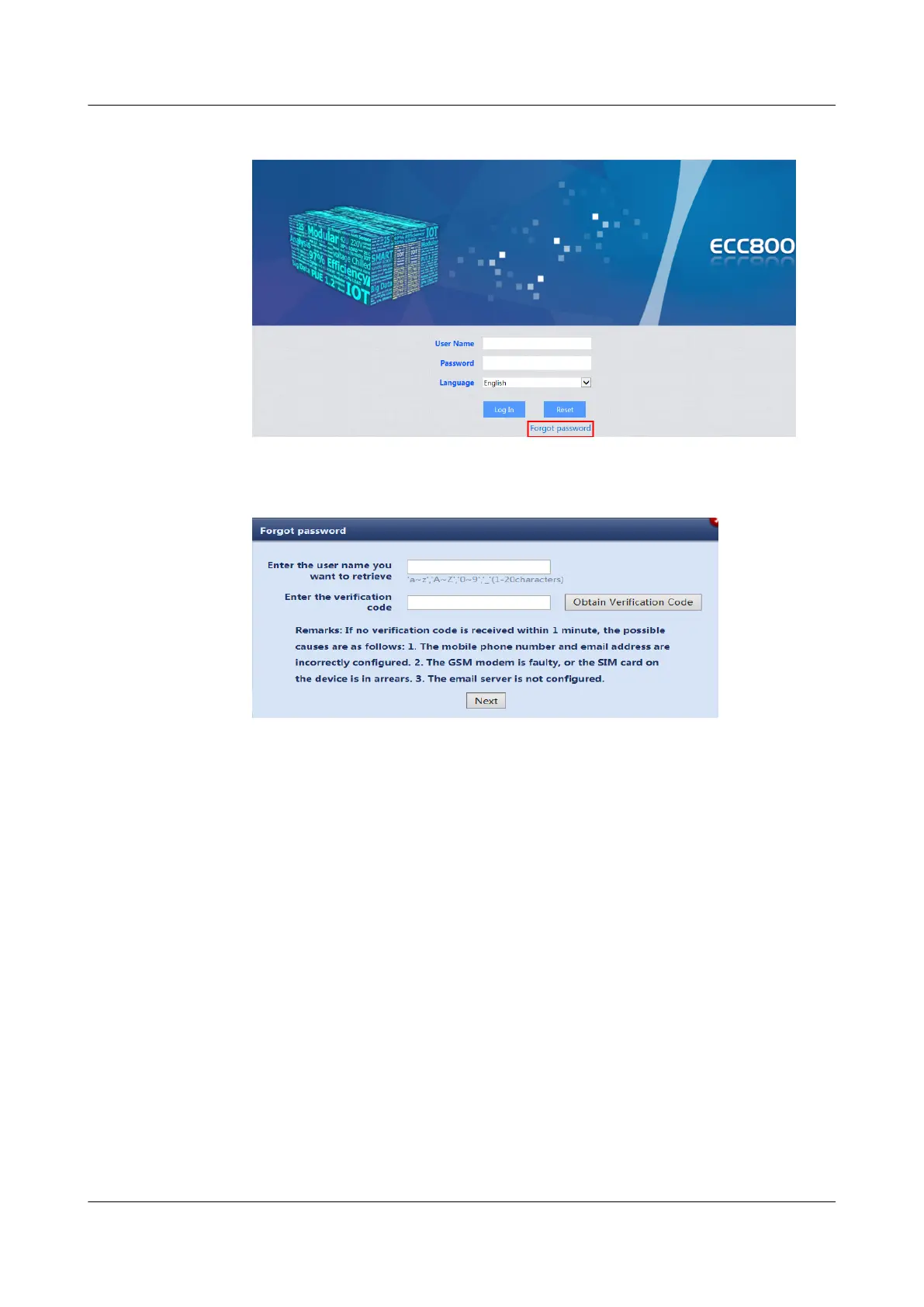
Figure 8-4 Clicking Forgot password
2. Specify the user name. Enter the verication code.
Figure 8-5 Retrieving a password
3. Click Next to retrieve the password.
8.1.6 How Can I Create a Smart Module Plan View?
Prerequisites
To create a smart module plan view, it is recommended that you obtain or draw
the planned layout of the smart modular data center before the creation.
Procedure
Step 1 Choose Home > Plan View and click Create smart module in Smart Module
View. The Modify Basic
Cong dialog box is displayed. Set the layout and device
quantity in Layout and Half-size cabinet qty./row based on the actual smart
module scenario.
ECC800 Data Center Controller
User Manual (for ECC800-Pro) 8 FAQ
Issue 02 (2020-09-07) Copyright © Huawei Technologies Co., Ltd. 259



 To Next Page