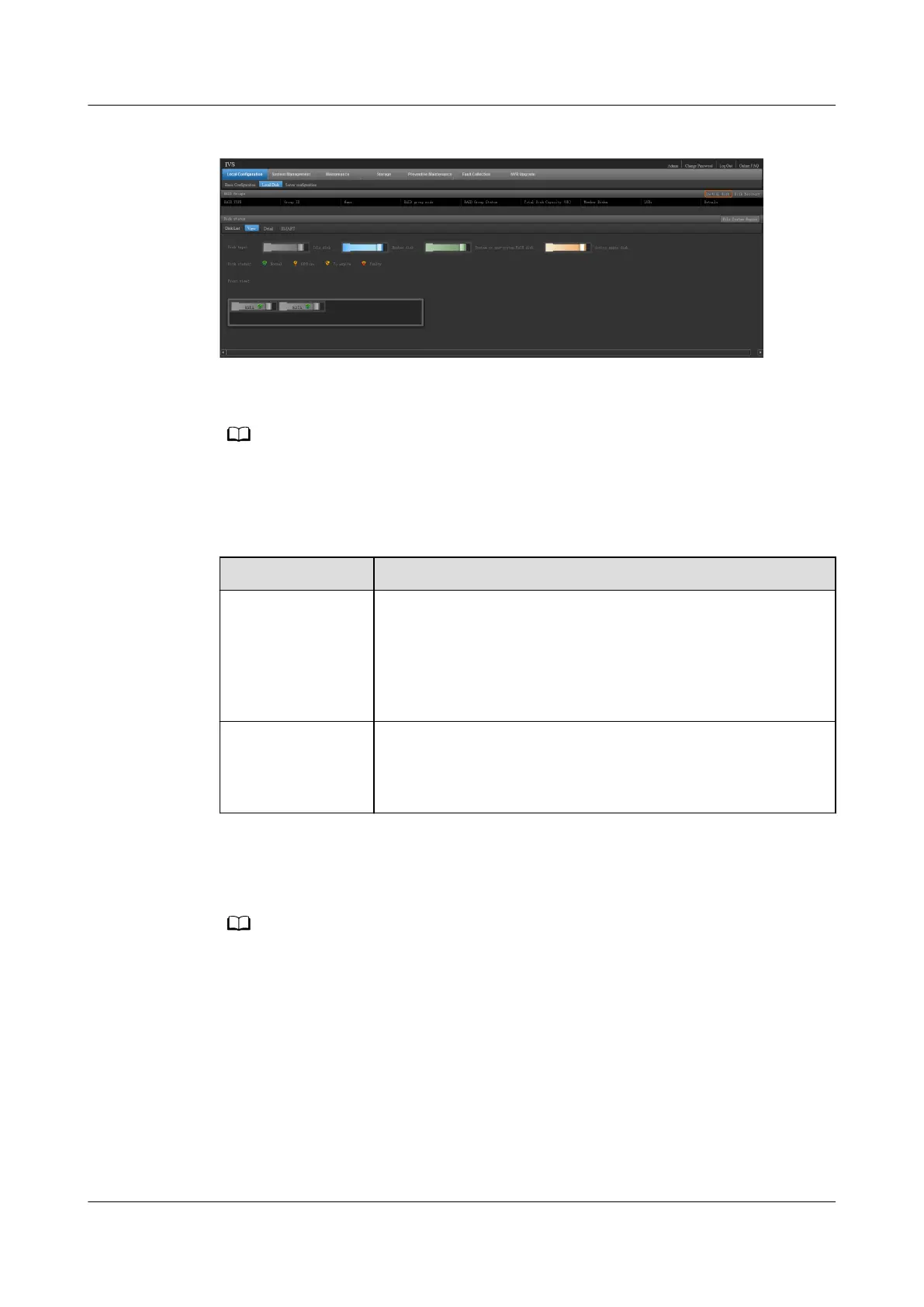
Figure 6-47 Initialize disks
Step 4 Choose whether to create a RAID group. To set disks as a RAID group, select
RAID1. To set disks to work independently, select NON-RAID.
The VCN510 supports only RAID1 or NON-RAID. If only one disk is congured, the VCN510
supports only NON-RAID. This document assumes that two disks are congured for the
VCN510.
Table 6-31 Disk modes
RAID Mode Description
RAID1 Two disks are required in RAID1 mode. If RAID1 is used,
disks back up each other. After recording data is stored in a
disk, the data will be simultaneously backed up to another
disk, ensuring high data storage reliability. However, the
disk usage of RAID1 is lower than that of disks that work
independently.
NON-RAID If disks work independently, recording data is stored into
two disks in sequence, ensuring high disk usage. However,
the data storage reliability of disks that work independently
is lower than that of RAID1.
Step 5 Click Start. A risk warning is displayed.
Step 6 Click OK. The system starts to initialize the disks.
The server will be restarted during the initialization of disks. The process takes about 5 to
10 minutes.
----End
Verication
Step 1 Choose Local Conguration > Local Disk.
Step 2 View the RAID group status in the RAID Groups area.
If RAID1 is selected for the disks, RAID1 is created for both the system partition
(used to store system data) and data partition (used to store recordings).
ECC800 Data Center Controller
User Manual (for ECC800-Pro) 6 Feature Description
Issue 02 (2020-09-07) Copyright © Huawei Technologies Co., Ltd. 180



 To Next Page