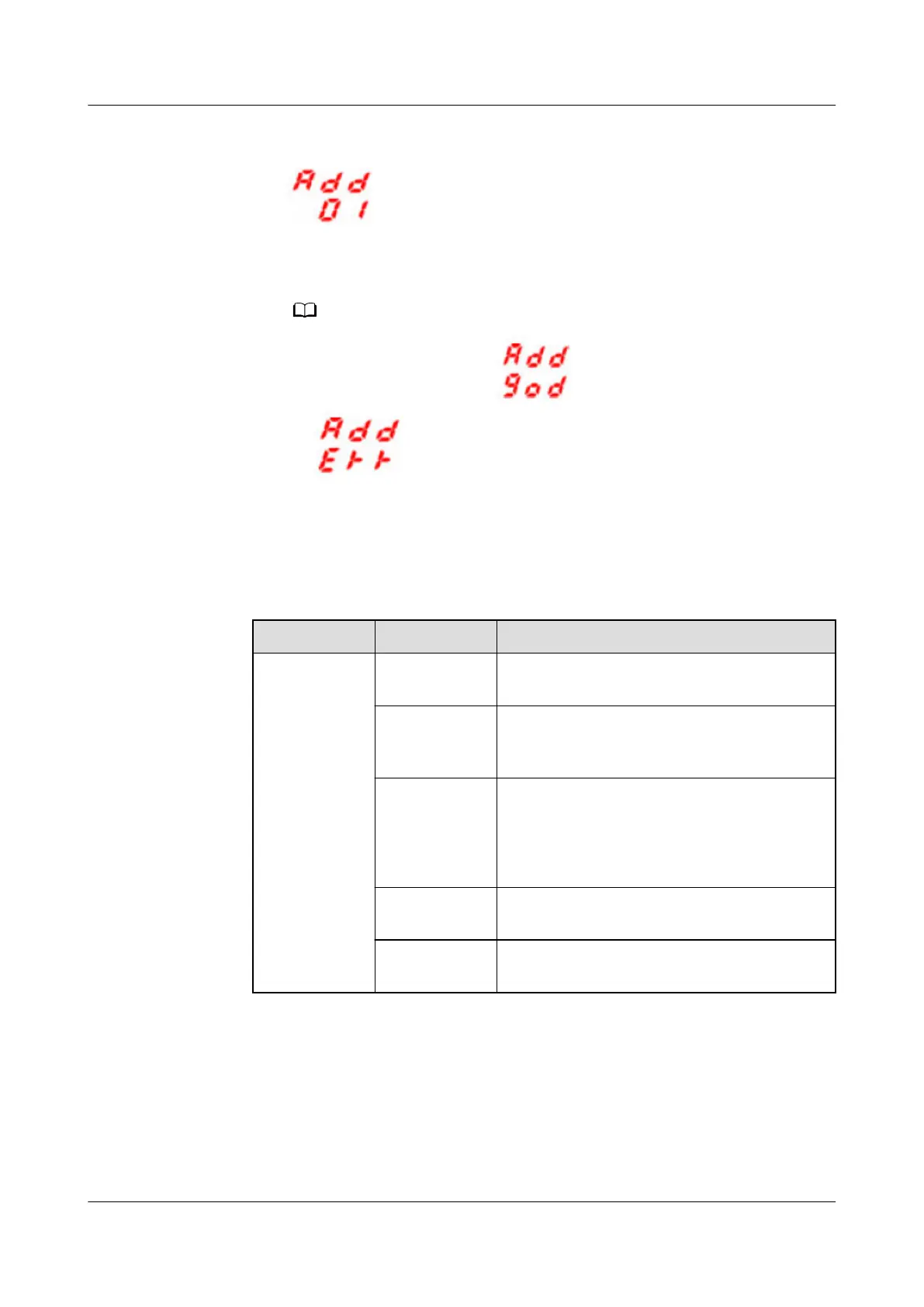
Figure 5-12 PDU2000-M (H) communications settings
– Press DOWN and UP to select the address to be set.
– Press MENU to
conrm the settings.
If modication is successful, is displayed: If modication fails,
is displayed:
Step 2 Add a PDU2000.
1. Log in to the ECC800-Pro WebUI as an administrator.
2. Add a PDU2000.
Table 5-13 Adding a PDU2000
Path
Parameter Setting
Choose
System
Settings >
Device
Management
and click Add
Device. The
parameters
for adding
devices are
displayed.
Device
attribute
Select PDU from the drop-down list box.
Device Type Select PDU2000-M (C) or PDU2000-M
(H) from the drop-down list box based on
the actual device.
Connect To Select ETH Actuator1 from the drop-down
list box.
NOTE
The setting example indicates that the
PDU2000 is connected to the ETH Actuator1.
Communicati
ons Port
COM1/COM2
Device
Address
Enter the actual device address of the
PDU2000.
3. Click Test Connect to check whether the PDU2000 connects to the ECC800-
Pro properly.
– If the connection succeeds, click
Conrm. The connected devices are
displayed in the Number of connected devices list.
ECC800 Data Center Controller
User Manual (for ECC800-Pro) 5 Power-On Commissioning
Issue 02 (2020-09-07) Copyright © Huawei Technologies Co., Ltd. 122



 To Next Page