Table 6-19 IP address planning
Device Internal IP Address External IP Address
Camera Example: 192.168.248.50; range:
192.168.248.50–192.168.248.199
Camera external IP
address
NOTE
The 192.168.246.X
network segment
cannot be set.
VCN Example: 192.168.248.51; range:
192.168.248.50–192.168.248.199
VCN external IP
address
NOTE
The 192.168.246.X
network segment
cannot be set.
Procedure
Step 1 Log in to the camera web system and enable ONVIF.
1. Remove the network cables that connect the smart ETH gateway to the LAN1
and LAN2 ports on the ECC800-Pro.
2. Use a network cable to connect the PC to the PoE port on the smart ETH
gateway. Then, set the local IP address of the PC to 192.168.0.11.
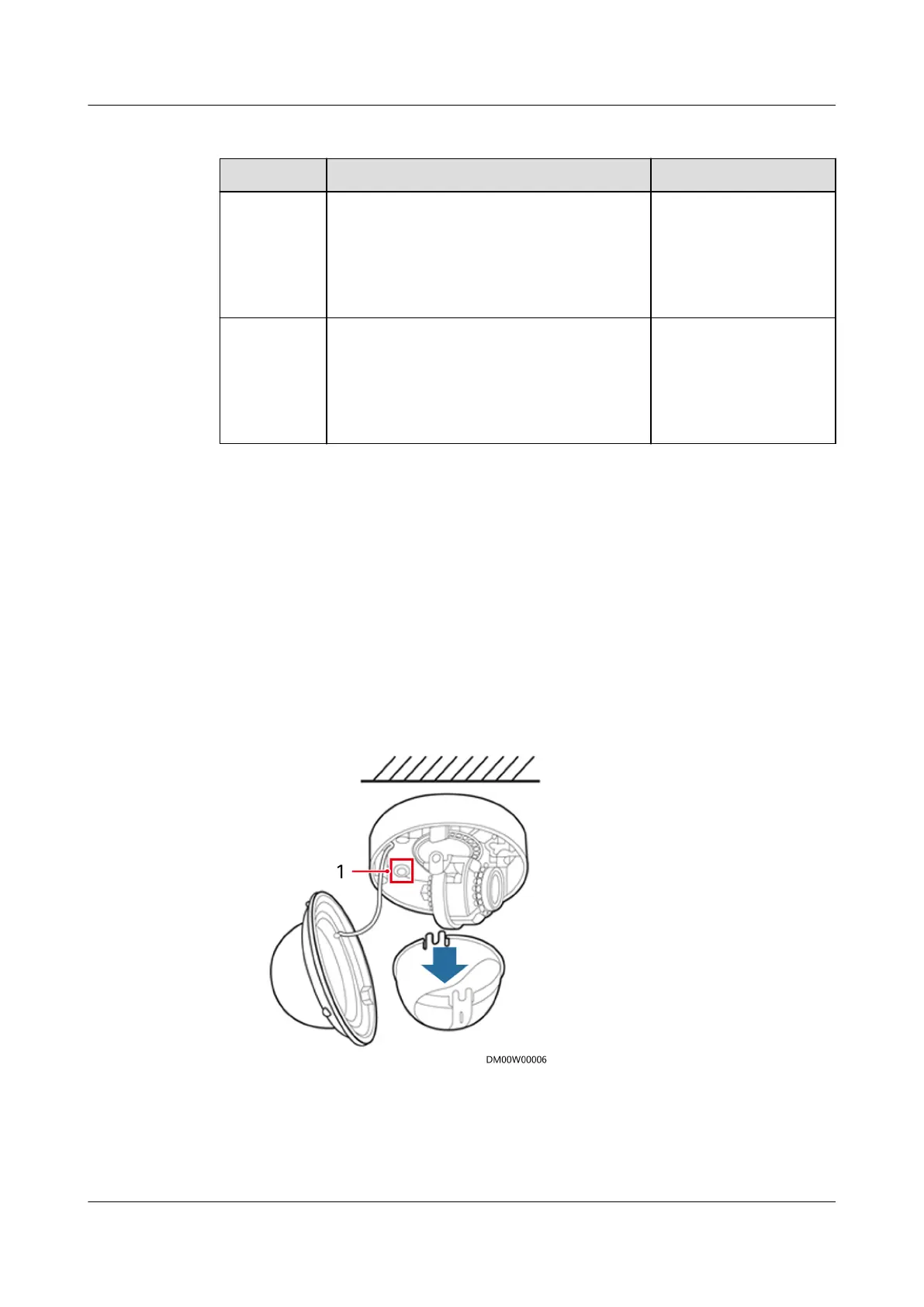
3. Remove the camera shell and press the reset button for 6s to 10s to restart
the camera.
Figure 6-10 Reset button
(1) Reset button
4. Enter https://192.168.0.120 in the address box of a browser, press Enter,
enter the default user name admin and preset password HuaWei123, and
click Login. The camera WebUI is displayed.
ECC800 Data Center Controller
User Manual (for ECC800-Pro) 6 Feature Description
Issue 02 (2020-09-07) Copyright © Huawei Technologies Co., Ltd. 145



 To Next Page