Procedure
Step 1 Change the login password.
1. Log in to the ECC800-Pro WebUI as an administrator.
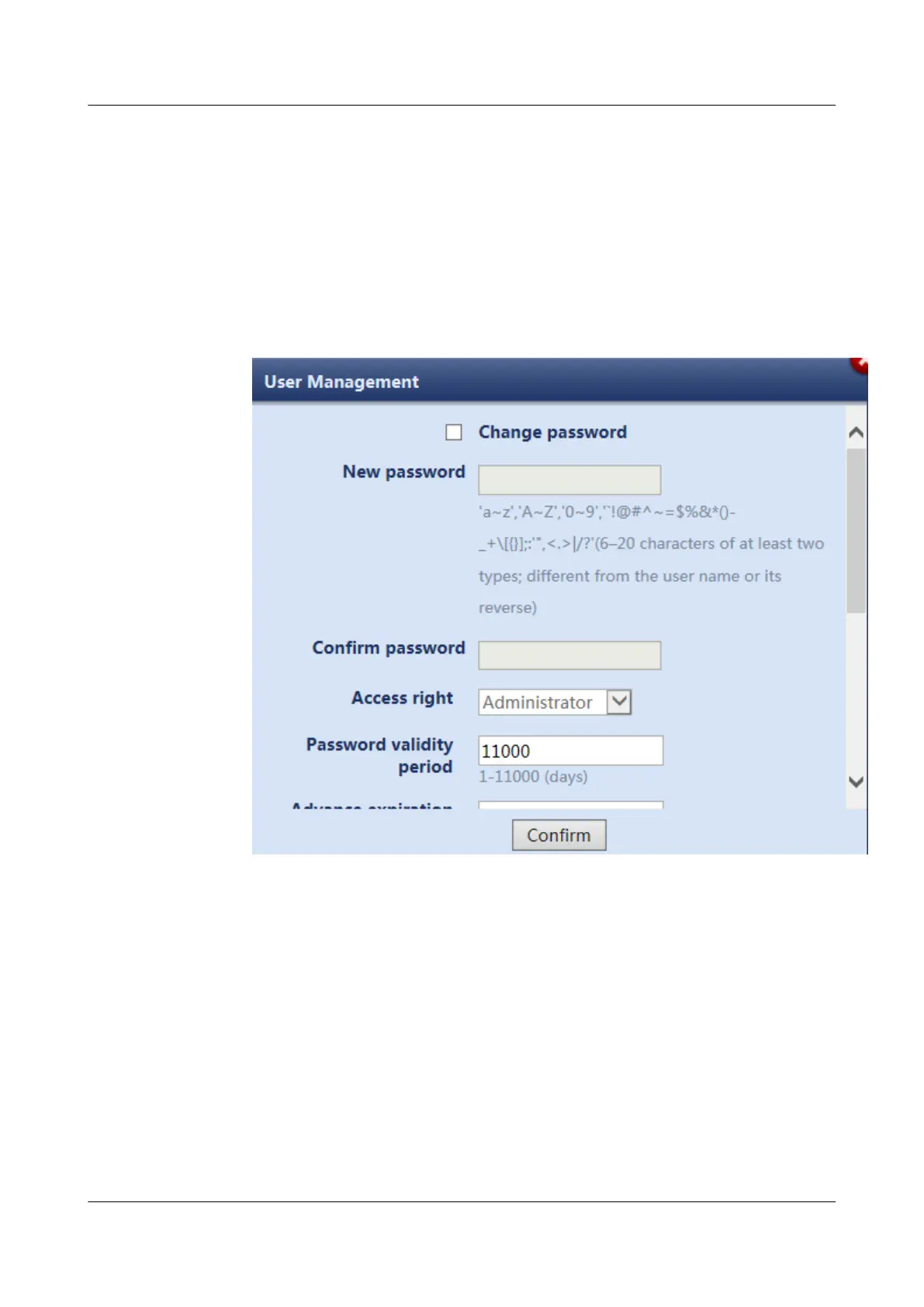
2. Choose Maintenance > User Management. The user management page is
displayed.
3. Choose the user to be
modied and click Modify. Reset the login password on
the displayed page.
Figure 8-2 Changing the login password
4. Modify Advance expiration notication (days) and Timeout Interval for
the password.
5. Select password retrieval modes.
ECC800 Data Center Controller
User Manual (for ECC800-Pro) 8 FAQ
Issue 02 (2020-09-07) Copyright © Huawei Technologies Co., Ltd. 257



 To Next Page