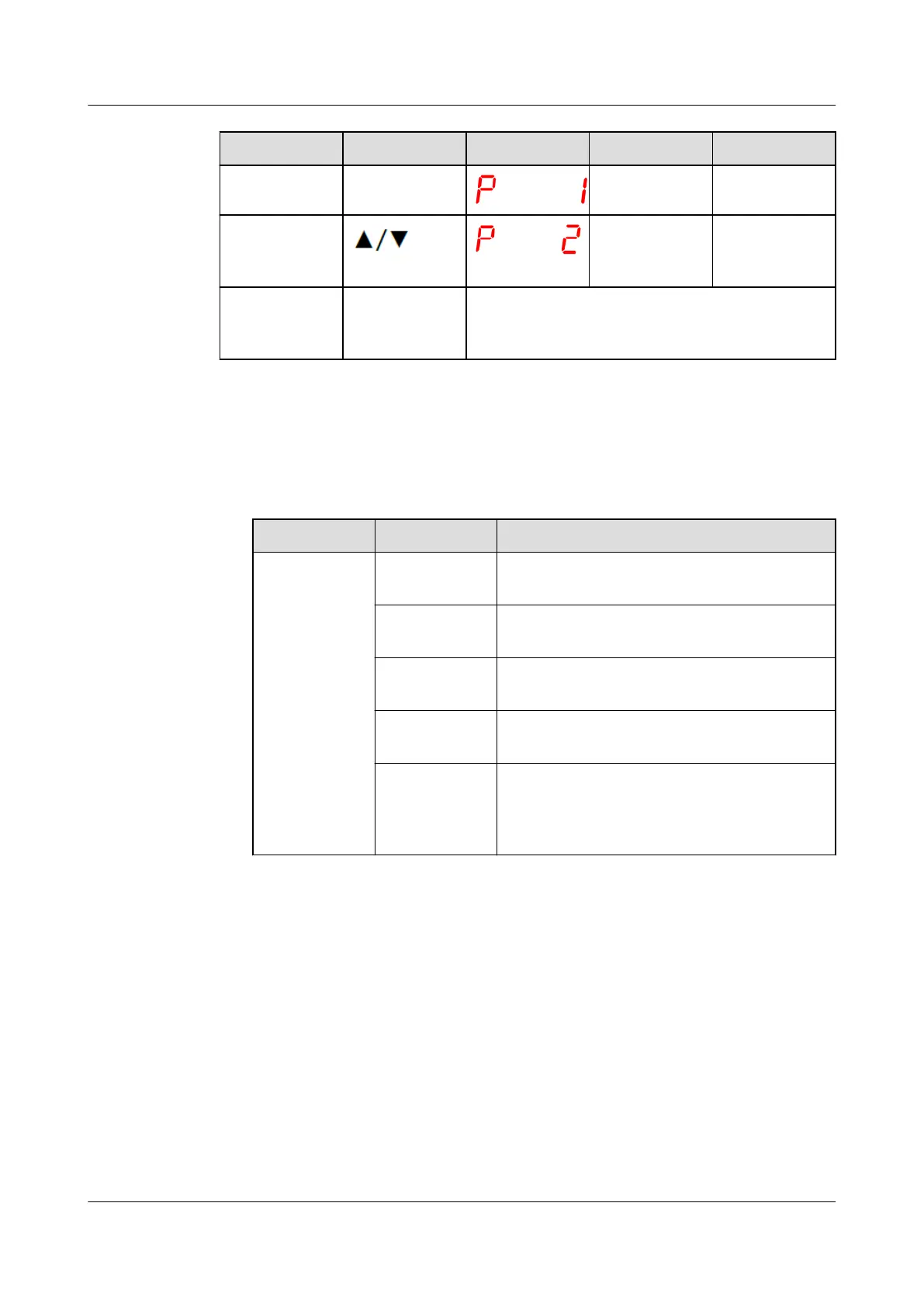
Procedure Button Display Description Range
5 SET 1: address /
6 Set this
parameter as
required.
1–247
7 SET The temperature controller exits the
communication address setting state and
returns to the temperature display state.
Step 2 Add a transformer.
1. Log in to the ECC800-Pro WebUI as an administrator.
2. Add a transformer.
Table 8-6 Adding a transformer
Path Parameter Setting
Choose
System
Settings >
Device
Management
and click Add
Device. The
parameters
for adding
devices are
displayed.
Device
attribute
Select Transformer from the drop-down
list box.
Device Type Select Transformer_LD-B10 from the
drop-down list box.
Connect To Select ECC800 from the drop-down list
box.
Communicati
ons Port
Select COM1 from the drop-down list box.
Device
Address
In this example, Device Address is set to 1.
During actual conguration, set the device
address for the transformer based on the
actual situation.
3. Click Test Connect to check whether the transformer is properly connected to
the ECC800-Pro.
– If the connection succeeds, click
Conrm. The connected devices are
displayed in the Number of connected devices list.
– If the connection fails, check whether the device is properly connected to
the ECC800-Pro, whether the device and ECC800-Pro are running
properly, and whether the parameter settings are consistent with the
device parameters.
----End
ECC800 Data Center Controller
User Manual (for ECC800-Pro) 8 FAQ
Issue 02 (2020-09-07) Copyright © Huawei Technologies Co., Ltd. 269



 To Next Page