Context
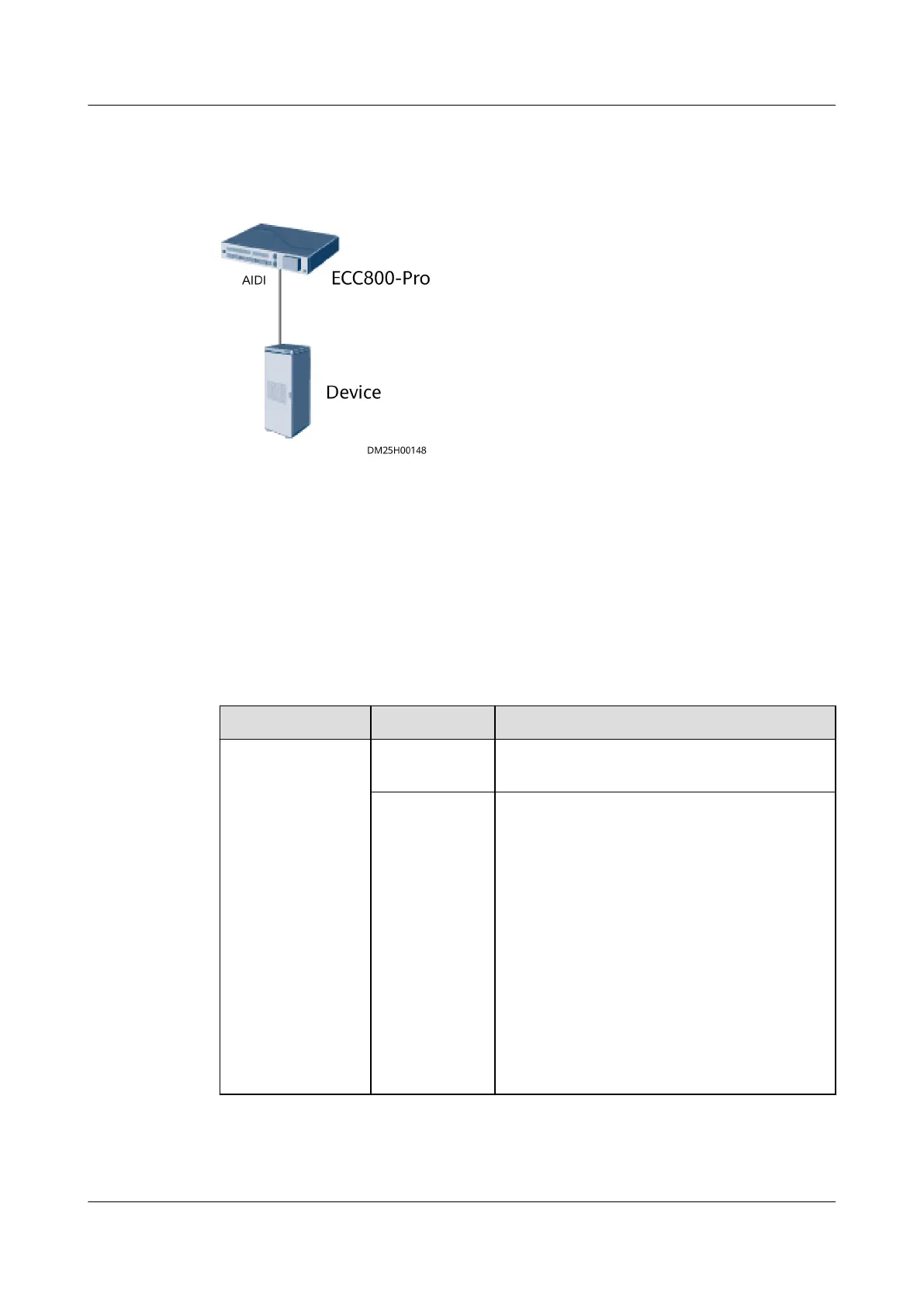
Figure 8-35 Network diagram
The AI/DI_1, AI/DI_2, and AI/DI_3 ports on the ECC800-Pro can be automatically
identied by devices, but the AI/DI_4 and AI/DI_5 ports cannot be automatically
identied.
Procedure
Step 1 Log in to the ECC800-Pro WebUI as an administrator.
Step 2 Add the device.
Table 8-50 Parameter description for adding a device
Path
Parameter Setting
Monitoring >
System > ECC800
> Running
Parameters > AI/
DI_3 Port
Settings
NOTE
The setting
example indicates
that the device
connects to the
AI/DI_3 port on
the ECC800-Pro. If
the device
connects to
another port,
enter the number
of the connected
port.
AI/DI_3
sensor
Select Enable and click Submit
AI/DI_3
sensor type
Select the type of the device to be accessed
from the drop-down list box.
NOTE
Devices except the normally open devices,
normally closed devices, door status switch, and
water sensor (electrode-type) can be
automatically
identied after they are
connected.
ECC800 Data Center Controller
User Manual (for ECC800-Pro) 8 FAQ
Issue 02 (2020-09-07) Copyright © Huawei Technologies Co., Ltd. 334



 To Next Page