G1E Programming Manual
85
05. Voice Mail Call Forward Protocol Selection and Muting Leading Digits :
This parameter selects between Standard Voice Mail Call Forward Protocol and the Enhanced Protocol.
For a full description of Voice Mail Protocol see Mode 05-10.It will also set the muting of the leading
digits
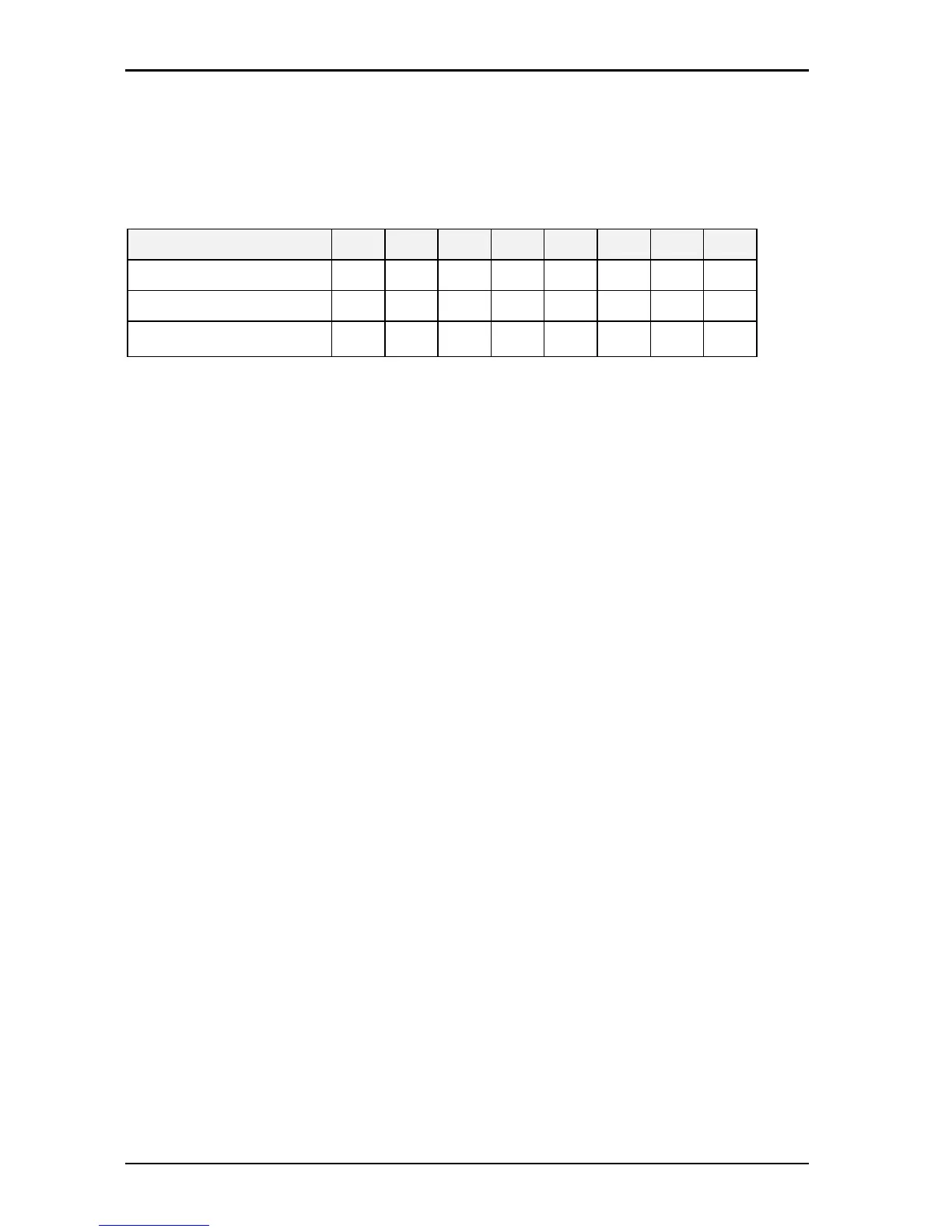
Setting Value
0 1 2 3 4 5 6 7
VMS Leading Digit Type
Short Long Short Long Short Long Short Long
Mute Leading Digit
No No Yes Yes No No Yes Yes
Leading Digit for Auto
Attendant (VMS)
No Yes No Yes No No Yes No
“Short” type: Use the Leading Digit programmed in program 05-10.
“Long” type: Use 10 Leading Digits.
“Mute Leading Digit”: The caller will not hear the DTMF signal during the transmission of leading
digits.
System will occupy the last intercom link for this feature.
Related System Programming Mode: 05-10, 43-cn-03, 50-ST-05
06. Linear/Circular Trunk Group Access:
If this parameter is set to 0 then line selection will be the first available trunk in the users dial (9-0) group.
If the parameter is set to 1 then the lines will be selected in a Circular fashion till all lines have been used
and then the selection will start again. Do NOT use Circular with PSTN lines unless there is a very good
reason as call collision will result.
0 = Linear 1 = Circular.
07. LED indication of Check in / Check out:
This parameter disables or enables the LED indication for Check in/Check out features for the DSS
consoles and DSS Keys.
0 = Disable 1= Enable
The LED indications are as follows:
Red and slow flash: If the Reception has checked out an extension, the LED for extension will
slow flash red.
Green: When the checked out extension’s room has been cleaned by the
cleaner(maid), they can dial [776] from the phone and hang up. The LED for
that extension will go Green. This means the room is ready for a new guest.
Red: The room is checked in and the phone is in use.
Off: The room is checked in and idle.
08.Reserved:



 To Next Page