PC Upgrade process for G1E/G1E+ Software
Procedures for upgrading G1E/G1E+ software via PC:
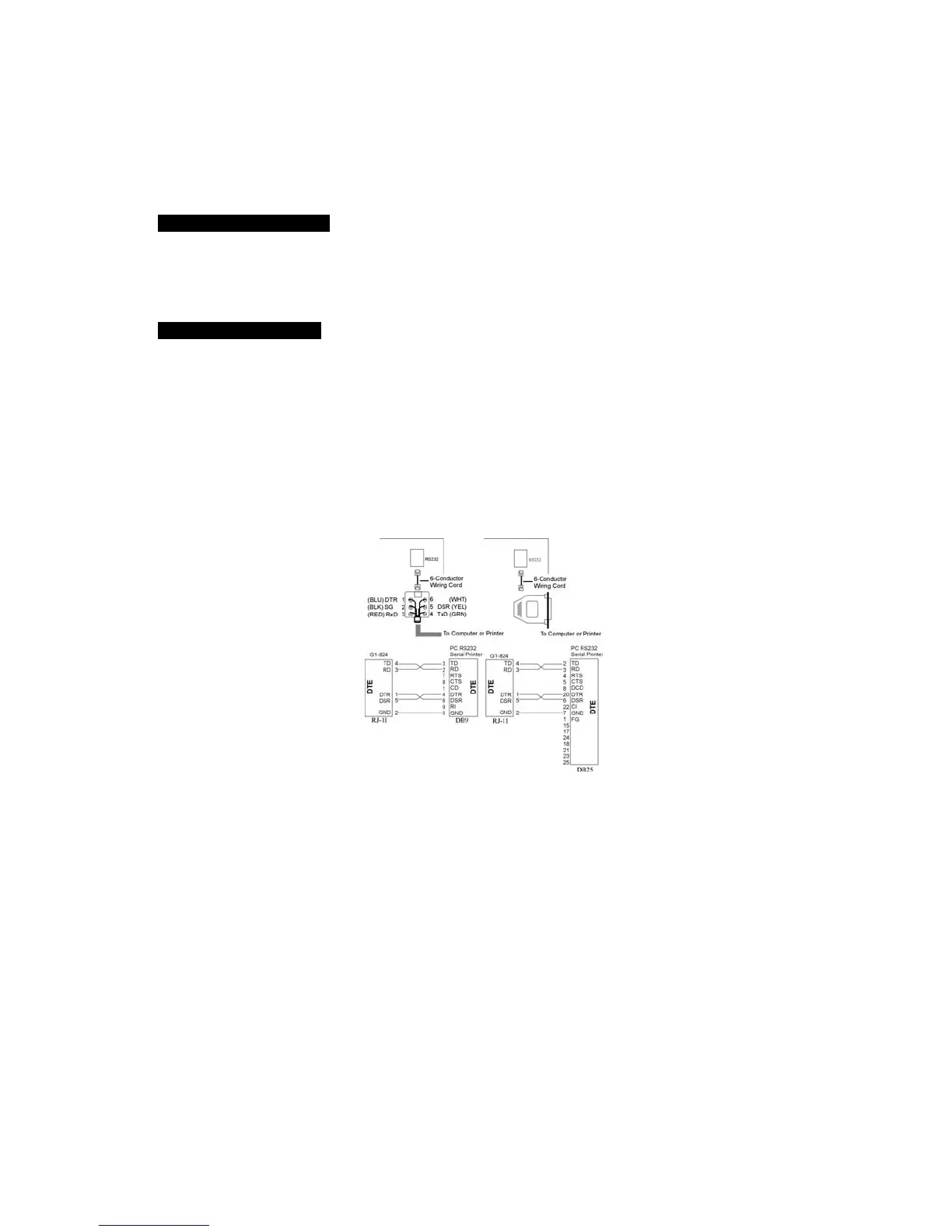
Hardware requirements –
1. Personal Computer
2. 6 Wire Line cord and RJ to DB9 Adapter
Software requirements –
1. Winloader.EXE (G1-Programming Software – Windows Version)
1. Start Winloader.
2. Connect the RS232 cable from G1E MSU card or from G1E+ MBU RS232 connector to
PC using RJ-11 to DB9 Female connector to PC COM port .



 To Next Page