38 Issue 3.3.2 / April, 2011
Installing G1E-AMS (Future)
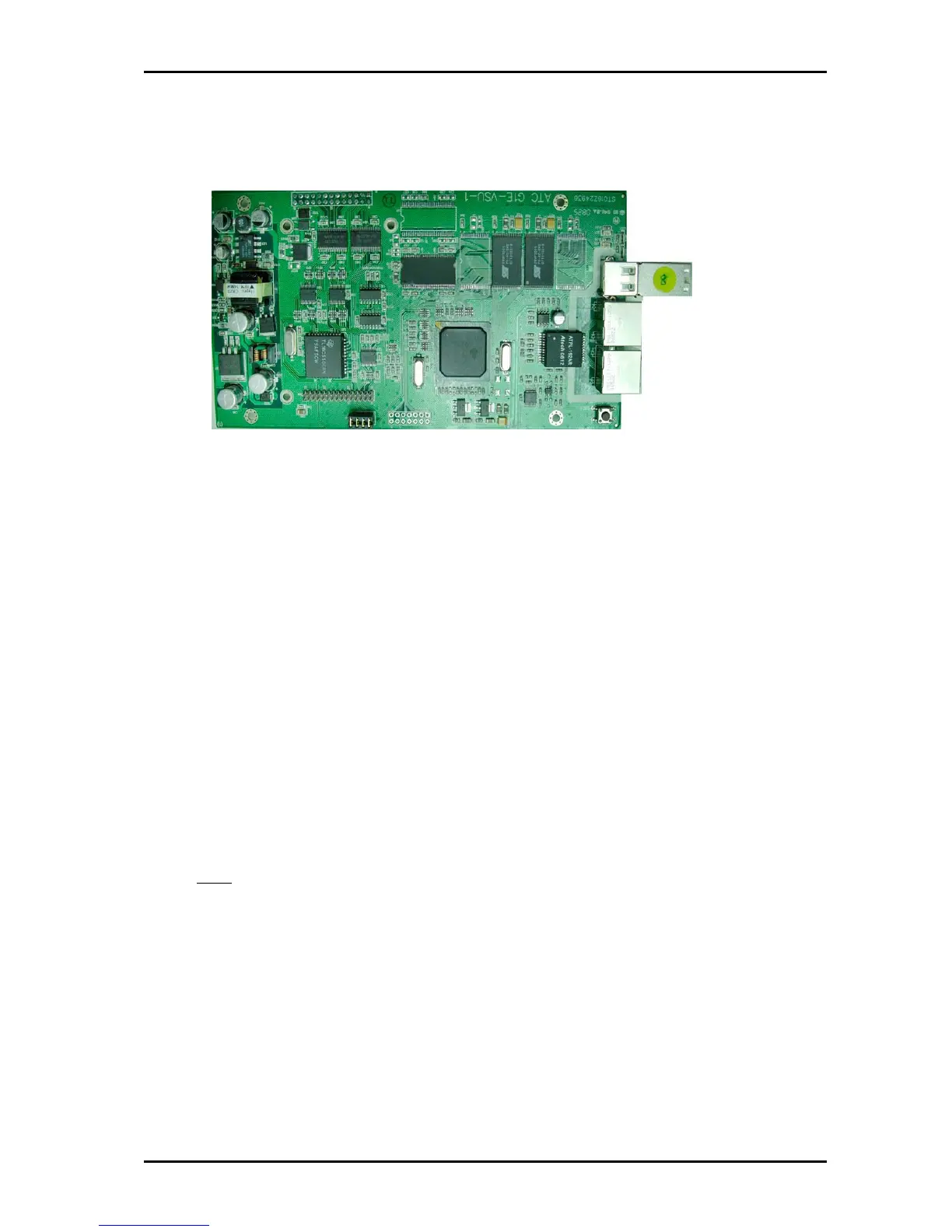
Installing the G1E-AMS card
z The G1E-VSU card must be installed on a G1E+ that is fitted with an G1E-MPU4 only.
z Power off the system
z Make sure the CN6 (Mark 1 above) is aligned correctly (the four brass spacers will be aligned on
the exact position for fastening screws ) and then push the VSU firmly onto the motherboard.
z Power On the system.
G1E+-AMS Quick Setup
Step 1: How to access the IPP?
There are two ways to access IPP: Through a Crossed LAN cable or Normal RJ45 cable. Use
the crossed LAN for direct connection to a PC. If the IPP is already installed on the customer
network then it is better to use the customers PC for programming or connect your laptop to the
customers network. .
Step 2: Default value of IPP?
IP Address: 10.10.10.6
User name: ADMIN (Upper case)
Password: 1234
Note:
1. If IPP has not been installed, you can use a cross LAN cable to access it by the default IP
Address.
2. If IPP is installed to customers network you need to ask the system administrator the IP
address.
3. If you can access GDS/TDS system, there is a special screen on the GDS/TDS system to
show you the IPP’s IP address. Refer to “FAQ about IP products”
In the G1E plus IP system, press [6] to see the system version information and then press [6] again to
see the IP address.



 To Next Page