Power on system or if system is on press the reset button on the MBU
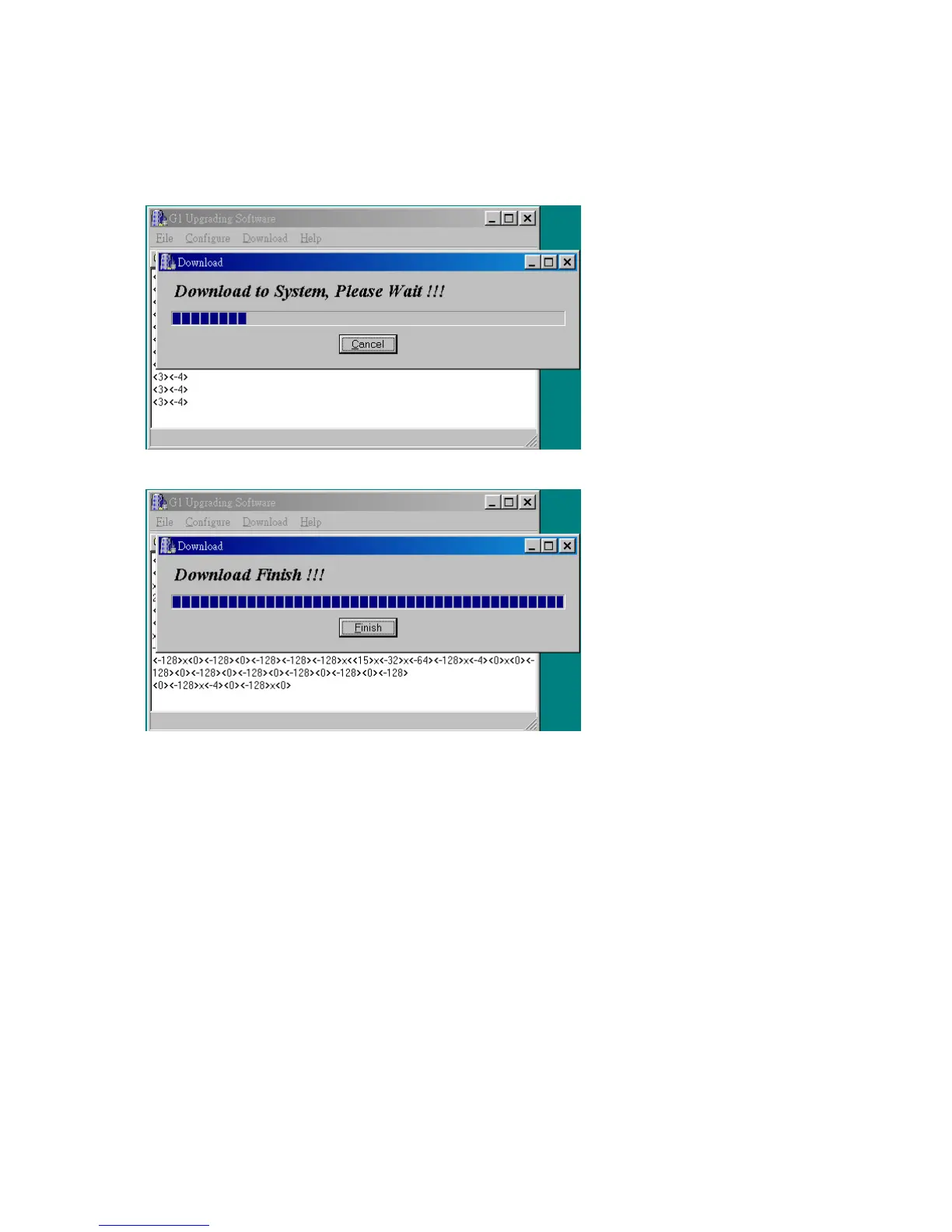
Select [Download] to start the upgrade.
9.
11.
Upgrade Successful, press [Finish] to exit Winloader.exe and disconnect the cable.
If you leave the cable connected and the program open the G1E will not restart if for some
reason you turn it off and back on again.



 To Next Page