G1E Programming Manual
55
z
Remote Programming using a modem and the system manager at the
Dealers site and an Modem at the customers site.
By using this feature, a user can call the dealers service personnel and allow them to access the
programming and make changes from the dealers office via Modem. The users system must have
SMDR and a Modem and a spare analogue port to connect to the Modem.
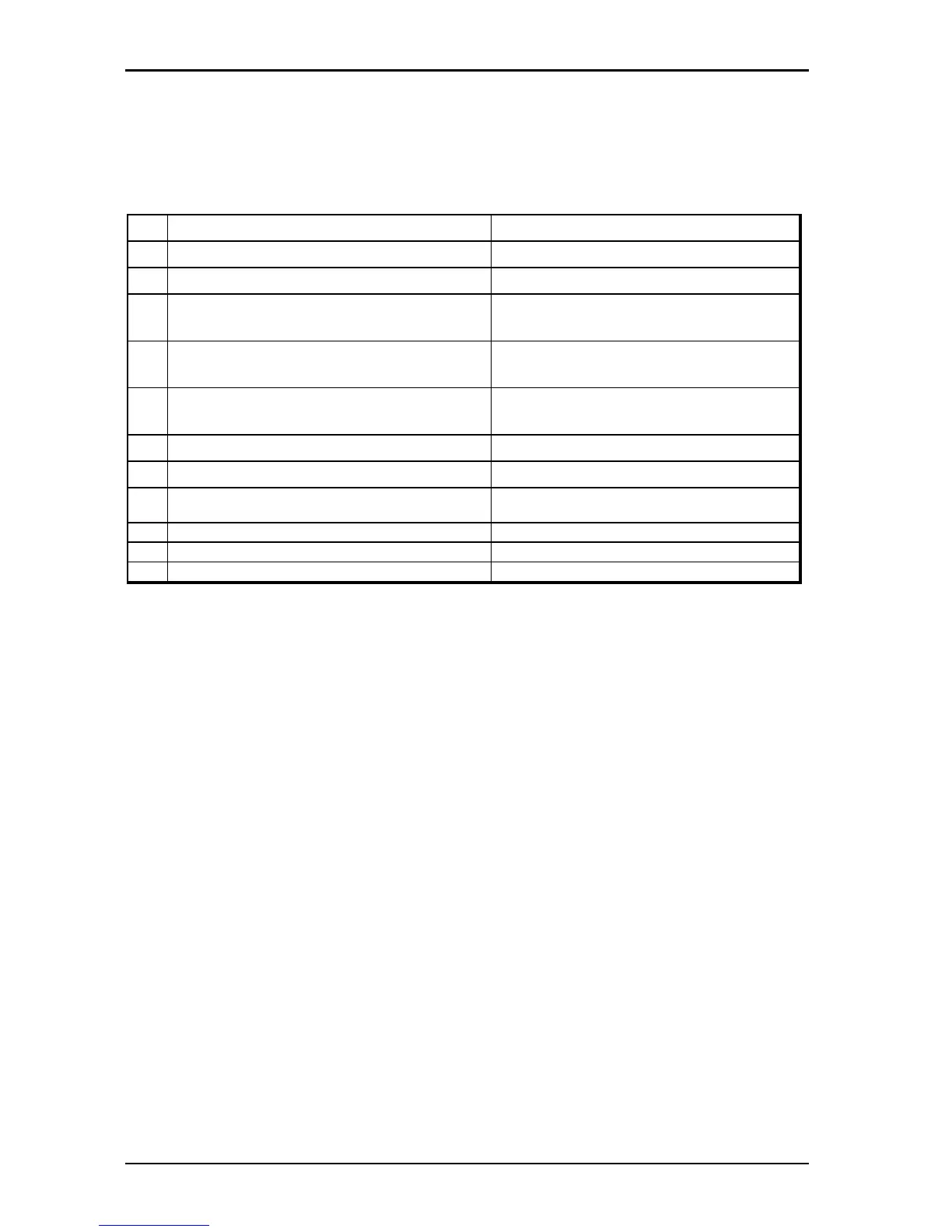
The Procedures are as per the following Table.
Customer's Location Service Centre
1 Call the Service Centre for help.
2 Answer the call from the Customer.
3 Guide Customer to allow the dealer into
remote programming.
4 Press [SPD][prog],[*],[Stn Number of modem}
[Hang up the handset].
5 The LCD will display Remote Programming
Message.
6 Wait recall from the Service Centre.
7 Press Connect on SM5
8 Use System Manager to upload/download
/modify and download the Customer's data.
9 Use System Manager to recall the Customer.
10 Switch the conversation back to telephone.
11 Answer the recall.
-- VMC Software upgrades -Local --
1.Install a VMC card in A system
2.Key phone operation 「COPY flash memory data to CF card」 ( System Auto Attendant stops)
3.LCD display "XXXX Ready! "(xxxx = 0000~26FF) After 11 minutes power off and retrieve the VMC.
4.Go to customer site
5.Power off B system install VMC card
6.Power on B system
7.Key phone operation 「COPY CF card data to flash memory」
8.LCD display "XXXX Ready! " (xxxx = 0000~26FF)
LED 1 will quick flash when finished, around 1 minute then power off system and take off VMC card
9.Power on B system the customer has G1e-E02g version.
-- VMC Software upgrades - Remote --
1.Two systems have VMC card
2.Make call to customer site and ask customer to start 「Remote upgrade」
3.B system key phone operation 「Allow remote upgrade」
4.After 30 minutes LCD display "Remote Pgm " "XXXX Ready! " (xxxx = 0000~26FF)
5.B system starts working and has G1e-E02g version.



 To Next Page