2014-03-24
103
Symptom Countermeasures Related Parts
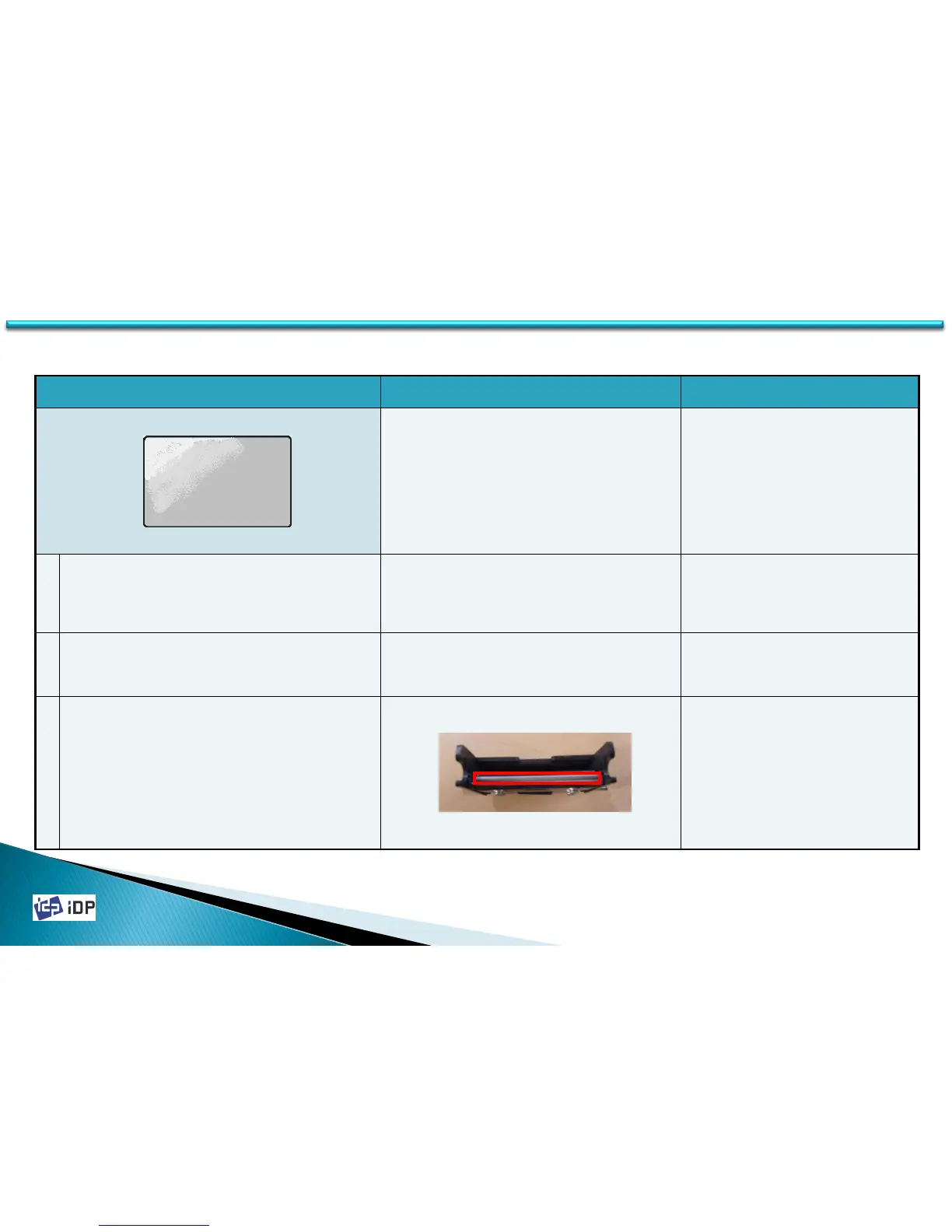
Pictures are not smooth or blurred
It can be happened when the printing density is set
too low. Increase the printing density value and if the
problem not solved, refer to the below
countermeasures.
※ Refer to the manual 4.1.3.2.
1 The card surface is not even and it have a faulty Check the card surface or change to the new card.
2 The color density is not proper Reset the printing density refer to the manual 4.1.3.2.
3 Thermal Print Head surface is contaminated
Clean the Print Head with the cleaning kit.
5.4 Printing Quality



 To Next Page