2014-03-24
104
Symptom Countermeasures Related Parts
If the color matching is wrong
It might be the problem of printing position. The image starting position
should be 0.5mm. If the problem is not solved, refer to the below
countermeasures.
※ Reset the position as manual 4.1.3.1.
1
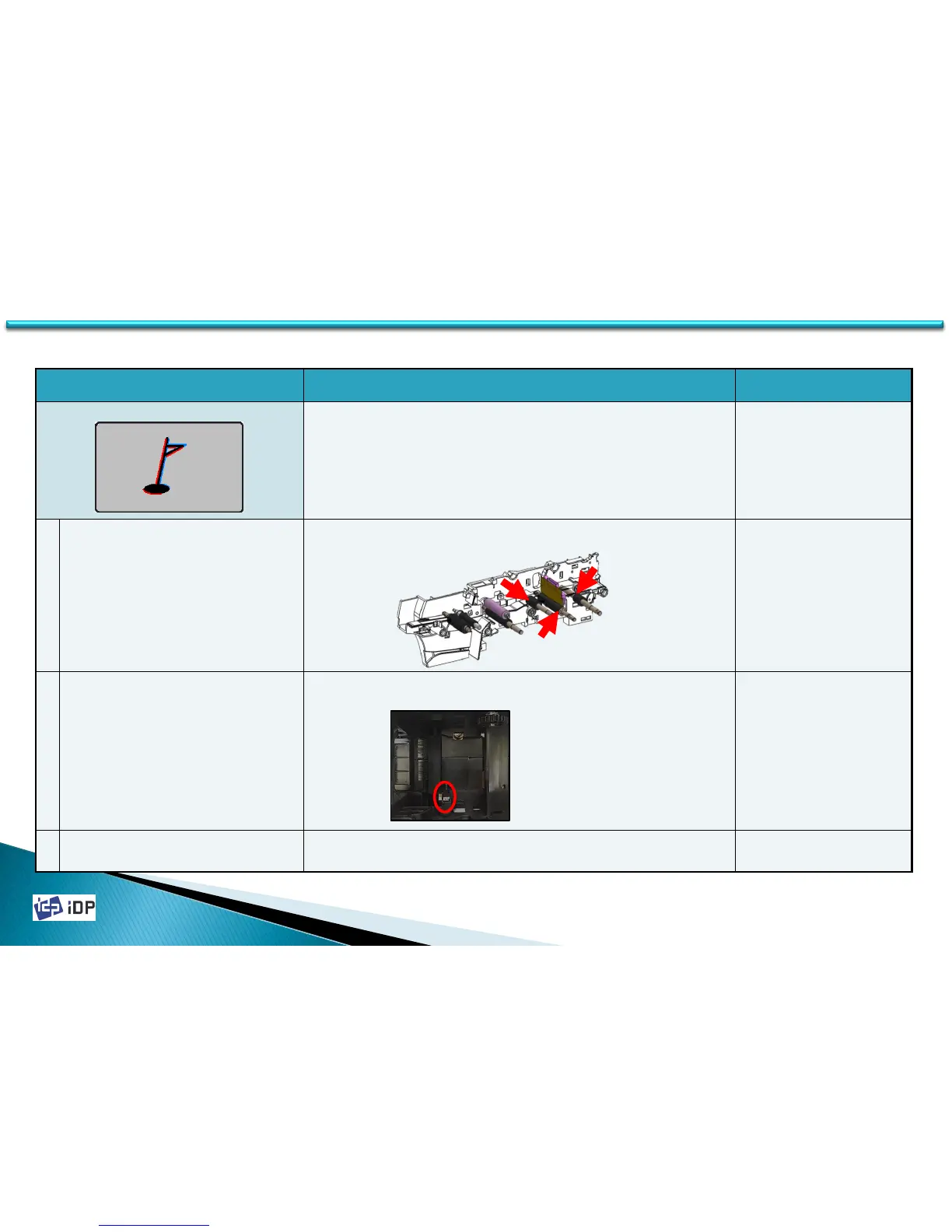
the movement and printing roller are
contaminated
Clean the surface of rollers which described as follows. The related rollers are
IC roller, Printing roller, MS roller.
2 the installation of the Card In sensor is bad
In case the installation of Card In Sensor is not good, the position can be
move. Please check the sensor’s condition.
3 Card In Sensor is bad
When the Card In Sensor is bad, it might be not set the correct position. The
Card In Sensor should be changed.
630110(SEN_POS_30
BD,SMART30,0.2)
5.4 Printing Quality



 To Next Page