removed to prevent electric shock. To disconnect power, unplug all power cords (one
for each power supply).
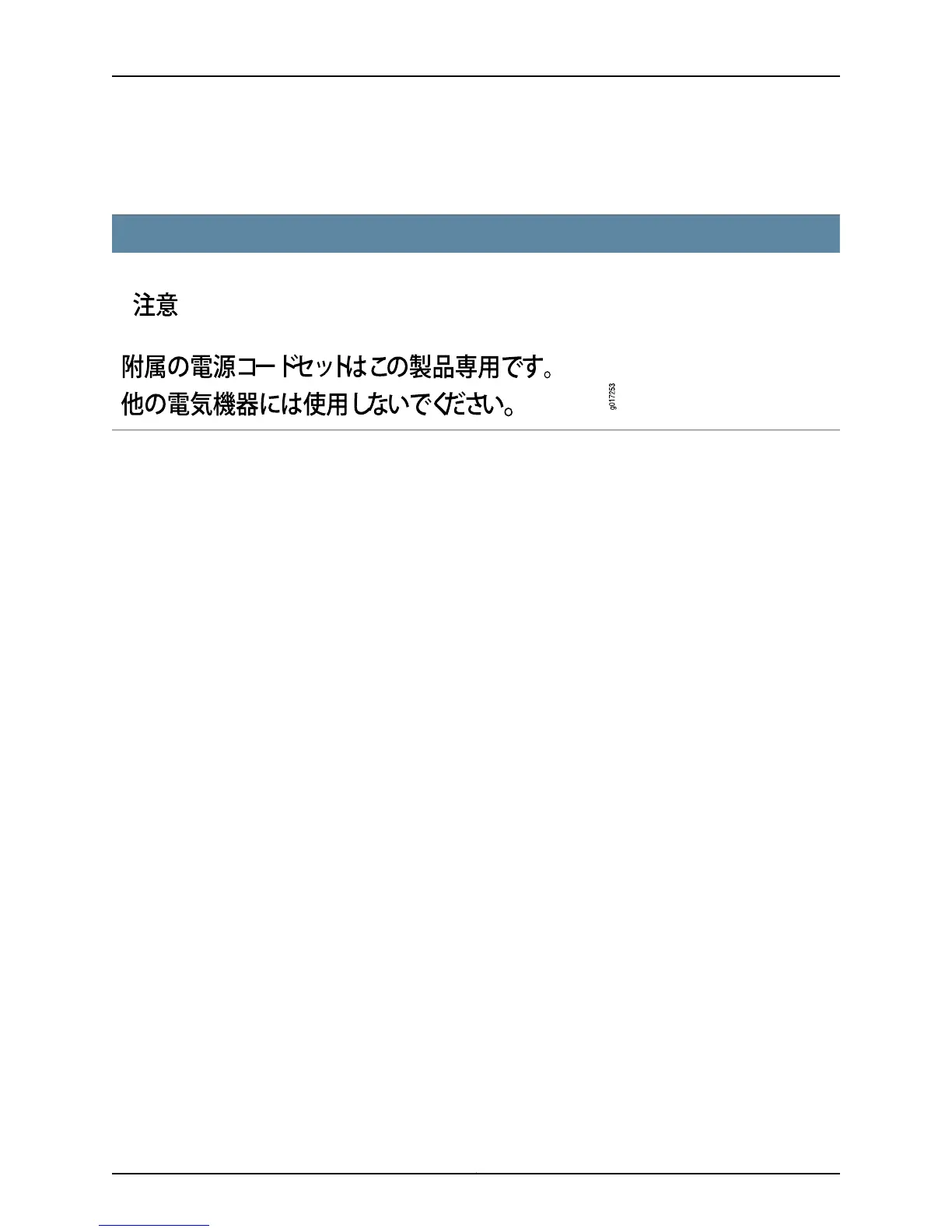
Power Cable Warning (Japanese)
WARNING: The attached power cable is only for this product. Do not use the cable for another product.
Related
Documentation
General Safety Guidelines and Warnings on page 253•
• General Electrical Safety Guidelines and Warnings on page 285
• Multiple Power Supplies Disconnection Warning on page 300
• Connecting AC Power to an EX2200 Switch
• Connecting AC Power to an EX3200 Switch
• Connecting AC Power to an EX3300 Switch
• Connecting AC Power to an EX4200 Switch
• Connecting AC Power to an EX4300 Switch
• Connecting AC Power to an EX4500 Switch
• Connecting AC Power to an EX4550 Switch on page 163
• Connecting AC Power to an EX4600 Switch
• Connecting AC Power to an EX6200 Switch
• Connecting AC Power to an EX8200 Switch
• Connecting AC Power to an EX9204 Switch
• Connecting AC Power to an EX9208 Switch
• Connecting AC Power to an EX9214 Switch
• Connecting AC Power to an XRE200 External Routing Engine
• Connecting AC Power to an OCX1100 Switch
• Connecting AC Power to a QFX3100 Director Device
• Connecting AC Power to a QFX3008-I Interconnect Device with Single-Phase Wiring
Trays
• Connecting AC Power to a QFX3008-I Interconnect Device with Three-Phase Delta Wiring
Trays
Copyright © 2015, Juniper Networks, Inc.290
EX4550 Switch Hardware Guide




 To Next Page