216 Keysight E4980A/AL Precision LCR Meter
Measurement Procedure and Examples
Capacitor Measurements
7-
2. Press the [Meas Setup] key and the CORRECTION softkey.
3. Move to the OPEN field by using the cursor keys and press the MEAS OPEN
softkey.
Wait until the message “OPEN measurement in progress” disappears.
4. Press the ON softkey to enable an OPEN correction.
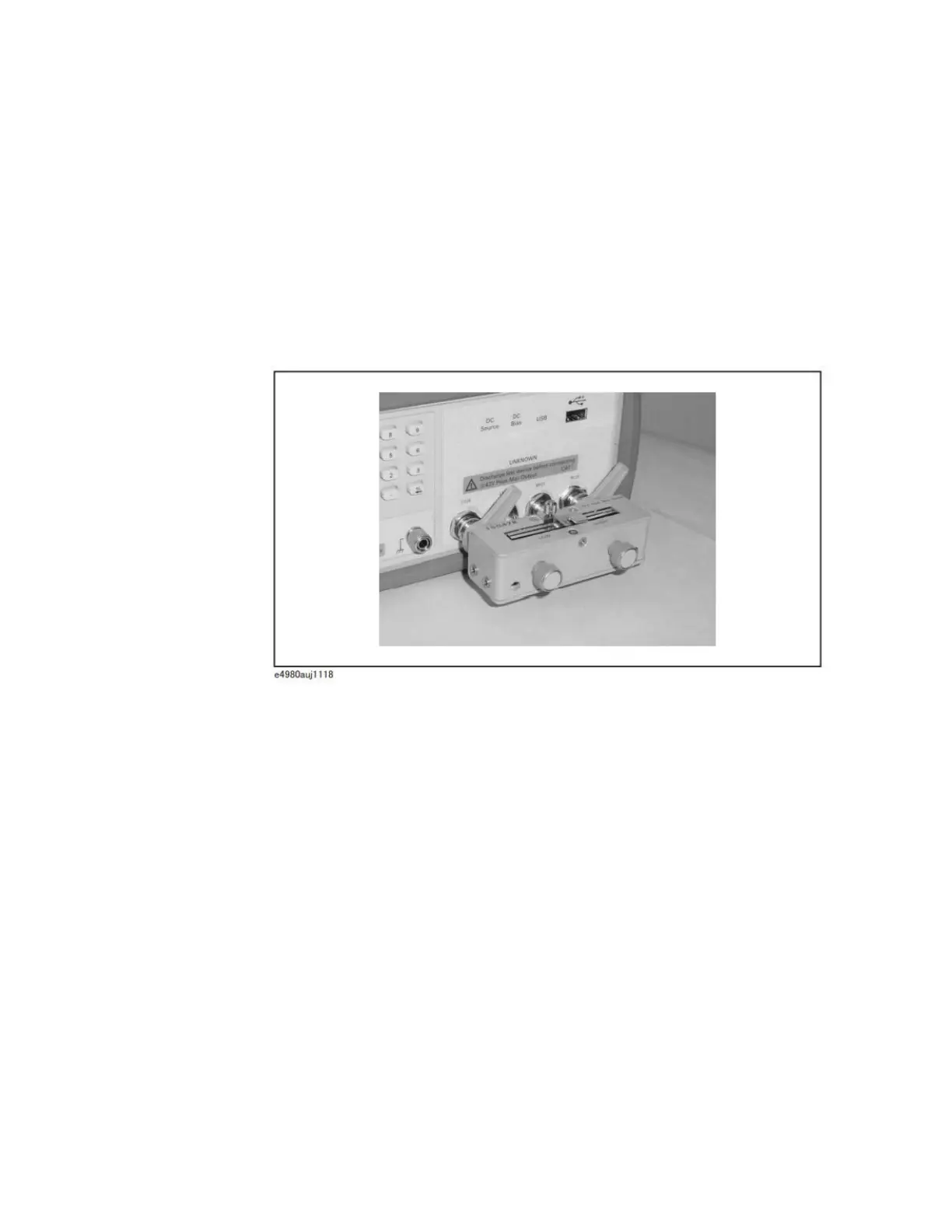
5. Connect a shorting bar to the Keysight 16047E to set up the SHORT
condition as shown in Figure 7-19.
Figure 7-19 Connecting a shorting bar
6. Move to the SHORT field using the cursor keys and press the MEAS SHORT
softkey.
Wait until the message “SHORT measurement in progress” disappears.
7. Press the ON softkey to enable a SHORT correction.
Step 5. Connect DUT to the test fixture as shown in
Figure 7-20











 To Next Page