153
Web Interface
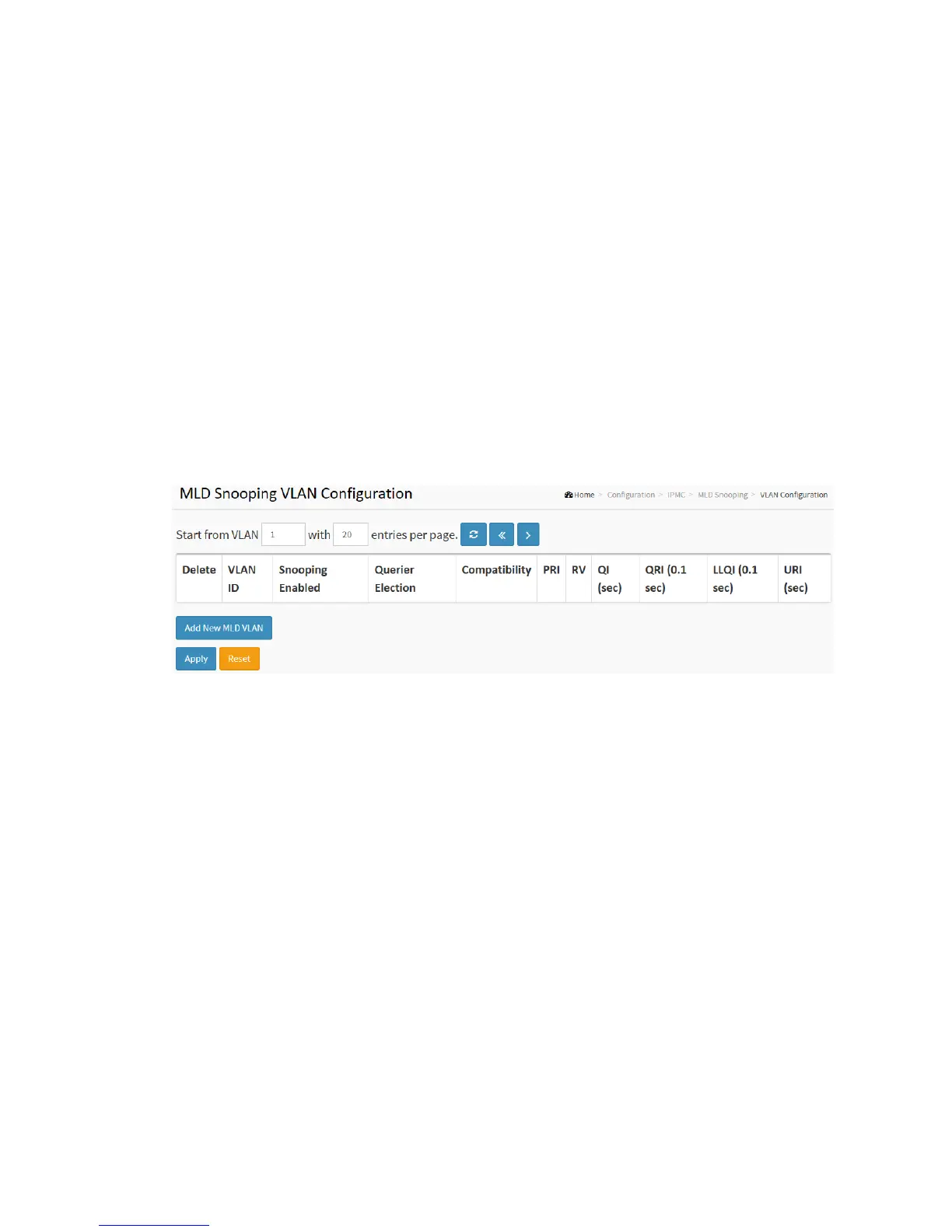
To configure the MLD Snooping VLAN Configuration in the web interface:
1. Click Configuration, IPMC, MLD Snooping, VLAN Configuration
2. Specify the VLAN ID with entries per page.
3. Click “Refresh” to refresh an entry of the MLD Snooping VLAN Configuration
Information.
4. Click “<< or >> “to move to previous or next entry.
Figure 2-12.2.2: The MLD Snooping VLAN Configuration.
Parameter description:
Delete :
Check to delete the entry. The designated entry will be deleted during the next
save.
VLAN ID :
It displays the VLAN ID of the entry.
IGMP Snooping Enabled :
Enable the per-VLAN IGMP Snooping. Only up to 32 VLANs can be selected. .
Querier Election :
Enable to join IGMP Querier election in the VLAN. Disable to act as an IGMP
Non-Querier.



 To Next Page