M A E D A Mini-Crawler Crane Section 4 –REMOTE CONTROL SYSTEM OPERATION
1/2019 MC285C-3 4-97
Powering ON
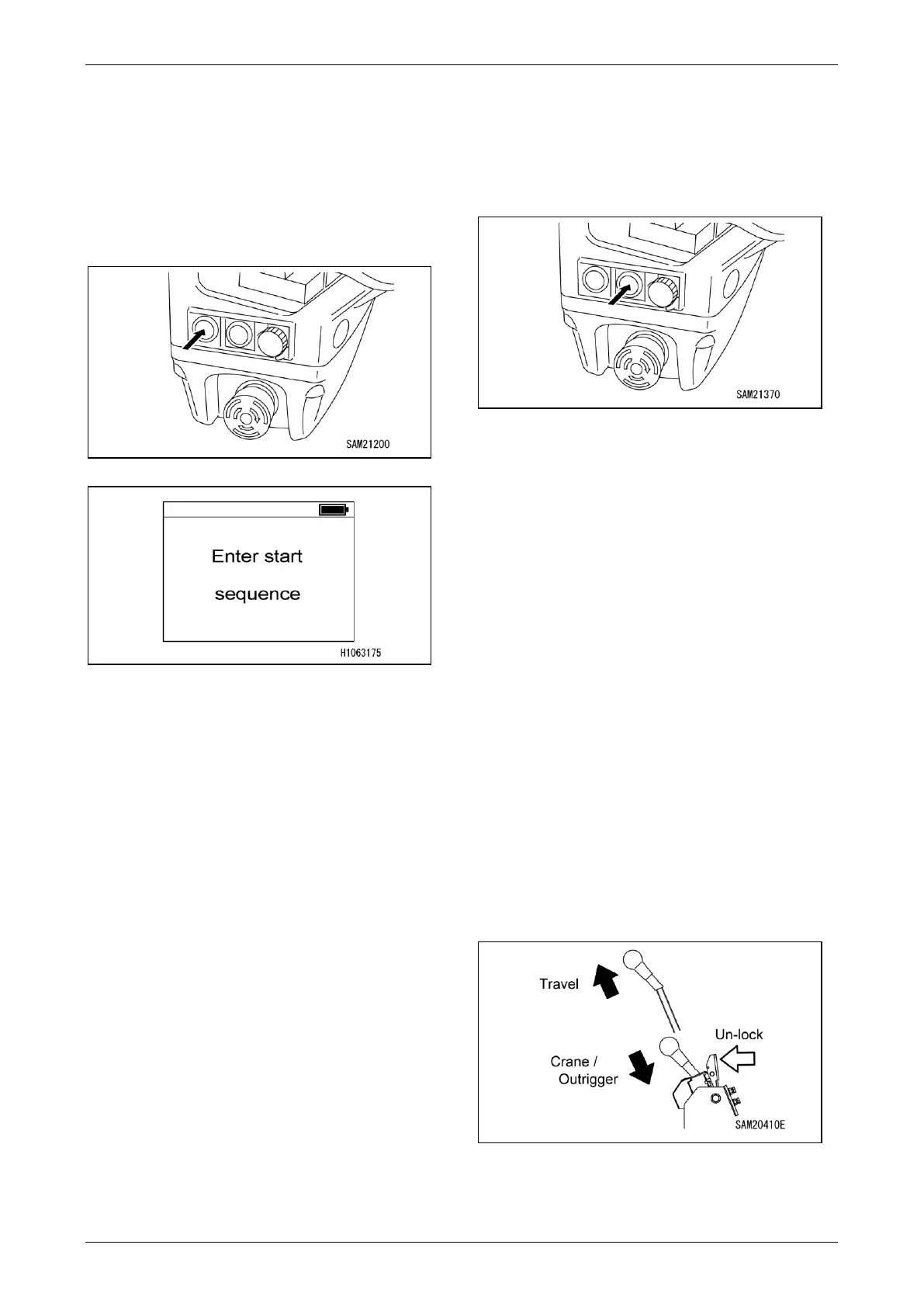
1. Press the Power Switch on the transmitter
and verify that the battery symbol at the top
left of the left-hand display flashes in green.
The remote control system is in standby
mode once “Enter start sequence” appears
on the right-hand display.
Fig. 4-254
Fig. 4-255
CAUTION: If the remote control system does
not power on, check the remote control
system for the following:
• Is the battery charged fully?
• Is the Emergency Engine Stop (EMO)/
Remote Control System Power OFF Switch
pressed?
NOTICE: When either of the following occurs in
standby mode, power will shut off:
• Any switch other than the Transmitter Power
Switch is pressed
• No action is performed for a certain period
2. Press the Transmitter Power Switch in
standby mode. The remote control system
power will turn on once the display changes.
3. To enable crane operations, press the
Transmitter Power Switch once again with
power to the remote control system turned
on.
CAUTION: You must press the Transmitter
Power Switch a total of three times to enable
crane operations using the remote control
system.
Starting/Stopping the Engine
Starting the Engine
1. Turn on power to the transmitter. See
“Powering ON” on page 4-97.
Fig. 4-256
2. Pressing the Engine Start/Stop Switch when
the engine is stopped will allow the engine to
start.
CAUTION: To start the engine, press and hold
the Engine Start/Stop Switch until it starts.
Stopping the Engine
Pressing the Engine Start/Stop Switch when the
engine is running will allow the engine to stop.
CAUTION: To stop the engine, press and hold
the Engine Start/Stop Switch until it stops.
Operation after Engine Is Started
Operation before Work
Push in the travel lever on the machine main unit
while unlocking the lever to enable operation of
the outriggers and crane.
NOTICE: If the travel lever is not pushed in, the
interlock will engage and prevent outrigger and
crane operations.
Fig. 4-257



 To Next Page