M A E D A Mini-Crawler Crane Section 5 – INSPECTION
1/2019 MC285C-3 5-21
Check / Add Fuel
Before checking or adding fuel, read the
maintenance precautions in “Handling and
Service of Engine Diesel Fuel” on page 5-5.
WARNING! The following safety messages
address a potential Fire Hazard:
• Stop the engine when refuelling.
• Always fill fuel in a well-ventilated area.
• Do not overfill the fuel tank.
• Clean fuel spills immediately.
• Always close and secure the tank cap after
refuelling.
• Do not leave while adding fuel.
NOTICE: Always use approved fuel that meets
requirements such as grade and operating
temperature.
NOTICE: Do not allow foreign materials to enter
the fuel filler opening and fuel.
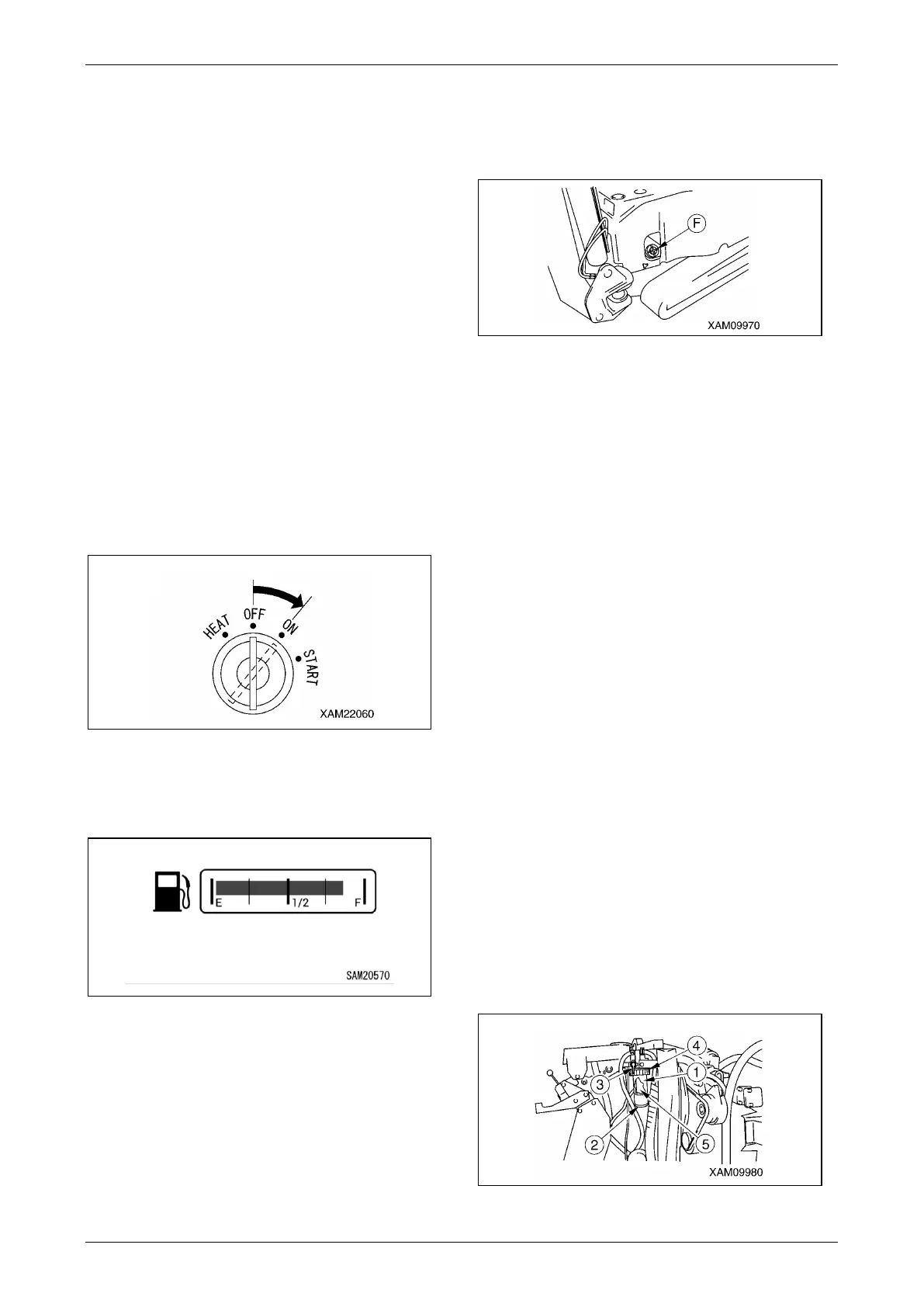
1. Turn the Starter Switch to the ON position.
Fig. 5-14
2. Read the fuel gauge on the monitor to
determine fuel level. “E” indicates empty, “F”
indicates full.
Fig. 5-15
3. If the fuel level is low, remove the tank cap (F)
on the top of the fuel tank and add fuel
through the filler opening while watching the
fuel gauge.
Fig. 5-16
4. After refuelling, securely close the tank cap.
Fill the fuel tank after daily operation is completed.
Check / Clean Water Separator
WARNING! The water separator pot has fuel
(light oil) inside. Be extremely careful of fire
such as cigarettes when washing the water
separator.
WARNING! If the fuel spills when the water
separator is removed, thoroughly wipe it off.
CAUTION: Water or dust accumulated inside
the water separator will cause engine failure.
Check inside the pot and remove any water or
dust accumulated inside.
CAUTION: If water accumulates in the water
separator, it is assumed that water is also
mixed in the fuel tank.
See “Maintenance Every 50 Hours” on page
5-34 and remove water and dust mixed into
the fuel tank.
1. See “Removing Machinery Cover” on page
5-14 and remove the machinery cover.
2. Check the water separator pot (1) for any
water or dust in the pot and verify if the red
float (2) in the pot has not come up from the
bottom.
The red float coming up indicates that the
water has mixed in.
Fig. 5-17



 To Next Page