M A E D A Mini-Crawler Crane Section 4 –ELECTRIC MOTOR OPERATION
1/2019 MC285C-3 4-119
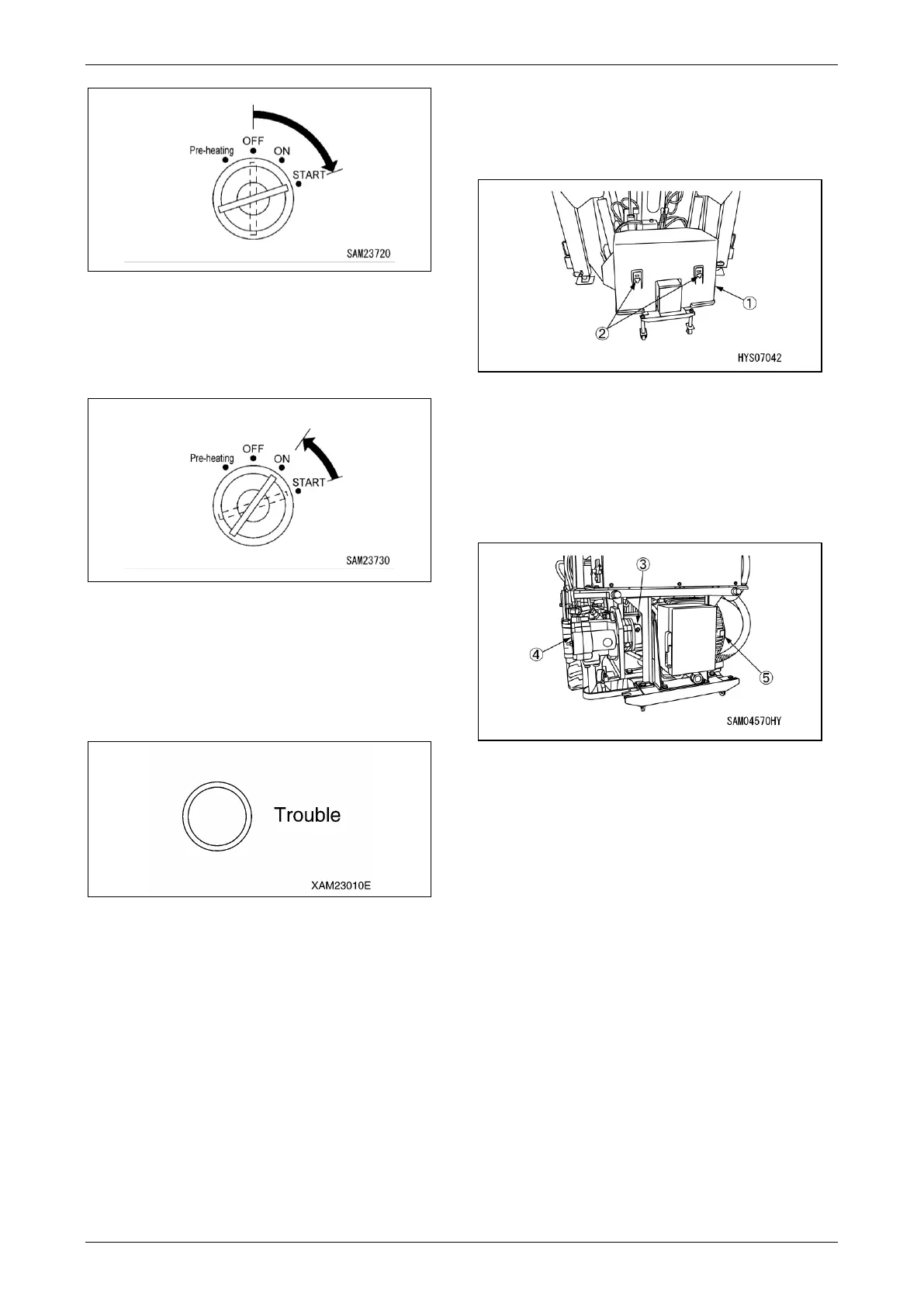
Fig. 4-310
3. Release your hand from the key once the
electric motor has started.
The key will automatically return to the “ON”
position.
Fig. 4-311
4. Conduct a 5-minute warm-up after the
electric motor is started.
5. Visually check through the access protective
cover of the Inverter unit to check that the
trouble lamp remains OFF.
Fig. 4-312
CAUTION: An error occurs in the Inverter unit,
which causes the trouble lamp to light up in
red.
Contact us or our sales service agency to
request inspection or repair in the above
event.
6. Use the following procedure for checking the
power unit if an abnormal noise, odour, or
vibration is present in and around the power
unit.
(1) Turn the starter switch key to the “OFF”
position.
The electric motor comes to a stop.
(2) Remove the four mounting bolts (2)
securing the bottom of the power unit
cover (1) and remove the power unit
cover.
Fig. 4-313
(3) Check the mounting bolts securing the
electric motor (3) and hydraulic pump (4)
for loose or missing bolts. Check the
coupling (5) for looseness.
If checks find loosebolts, retighten the
bolts to the specified torque value.
Fig. 4-314
(4) Keep the area around the power unit free
of dead leaves, paper waste, and dust
etc.
Remove any dead leaves, paper, or dust
etc.
(5) Install the power unit cover in reverse
order of their removal upon completion of
inspection and cleaning.
Machine Operation
CAUTION: Perform crane operation referring
to “TRAVELLING POSITION” on page 4-24
through “CRANE OPERATION” on page 4-54
after motor warm-up is completed.



 To Next Page